iRMC S2/S3 137
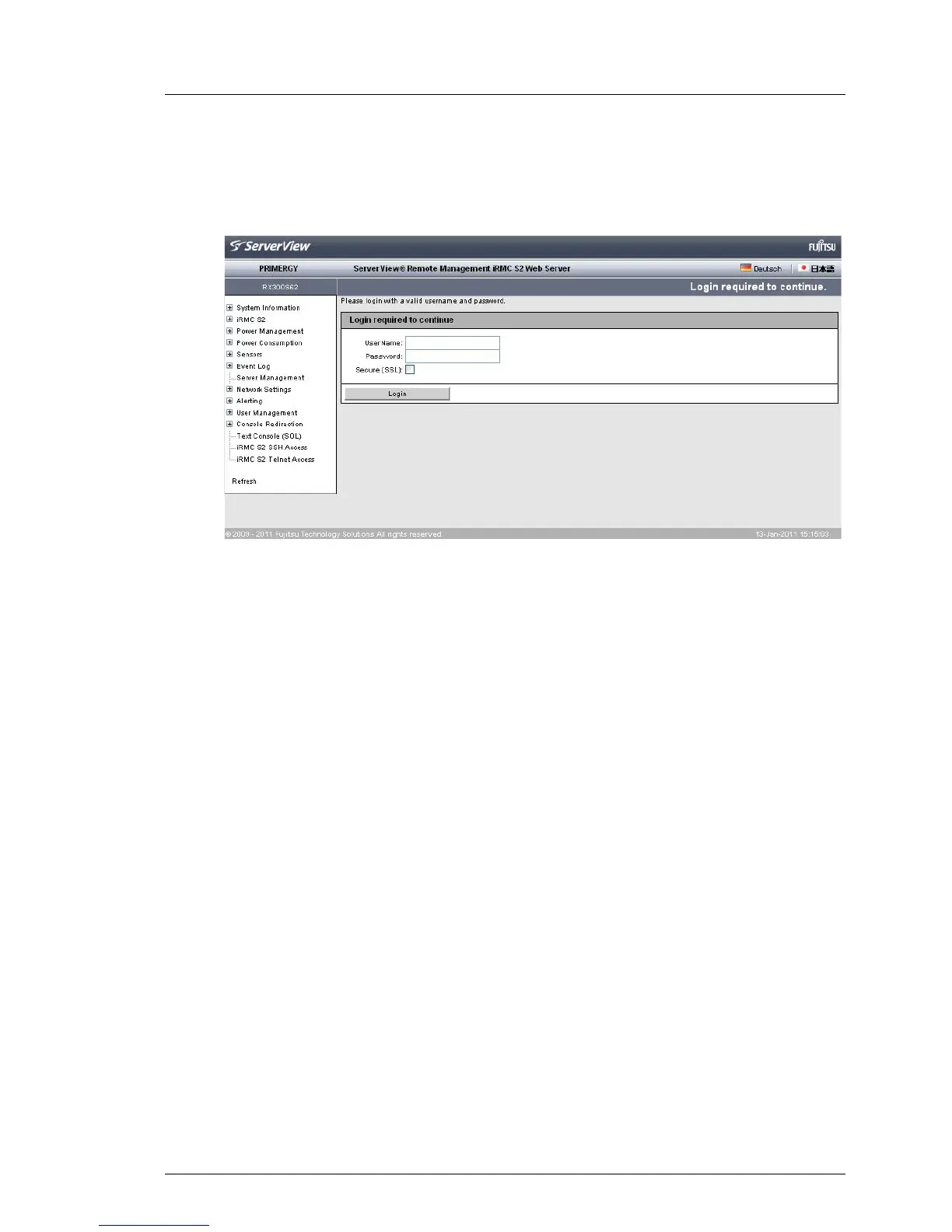
Logging into the iRMC S2/S3 web interface
– LDAP access to the directory service is configured for the iRMC S2/S3
(LDAP enabled option is activated) or Always use SSL Login option is
activated):
Figure 63: Login screen for the iRMC S2/S3 web interface (LDAP access configured)
I The user name and password are always SSL-protected when
they are transmitted. If you activate the Secure (SSL) option, all
communication between the web browser and the iRMC S2/S3 is
carried out over HTTPS.
Ê Type in the data for the default administrator account.
User name: admin
Password: admin
I For reasons of security, it is recommended that you create a
new administrator account once you have logged in, and then
delete the default administrator account or at least change the
password for the account (see "User “<name>” Configuration
- User configuration (details)" on page 266).
Ê Click Login to confirm your entries.
The iRMC S2/S3 web interface opens showing the System Information page (see
page 146).



 To Next Page