166 iRMC S2/S3
iRMC S2/S3 - Information, firmware and certificates
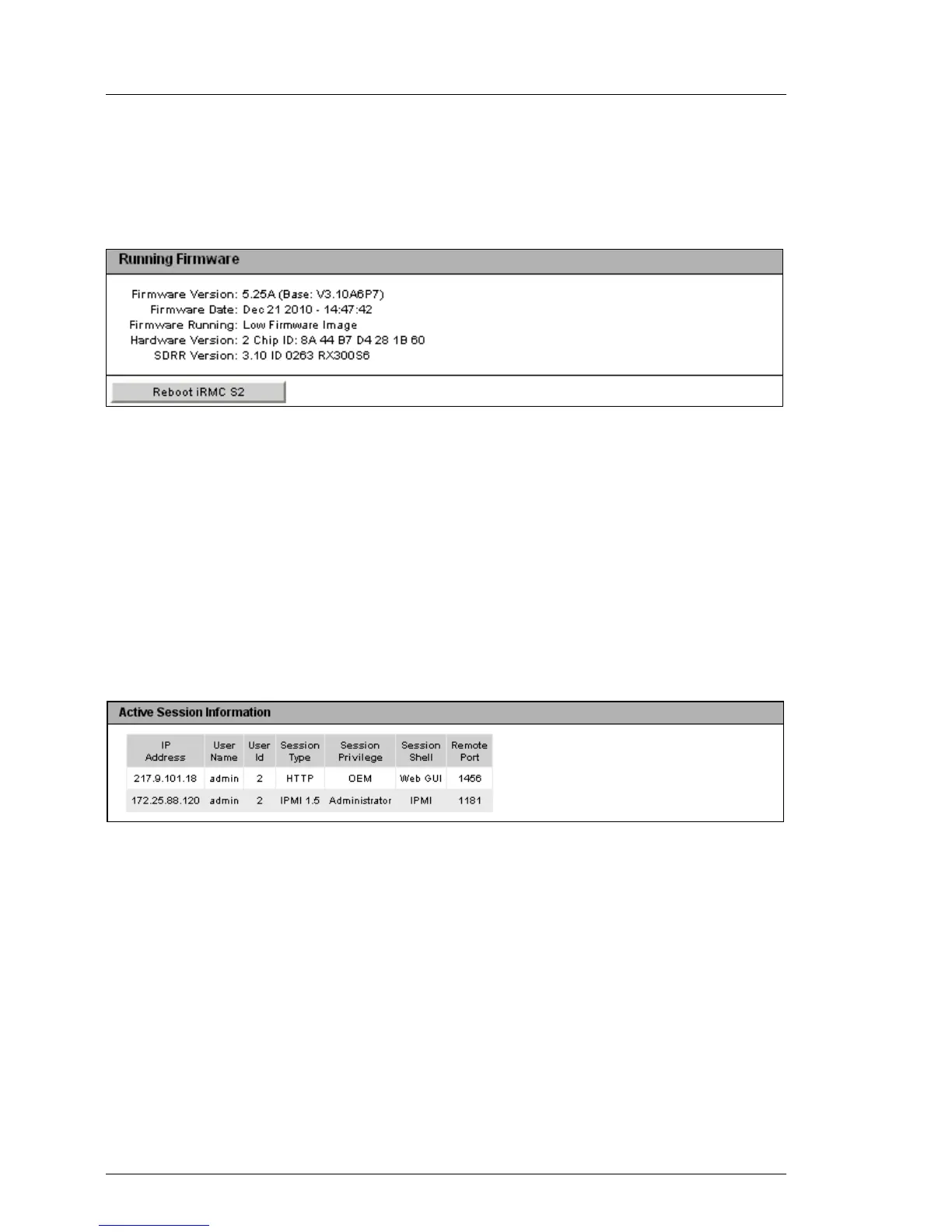
Running Firmware
Under Running Firmware, you can view information on the firmware and the
SDRR version of the iRMC S2/S3 and restart the iRMC S2/S3.
Figure 83: iRMC S2/S3 Information page - Firmware Information and iRMC S2/S3 reboot
Reboot iRMC S2/S3
Reboots the iRMC S2/S3.
I The Reboot iRMC S2/S3 button is disabled during the BIOS POST
phase of the managed server.
Active Session Information
The Active Session Information group shows all the currently active iRMC S2/S3
sessions.
Figure 84: iRMC S2/S3 Information page - Active Session Information



 To Next Page