174 iRMC S2/S3
iRMC S2/S3 - Information, firmware and certificates
Displaying the currently valid (CA) DSA/RSA certificate
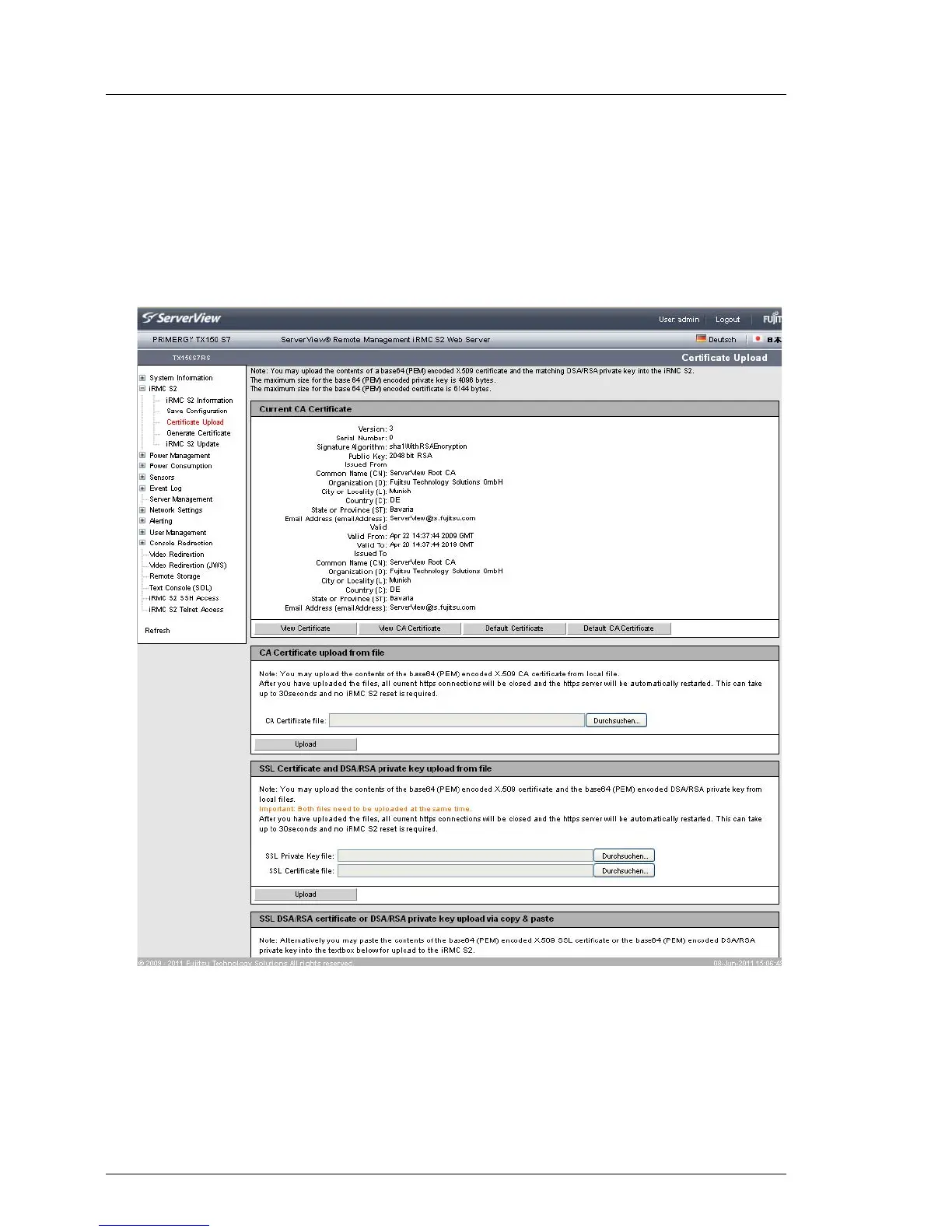
Ê In the group Certificate Information and Restore, click View Certificate to show
the currently valid SSH/SSL-certificate.
Ê In the group Certificate Information and Restore, click View CA Certificate to
show the currently valid CA certificate.
Figure 89: Certificate Upload page - display of the currently valid SSL/SSH certificate



 To Next Page