176 iRMC S2/S3
iRMC S2/S3 - Information, firmware and certificates
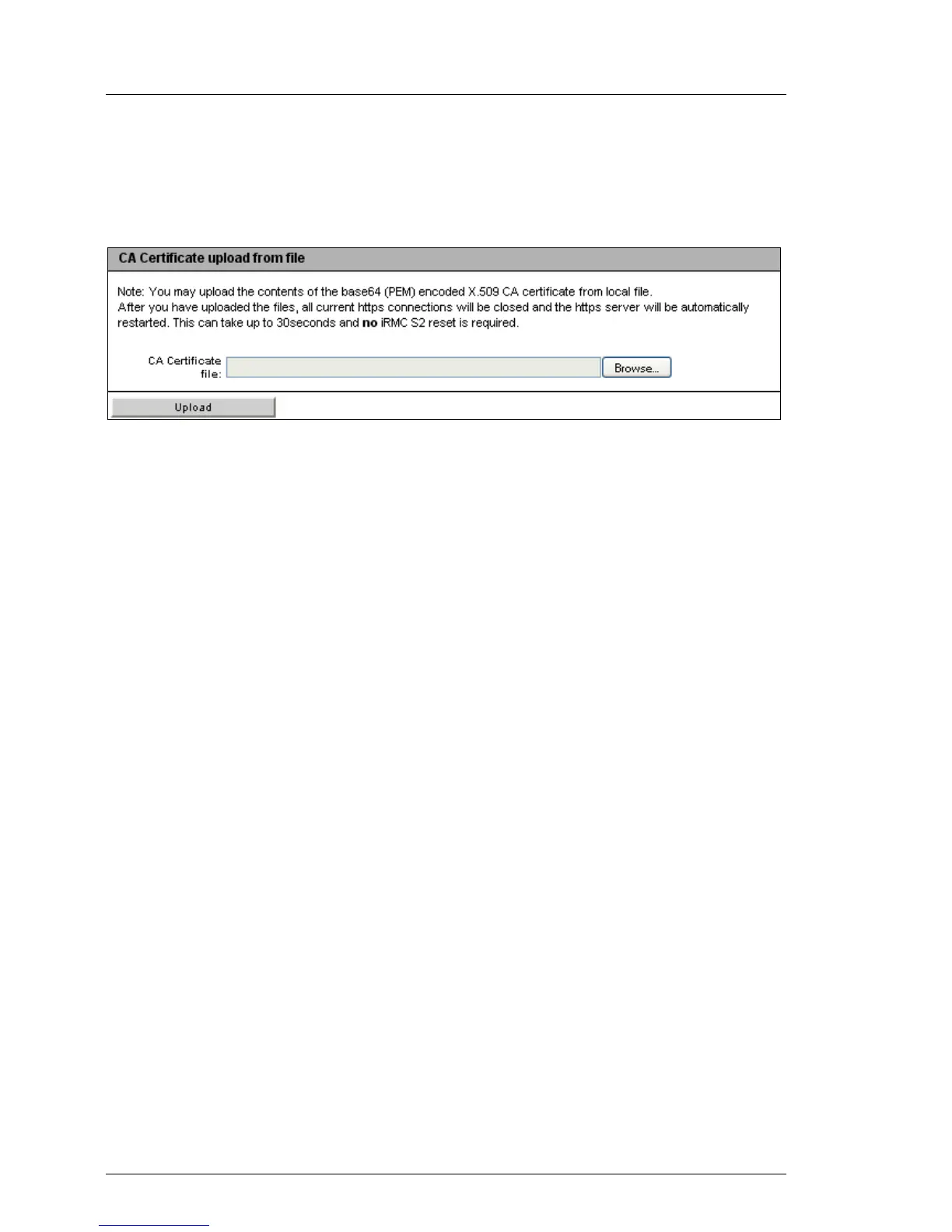
Loading a CA certificate from a local file
Use the CA Certificate upload from file group to load a CA certificate from a local
file.
Figure 91: Loading a CA certificate from a local file
Proceed as follows:
Ê Save the CA certificate in a local file on the managed server.
Ê Specify this file under CA Certificate File by clicking the associated Browse...
button and navigating to the file containing the CA certificate.
Ê Click Upload to load the certificate and/or the private key onto the iRMC
S2/S3.
I When you upload the certificate and/or private key, all the existing
HTTPS connections are closed and the HTTPS server is
automatically restarted. This process can take up to 30 seconds.
No explicit reset of the iRMC S2/S3 is required.
Ê Click View CA Certificate to make sure that the certificate has been loaded
successfully.



 To Next Page