iRMC S2/S3 189
Power Management
Power Control - powering the server up and down/rebooting the server
The Power Control group allows you to power the server up/down or to reboot
the server.
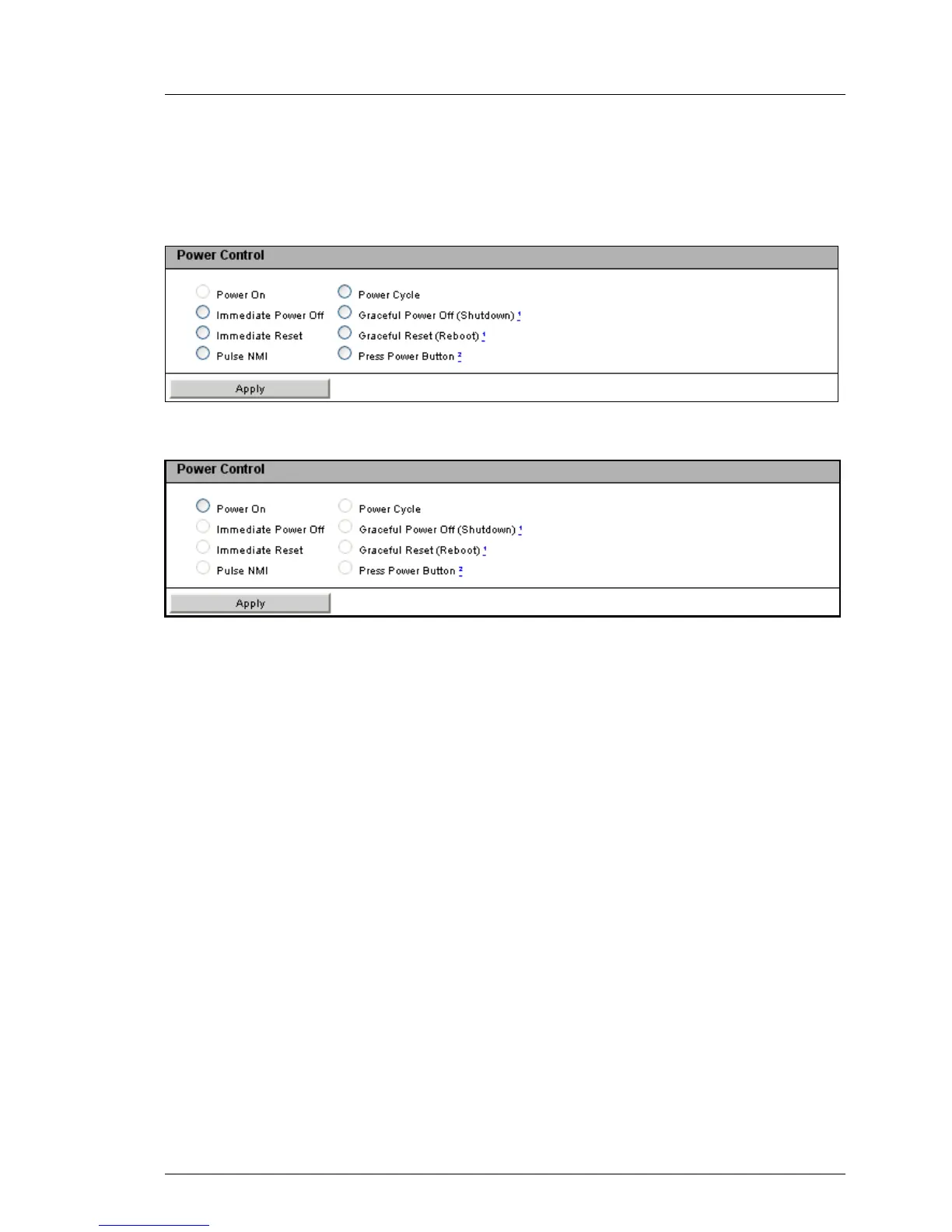
Figure 102: Power On/Off page, Restart (server is powered up)
Figure 103: Power On/Off page, Restart (server is powered down)
Power On
Switches the server on.
Immediate Power Off
Powers the server down, regardless of the status of the operating
system.
Immediate Reset
Completely restarts the server (cold start), regardless of the status of the
operating system.
Pulse NMI
Initiates a non-maskable interrupt (NMI). A NMI is a processor interrupt
that cannot be ignored by standard interrupt masking techniques in the
system.
Press Power Button
Depending on the operating system installed and the action configured,
you can trigger various actions by briefly pressing the power-off button.
These actions could be shutting down the computer or switching it to
standby mode or sleep mode.



 To Next Page