iRMC S2/S3 259
Alerting - Configure alerting
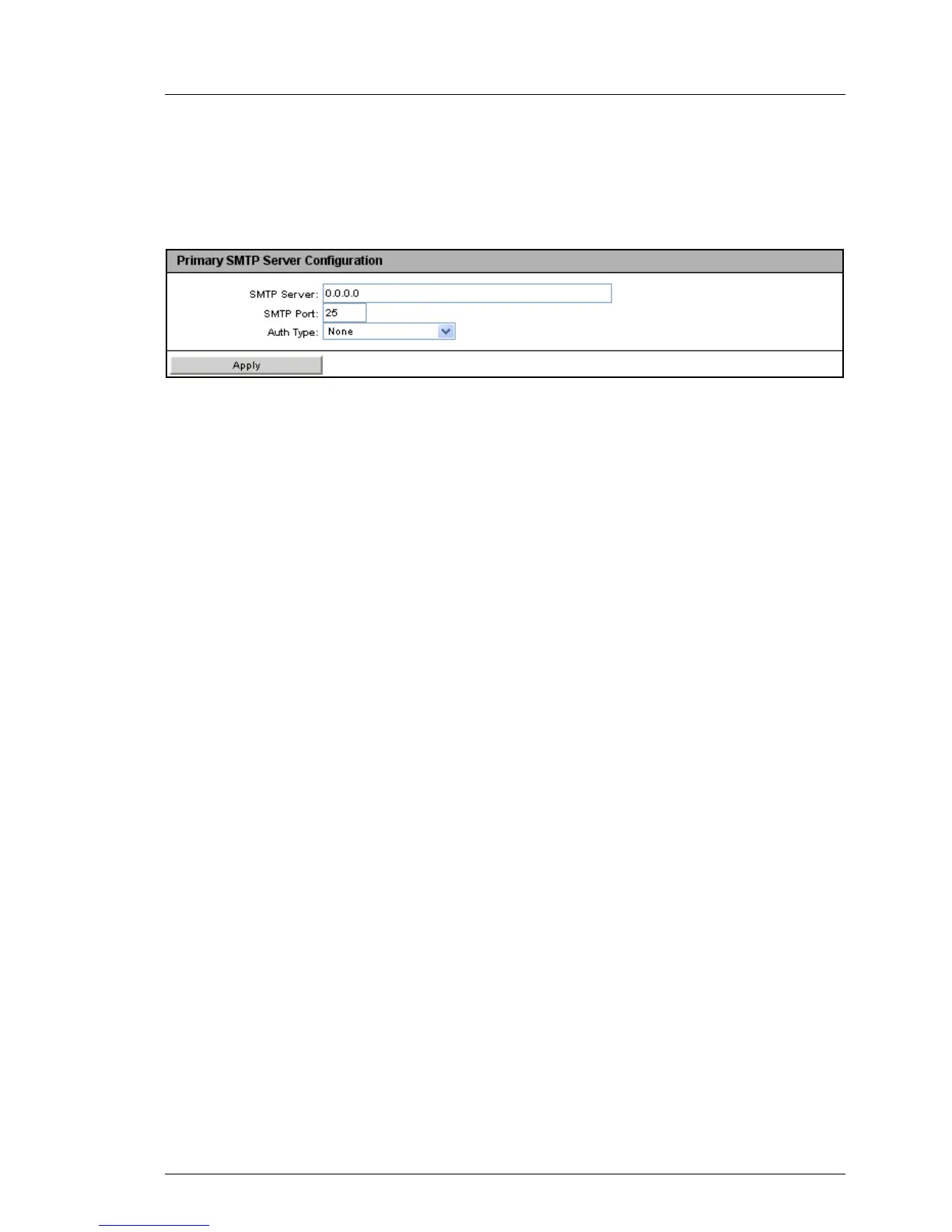
Primary SMTP Server Configuration - Configure primary mail server
The Primary SMTP Server Configuration group allows you to configure the
primary server (SMTP server).
Figure 147: Email Alerting page, Primary SMTP Server Configuration
SMTP Server
IP address of the primary mail server
I You can activate the Domain Name Service (DNS) for the iRMC
S2/S3 (see "DNS Configuration - Configuring DNS for the
iRMC S2/S3" on page 249). You can then use a symbolic name
instead of the IP address.
SMTP Port
SMTP port of the mail server
Auth Type
Authentication type for connecting the iRMC S2/S3 to the mail server:
– None
No authentication for the connection.
– SMTP AUTH (RFC 2554)
Authentication according to RFC 2554: SMTP Service Extension for
Authentication.
In this case, the following information is required:
Auth User Name
User name for authentication on the mail server
Auth Password
Password for authentication on the mail server
Confirm Password
Confirm the password entered.
Ê Click Apply to activate your settings.



 To Next Page