iRMC S2/S3 261
Alerting - Configure alerting
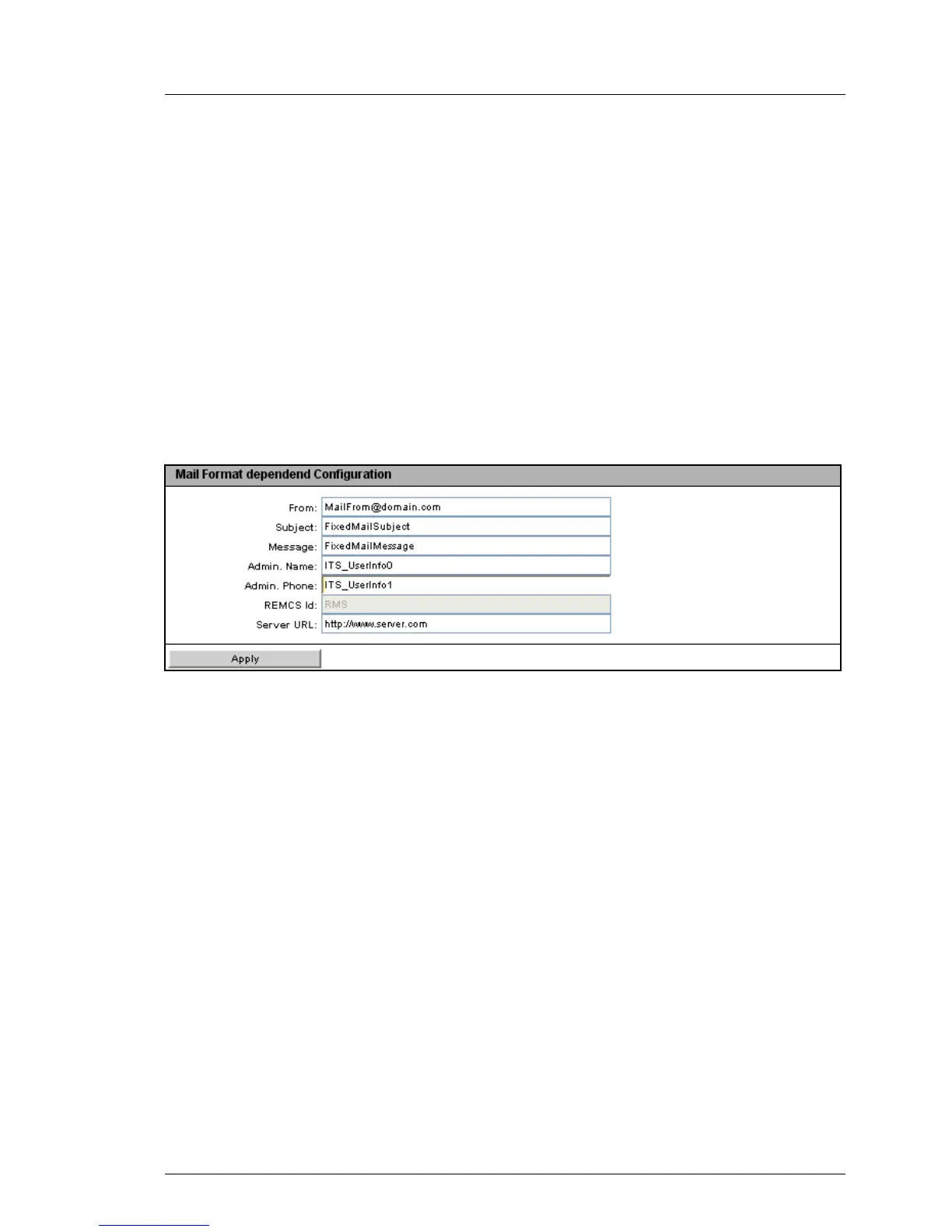
Mail Format dependent Configuration -
Configure mail-format-dependent settings
The Mail Format dependent Configuration group allows you to configure the mail-
format-dependent settings. You specify the mail format for each user using the
New User Configuration - User <Name> Configuration - Email Format Configuration
page (see page 270).
The following email formats are supported:
– Standard
– Fixed Subject
–ITS-Format
– Fujitsu REMCS Format
Figure 149: Email Alerting page, Mail Format dependent Configuration
Some entry fields are disabled depending on the mail format.
From
Sender identification iRMC S2/S3.
Active for all mail formats.
I If the string entered here contains an “@”, the string is interpreted
as a valid email address. Otherwise, “admin@<ip-address>” is
used as the valid email address.
Subject
Fixed subject for the alert mails.
Only active for the Fixed Subject mail format (see page 270).
Message
Type of message (email).
Only active for the Fixed Subject mail format (see page 270).



 To Next Page