268 iRMC S2/S3
User Management
Privileges / Permissions - Assigning user privileges
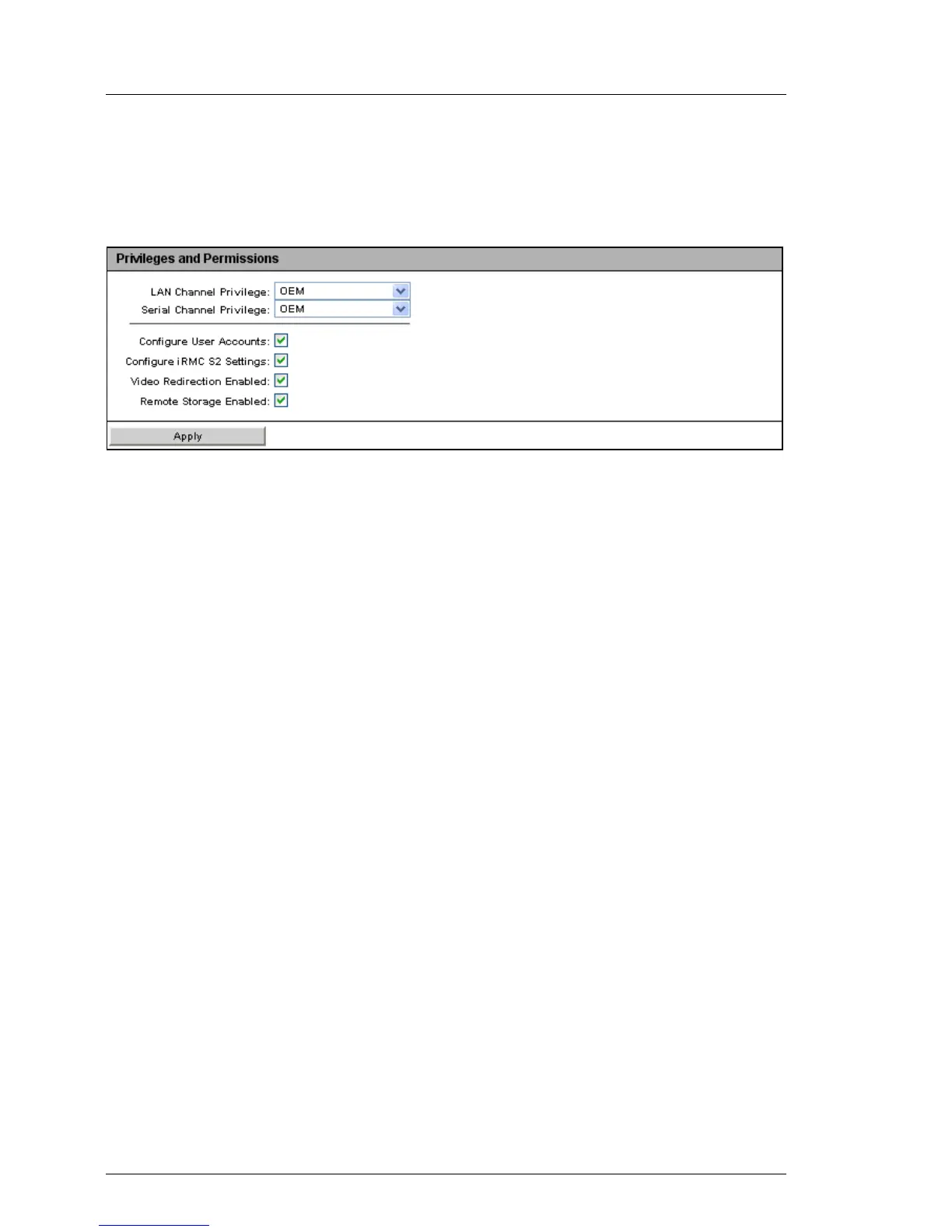
The Privileges / Permissions group allows you to configure the channel-specific
user privileges.
Figure 154: User Management - User “<name>” Configuration page, Privilege / Permissions
LAN Channel Privilege
Assign a privilege group for a LAN channel to the user here:
– User
– Operator
– Administrator
– OEM
Refer to section "User permissions" on page 68 for information on the
permissions associated with the privilege groups.
Serial Channel Privilege
Assign a privilege group for a serial channel to the user here: The same
privilege groups are available as for LAN Channel Privilege.
In addition to the channel-specific permissions, you can also individually assign
users the following channel-independent permissions:
Configure User Accounts
Permission to configure local user access data.
Configure iRMC S2/S3 Settings
Permission to configure the iRMC S2/S3 settings.
Video Redirection enabled
Permission to use Advanced Video Redirection (AVR) in “View Only” and
“Full Control” mode.
Remote Storage enabled
Permission to use the Remote Storage functionality.



 To Next Page