iRMC S2/S3 285
User Management
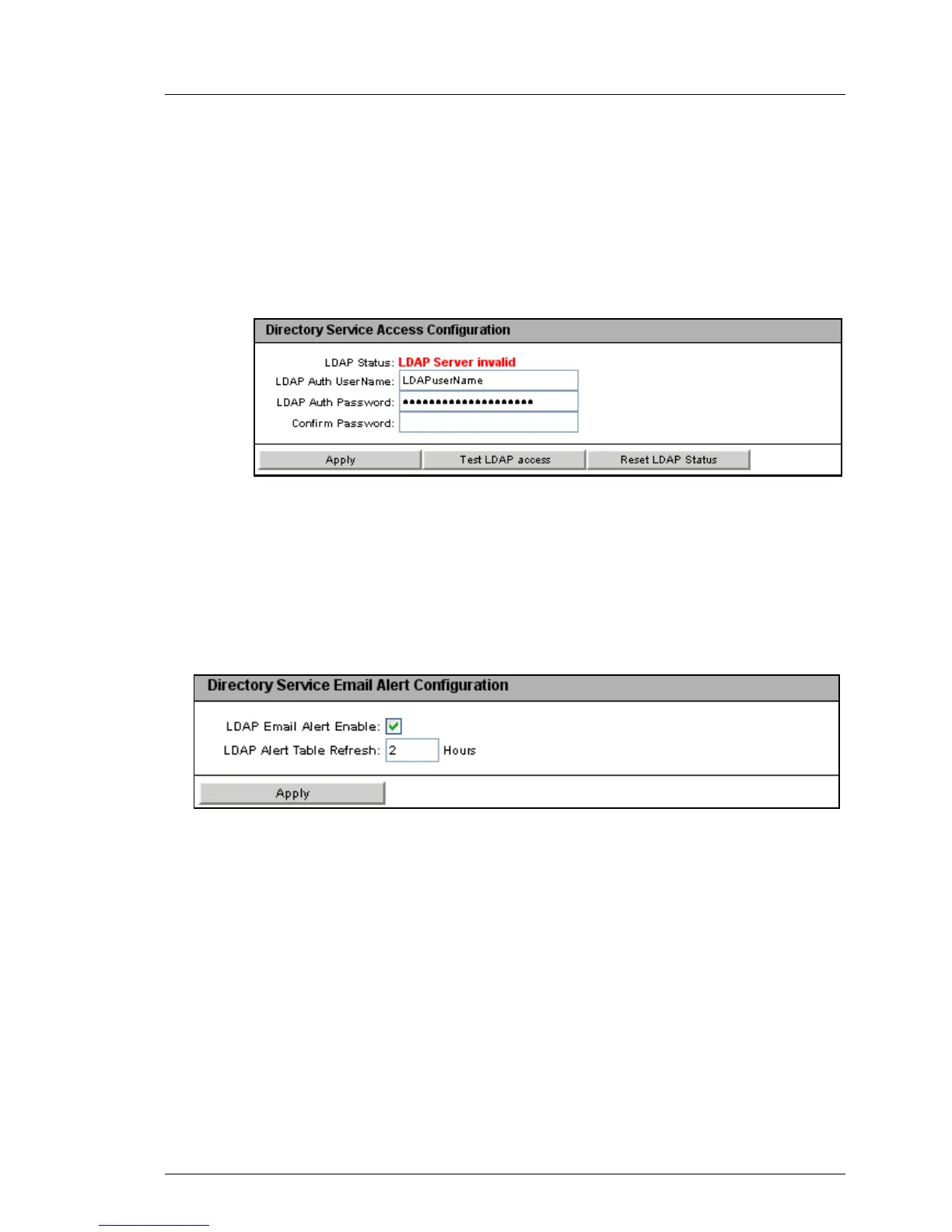
Test LDAP Access
Checks the access data to the LDAP directory server and shows the
LDAP status as the result (see figure 161).
I This test only checks the basic access data (“Is the LDAP
server present?”, “Is the user configured?”), but does not fully
authenticate the user.
Figure 168: eDirectory / OpenLDAP: Status of the connection to the LDAP server
Ê Click Reset LDAP Status to reset the status display.
Ê Click Apply to activate your settings.
Ê Configure the settings for global email alerting in the Directory Service Email
Alert Configuration group.
Figure 169: Directory Service Email Alert Configuration
LDAP Email Alert Enable
Enables global email alerting.
LDAP Alert Table Refresh [Hours]
Defines the interval at which the email table is regularly updated (see
the "User Management in ServerView" manual). A value of “0” means
that the table is not updated regularly.
Ê Click Apply to activate your settings.



 To Next Page