288 iRMC S2/S3
User Management
Always Display Login Page
I If Always Display Login Page is disabled and the CAS service
cannot be reached, type /login after the IP address of the
iRMC S2/S3 in your browser’s navigation bar.
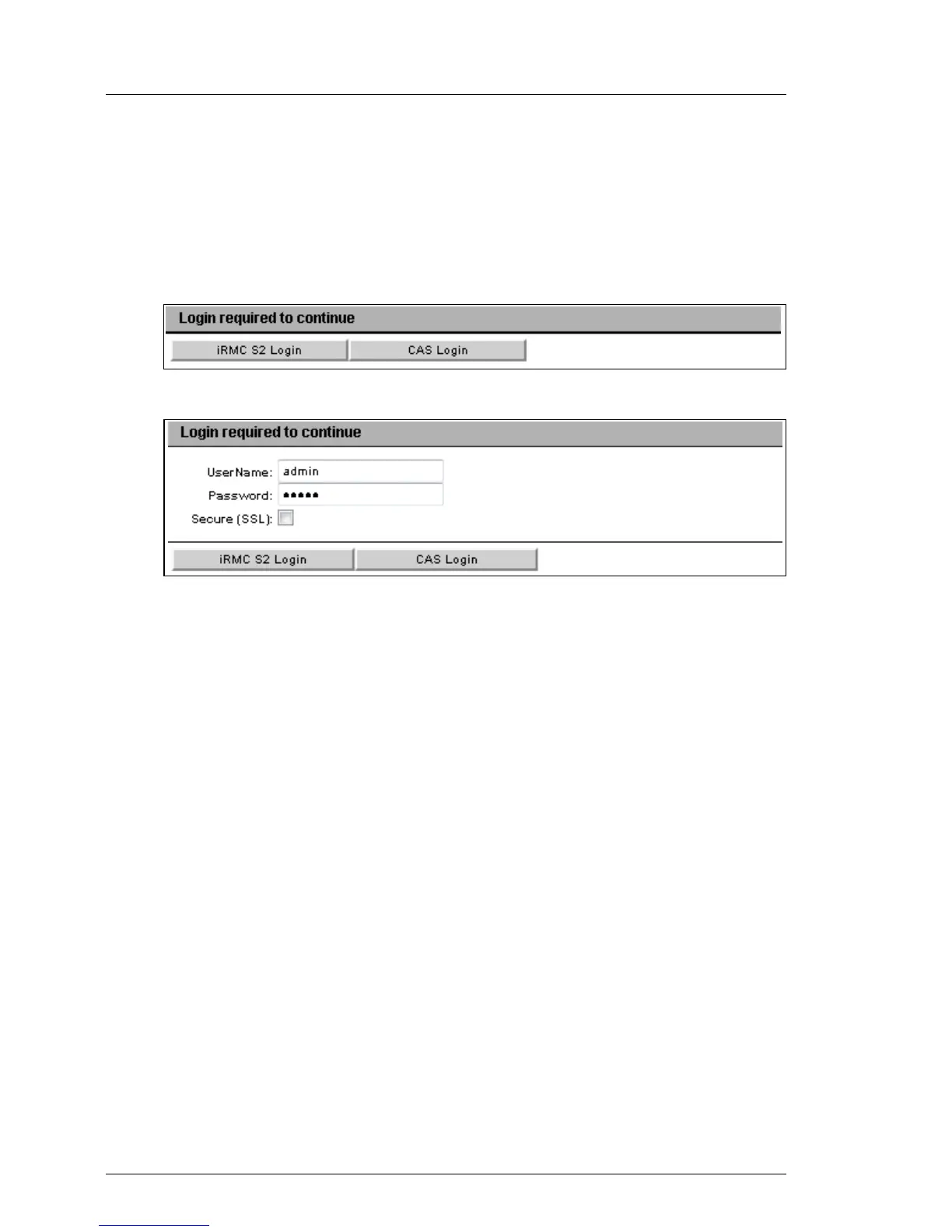
Always displays the iRMC S2/S3 login page:
Figure 172: Login page
Figure 173: Login page - explicit authentication required
This allows users to temporarily login at the iRMC S2/S3 with privileges
and permissions that differ from the authorization profile defined under
CAS User Privilege and Permissions (see page 290).
A user may, for instance, currently be logged in to the CAS service under
a user ID with the User privilege and now wants to perform an action
requiring the Administrator privilege. The user can temporarily login at the
iRMC S2/S3 under a user ID with the required privileges. However, the
user cannot switch between both user IDs.
The buttons iRMC Login and CAS Login work as follows:
iRMC S2/S3 Login
Logs the user in to the iRMC S2/S3 web interface with the values
specified for User name and Password. The CAS service is
bypassed.



 To Next Page