304 iRMC S2/S3
Console Redirection - Redirecting the console
Creating an ASR screenshot
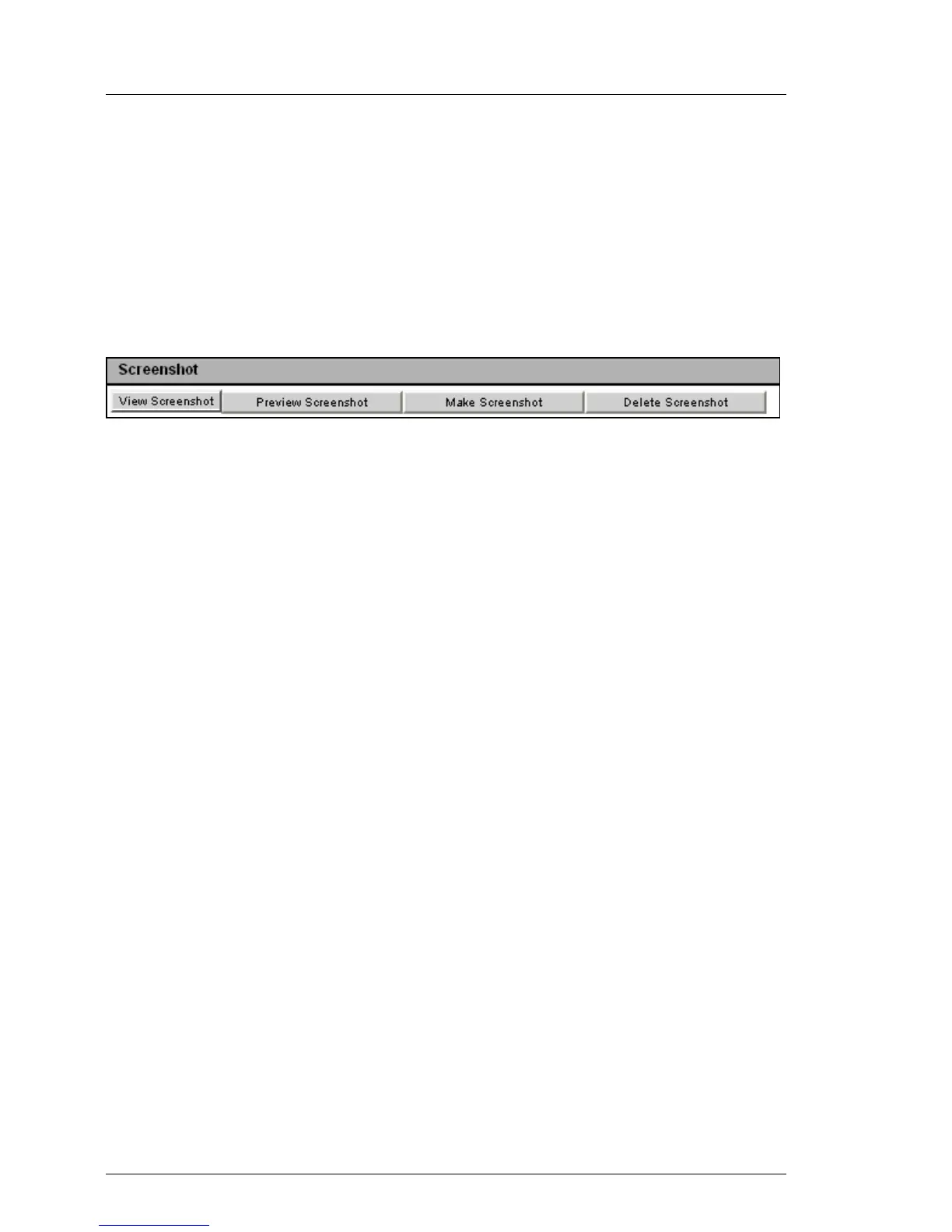
The ASR Screenshot page allows you to
– take a screenshot of the current VGA screen on the managed server (video
screenshot) and store it in the firmware of the iRMC S2/S3,
– view the screenshot stored in the iRMC S2/S3 firmware,
– delete the screenshot stored in the iRMC S2/S3 firmware,
Figure 184: Creating an video screenshot
I A video screenshot is automatically created on ASR&R events - in
Windows, these are typically watchdog events or "bluescreens" on the
managed server.
A maximum of one video screenshot is stored in the firmware of the
iRMC S2/S3, namely the most recently created screenshot.
The following actions are available by clicking on one of the buttons displayed:
View Screenshot
(This only appears if a video screenshot has been stored.)
The screenshot is shown in a separate browser window.
Preview Screenshot
(This only appears if a video screenshot has been stored.)
A thumbnail of the screenshot is shown in the ASR Screenshot group.
Make Screenshot
Takes a new video screenshot.
Delete Screenshot
(This only appears if a video screenshot has been stored.)
The video screenshot stored in the iRMC S2/S3 firmware is deleted after
you have confirmed that you wish to do so.



 To Next Page