308 iRMC S2/S3
Console Redirection - Redirecting the console
Video Redirection - Starting AVR
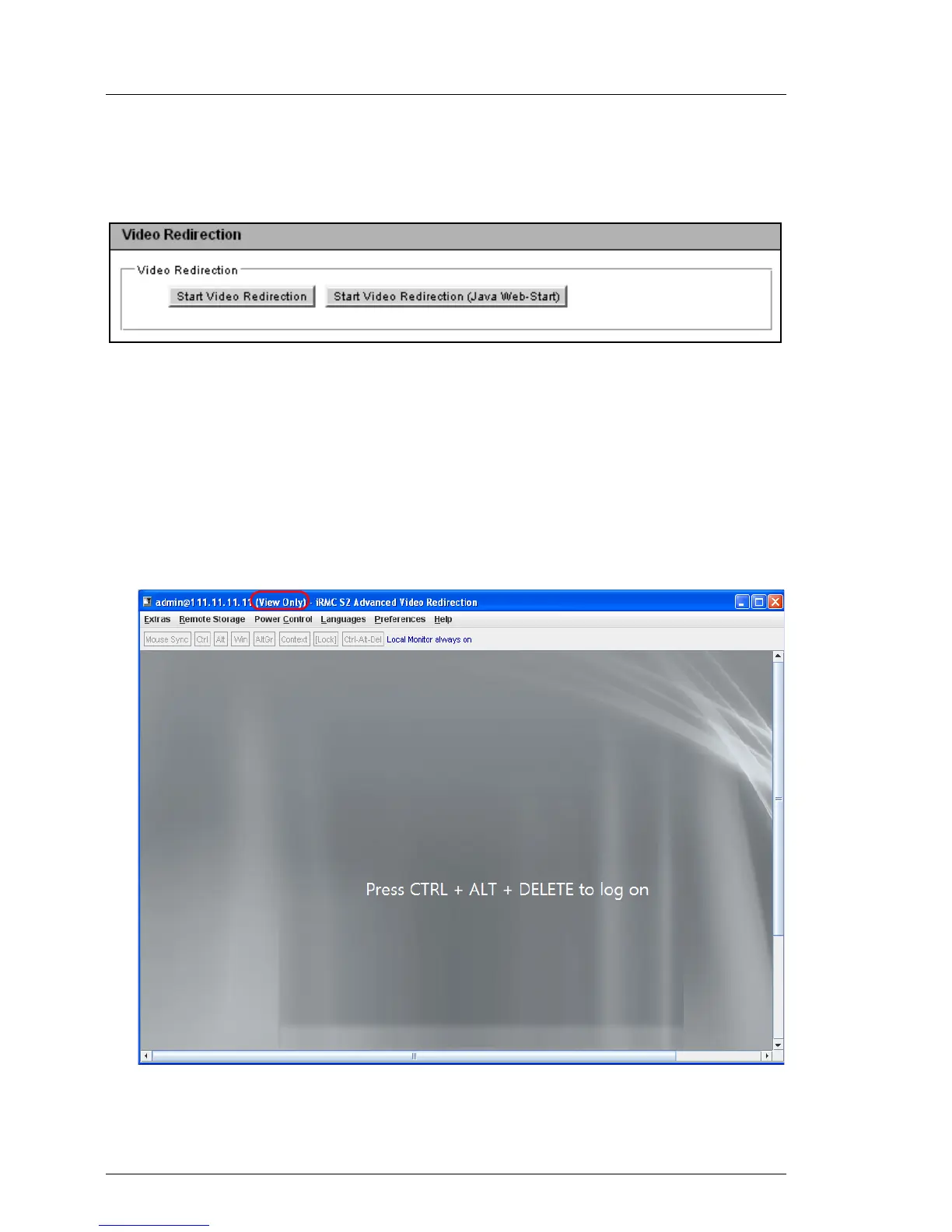
You start AVR under Video Redirection.
Figure 189: Advanced Video Redirection page - Local Monitor
Ê Click Start Video Redirection or Start Video Redirection (Java Web-Start) to start
a second AVR session.
The Java applet for Advanced Video Redirection is started.
I The Java applet shows the AVR window in view-only mode if another
user already uses AVR in full-control mode. Otherwise, the Java
applet shows the AVR window in full-control mode.
Figure 190: AVR window (view-only mode)



 To Next Page