310 iRMC S2/S3
Console Redirection - Redirecting the console
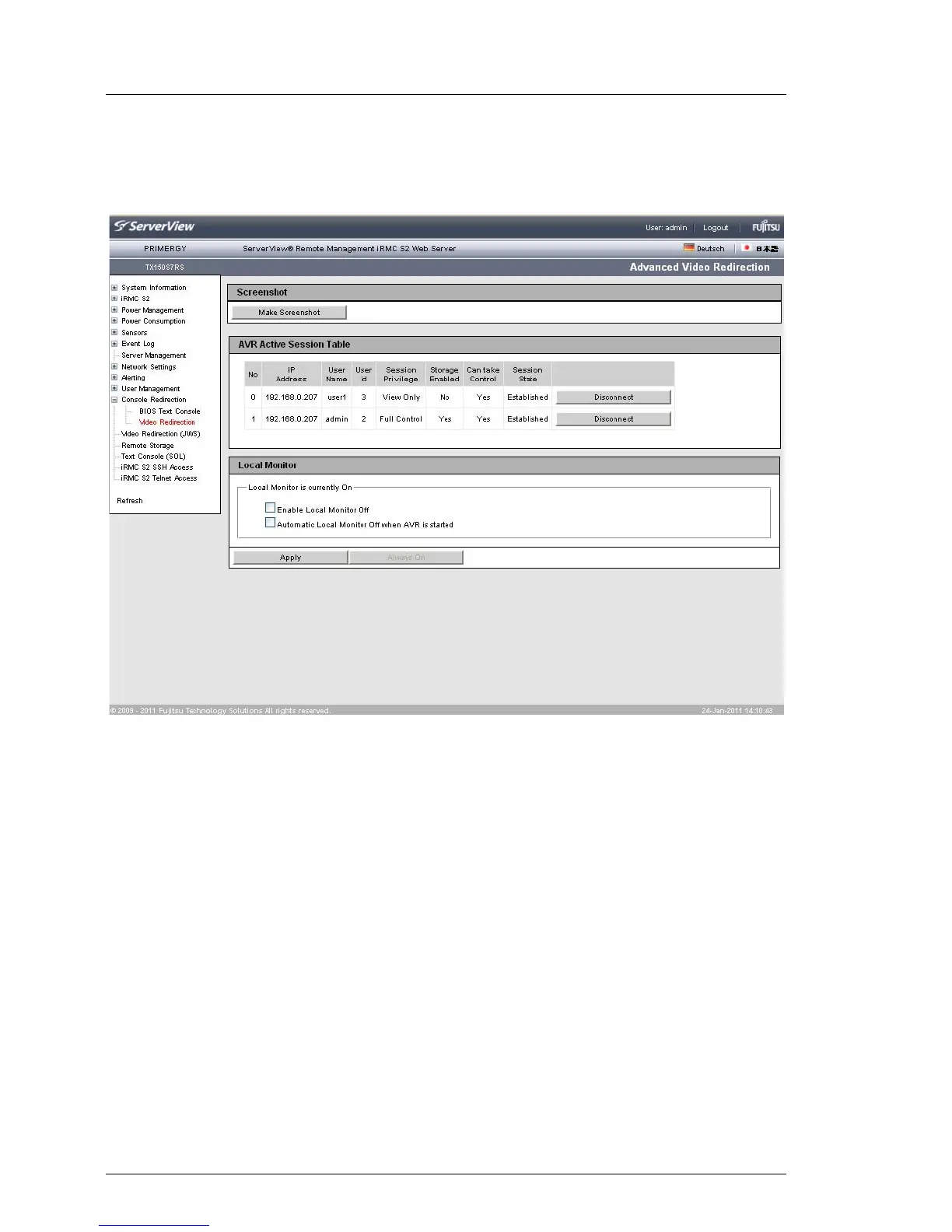
The two active AVR sessions are shown as follows on the Advanced Video
Redirection page:
Figure 192: AVR window with two active AVR sessions
Disconnect
If you click Disconnect, a confirmation dialog box appears in which you
can close the AVR session to the left of the button.
I You can only close AVR sessions of other users with the
Disconnect button. To close your own session, choose Exit from the
Extras menu in the AVR window (see page 102).



 To Next Page