316 iRMC S2/S3
Operating iRMC S2/S3 via Telnet / SSH (Remote Manager)
Establishing an SSH / Telnet connection and logging into the
Remote Manager
I If the screen displays for SSH and Telnet connections differ only with
respect to the connection-specific information displayed, the display for
an SSH connection is shown below.
Ê In the navigation bar, click on the link iRMC S2/S3 SSH Access (SSH) or iRMC
S2/S3 Telnet Access (Telnet).
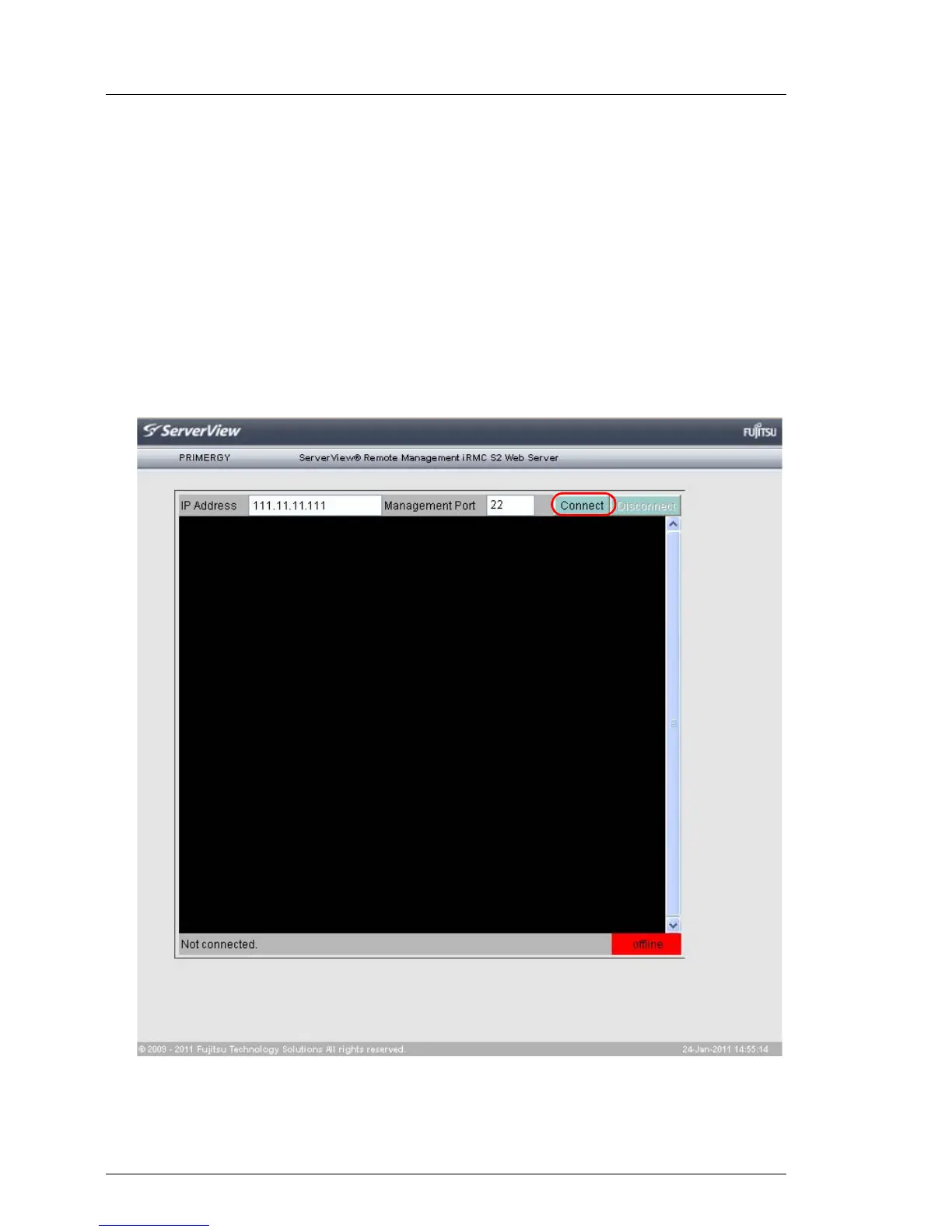
The Java applet for the SSH or Telnet connection is started and the following
window is displayed (in this case using the example of an SSH connection):
Figure 195: Establishing an SSH connection to the iRMC S2/S3



 To Next Page