352 iRMC S2/S3
Configuring via Server Configuration Manager
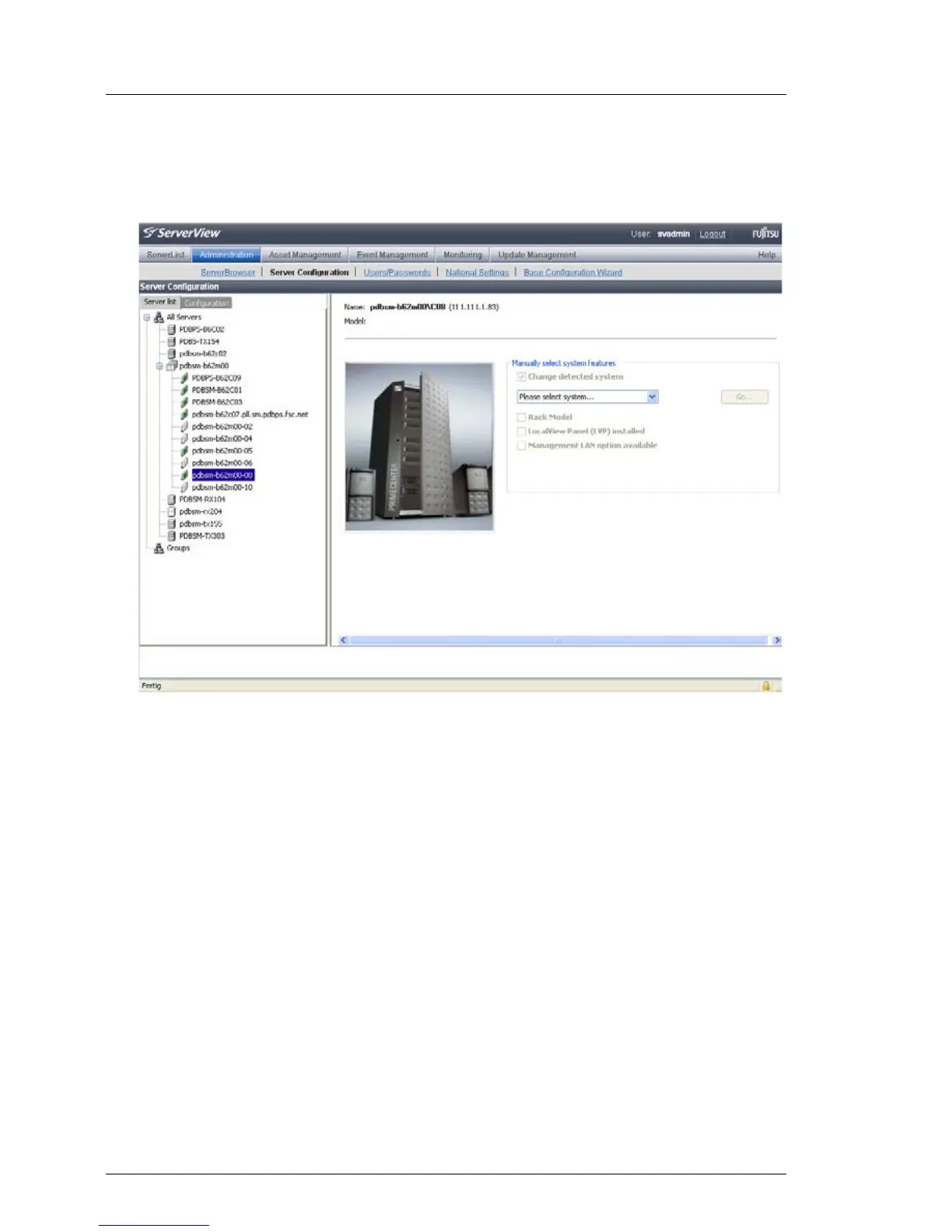
Ê In the hierarchy tree of the Server list tab, select the server to be configured.
This opens the following window:
Figure 216: Operations Manager: Server Configuration window - Server list (2) tab
Ê In the right-hand side of the window, specify the details on the selected
server and confirm your entries by clicking GO... .
The first dialog of the Server Configuration manager appears.



 To Next Page