iRMC S2/S3 75
Local user management for the iRMC S2/S3
Creating the public and private SSHv2 keys with ssh-keygen
I If it is not already pre-installed in the Linux distribution you are using, you
can obtain OpenSSH from http://www.openssh.org.
You will find a detailed description of the operands in the OpenSSH
OpenSSH manual pages under http://www.openssh.org/manual.html
Proceed as follows:
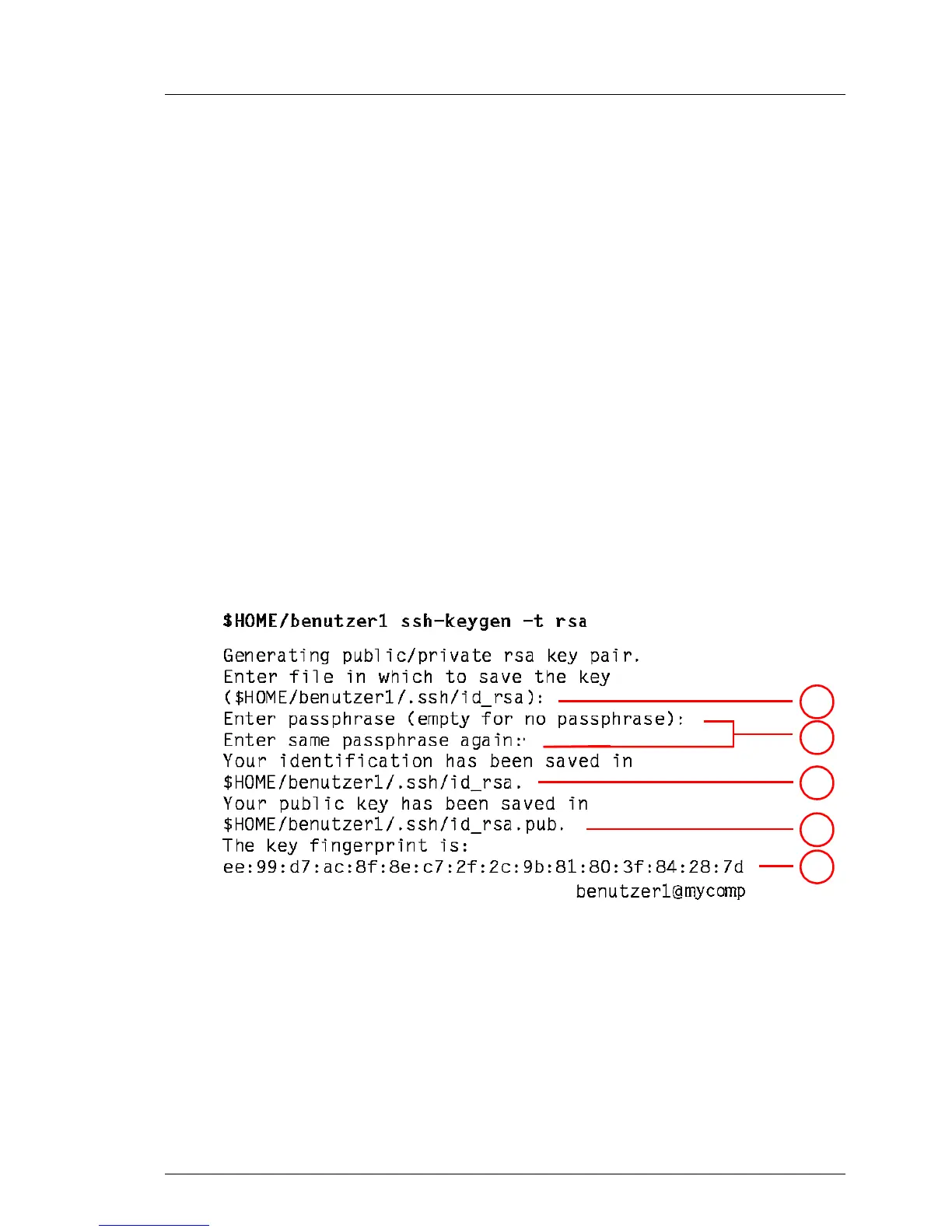
Ê Call ssh-keygen to generate an RSA key pair:
ssh-keygen -t rsa
ssh-keygen logs the progress of the key generation operation. ssh-keygen
queries the user for the file name under which the private key is to be stored
and for the passphrase for the private key. ssh-keygen stores the resulting
private and public SSHv2 keys in separate files and displays the fingerprint
of the public key.
Example: Generating an RSA key pair with ssh -keygen
1
2
3
4
5



 To Next Page