82 iRMC S2/S3
Local user management for the iRMC S2/S3
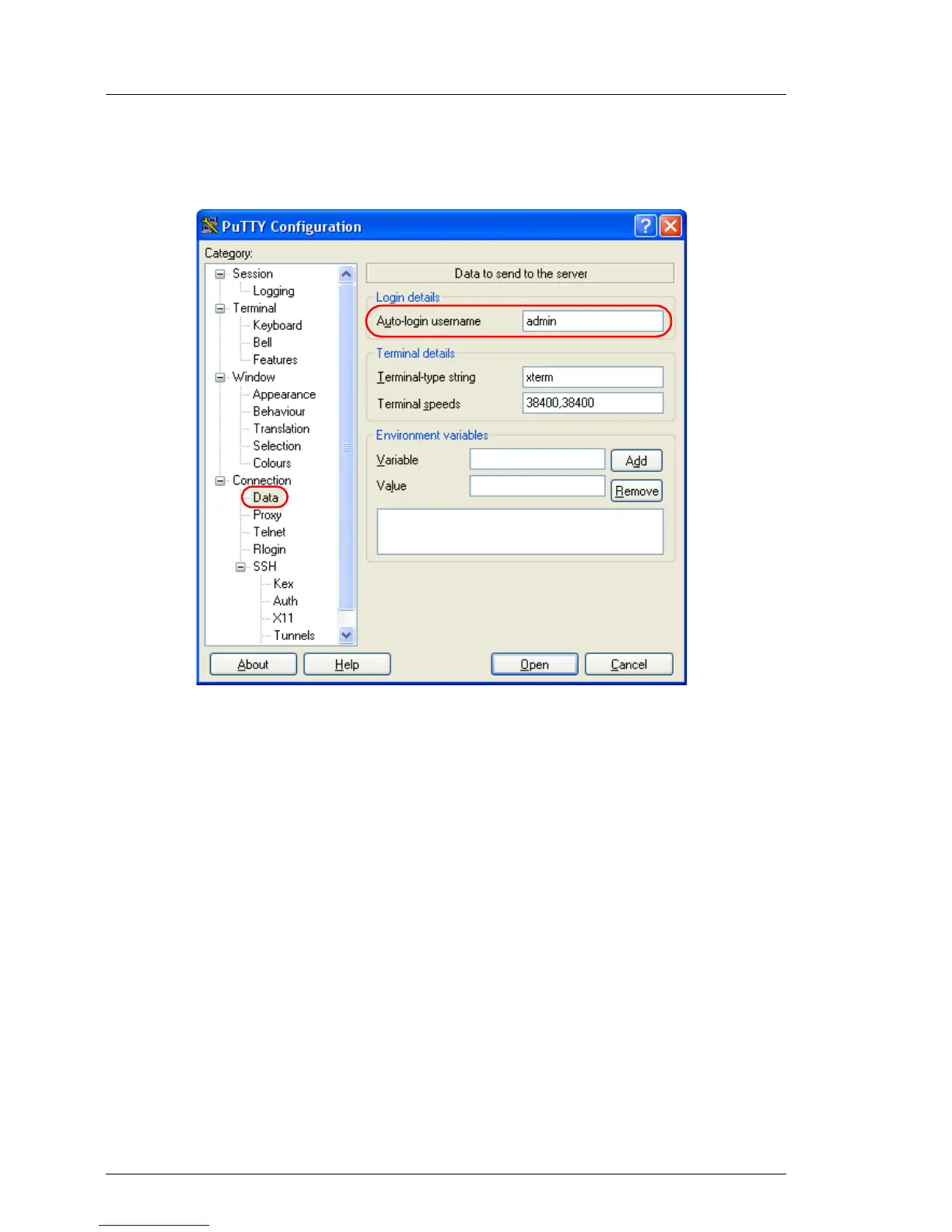
I Under Connection - Data, you can additionally specify a user name for
automatic login onto the iRMC S2/S3.
Bild 28: PuTTY: Specifying the user name for automatically logging into the iRMC
S2/S3
Configuring the OpenSSH client program ssh for using the public SSHv2
key
You establish an SSHv2-protected connection to the iRMC S2/S3 using the
OpenSSH client program ssh. You can log in either under your current local login
or under a different login.
I The login must have been configured as a local login on the iRMC S2/S3
and the associated SSHv2 key must have been loaded on the
iRMC S2/S3.
ssh reads its configuration options in order from the following sources:
1. Command line arguments that you specify when calling ssh:
2. User-specific configuration file ($HOME/.ssh/config)



 To Next Page