iRMC S2/S3 97
Using AVR
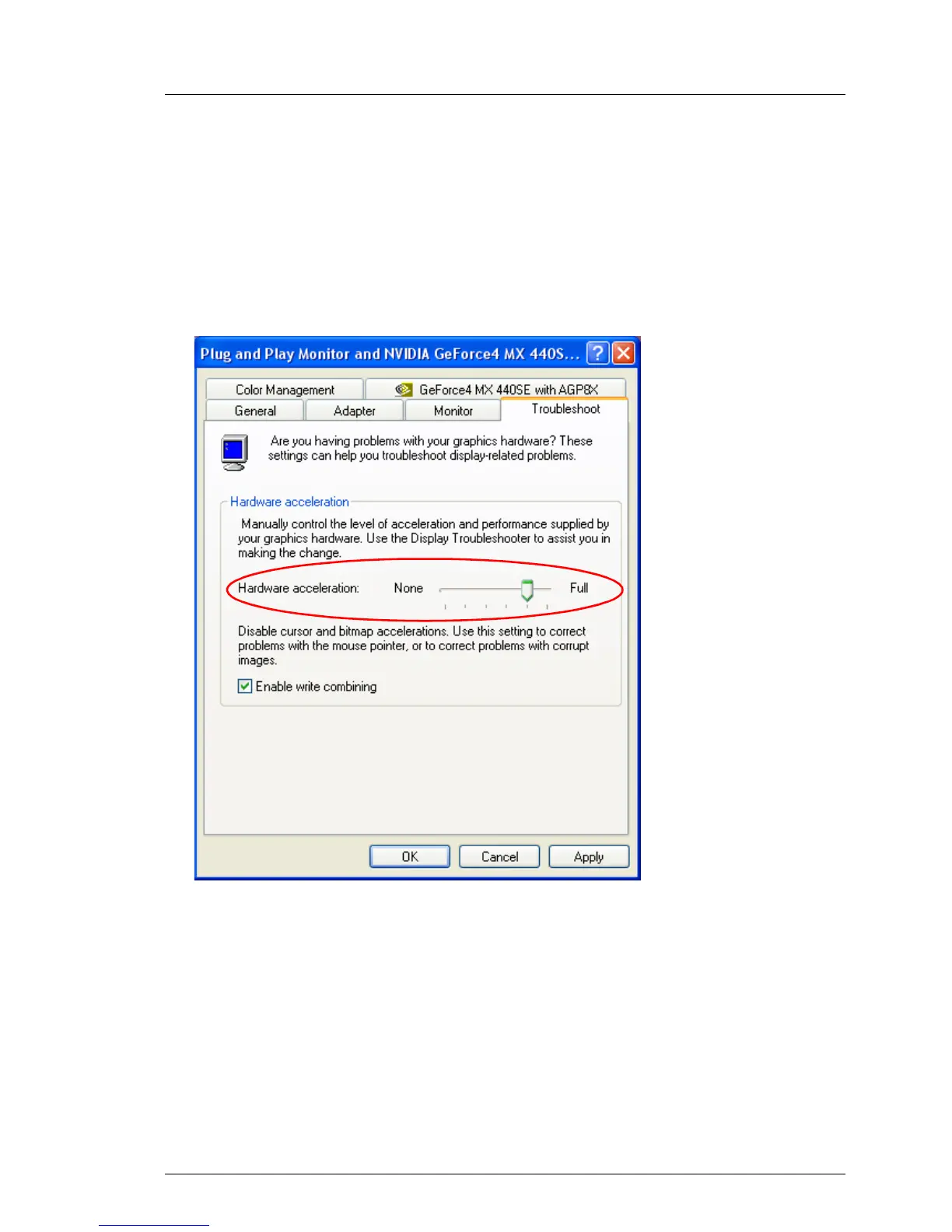
Proceed as follows to adjust the hardware acceleration:
Ê Right-click on the desktop background.
Ê In the context menu that appears, choose:
Properties - Settings tab, Advanced button, and the Troubleshooting tab.
This opens the following window:
Figure 34: Properties - ... - Troubleshooting: Hardware acceleration
Ê Set the Hardware Acceleration to a value as shown in figure 34.
Ê Click the [OK] button to save the settings.



 To Next Page