iRMC S2/S3 99
Using AVR
Adjusting permanent settings on the managed server using a
configuration file (KDE)
You make permanent settings as follows for KDE:
Ê Change the settings in the text file /root/.kde/share/config/kcminputrc as
follows:
[Mouse]
Acceleration=1
Threshold=1
I It is not necessary to set the values again after rebooting the server.
Adjusting the permanent settings on the managed server under menu
guidance
I It is not necessary to set the values again after rebooting the server.
You make permanent settings as follows for KDE:
I The procedure for KDE described below only applies to Suse Linux.
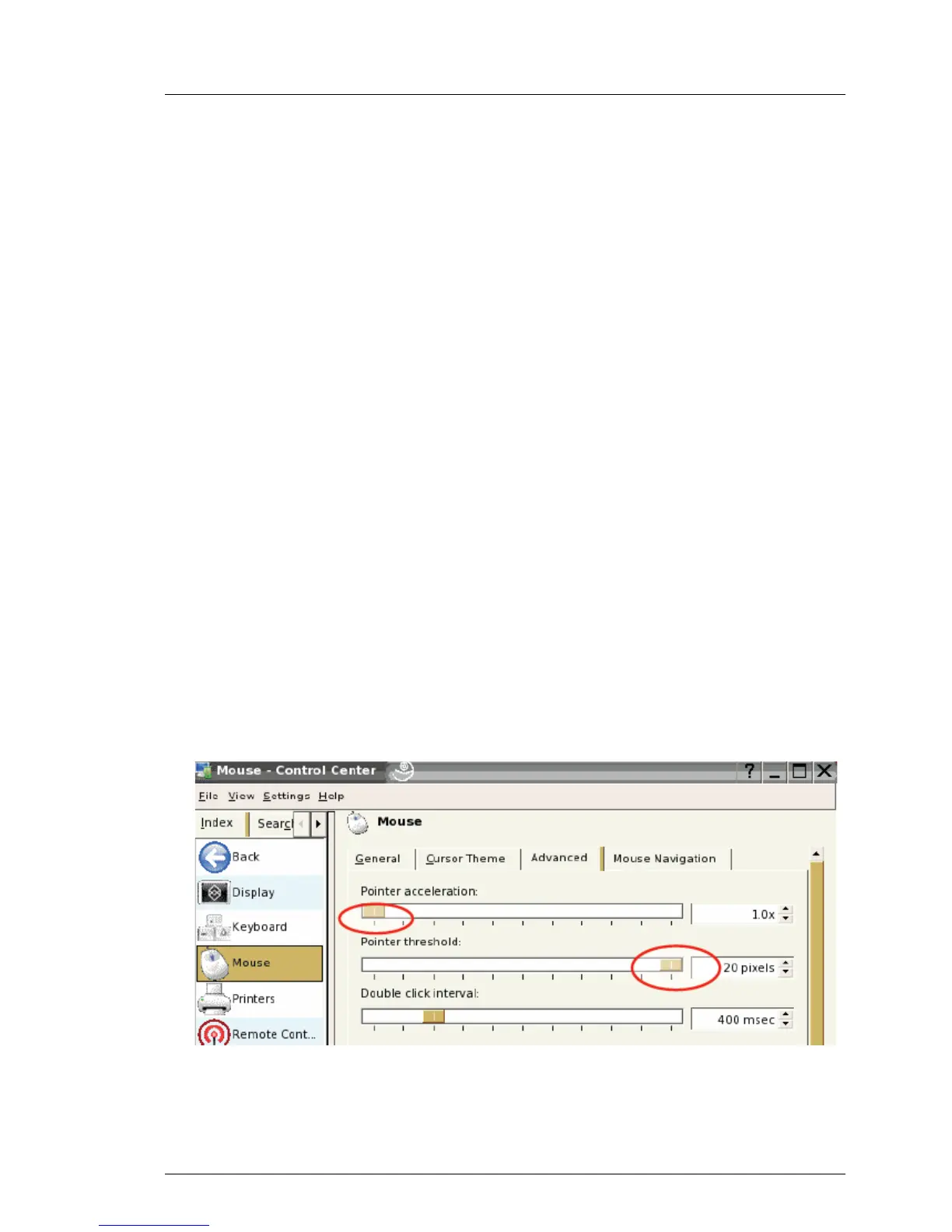
Ê Choose
N - Control Center - Peripheral - Mouse - Advanced tab
The Mouse - Control Center window opens:
Figure 35: Mouse Control Center window



 To Next Page