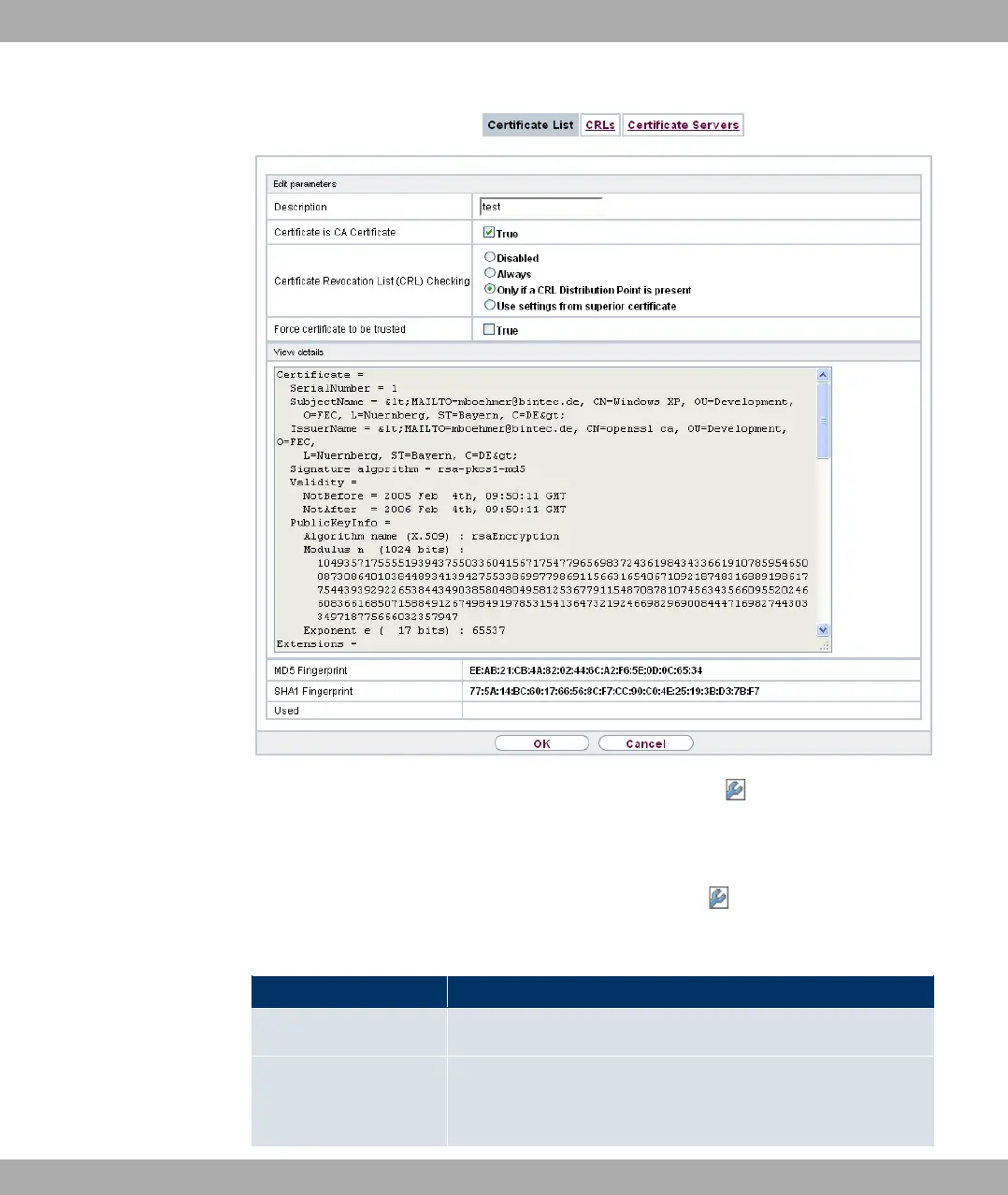
Fig. 42: System Management->Certificates->Certificate List->
The certificates and keys themselves cannot be changed, but a few external attributes can
be changed, depending on the type of the selected entry.
The System Management->Certificates->Certificate List-> menu consists of the fol-
lowing fields:
Fields in the menu
Field Description
Description Shows the name of the certificate, key, or request.
Certificate is CA Certi-
ficate
Mark the certificate as a certificate from a trustworthy certifica-
tion authority (CA).
10 System Management Funkwerk Enterprise Communications GmbH
110 bintec Rxxx2/RTxxx2



 To Next Page