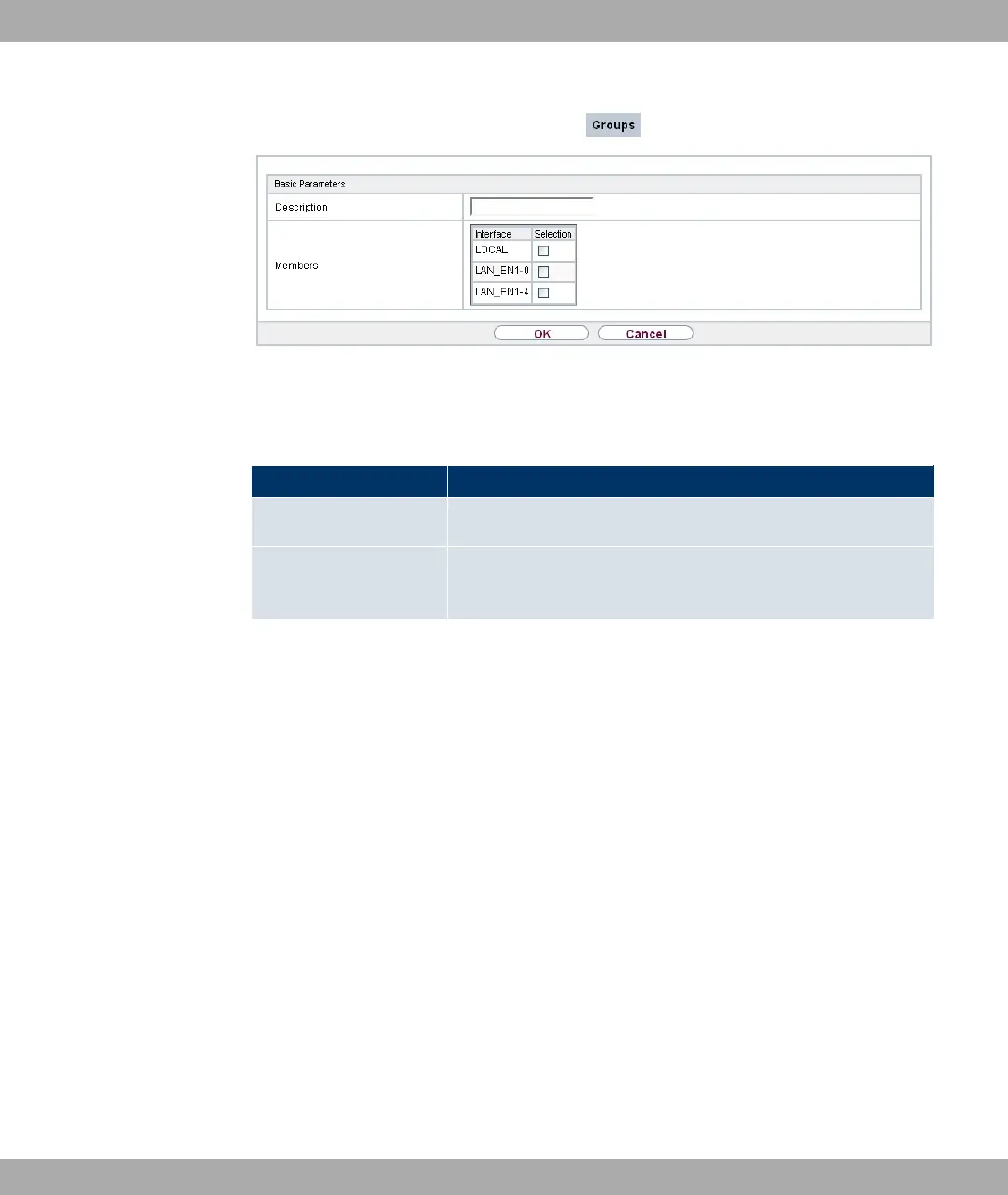
Fig. 143: Firewall->Interfaces->Groups->New
The menu Firewall->Interfaces->Groups->New consists of the following fields:
Fields in the Basic Parameters menu
Field Description
Description Enter the desired description of the interface group.
Members Select the members of the group from the available interfaces.
To do this, activate the field in the Members column.
19.3 Addresses
19.3.1 Address List
A list of all configured addresses is displayed in the Firewall->Addresses->Address List
menu.
19.3.1.1 New
Choose the New button to create additional addresses.
Funkwerk Enterprise Communications GmbH
19 Firewall
bintec Rxxx2/RTxxx2 375



 To Next Page