Field Description
Possible values are to .
The default value is ..
Long Retry Limit
Enter the maximum number of attempts to send a data packet
of length greater than the value defined in RTS Threshold.
After this many failed attempts, the packet is discarded.
Possible values are to .
The default value is .
Fragmentation
Threshold
Enter the maximum size as of which the data packets are to be
fragmented (i.e. split into smaller units). Low values are recom-
mended for this field in areas with poor reception and in the
event of radio interference.
Possible values are to '.
The default value is '.
13.3.3 Wireless Networks (VSS)
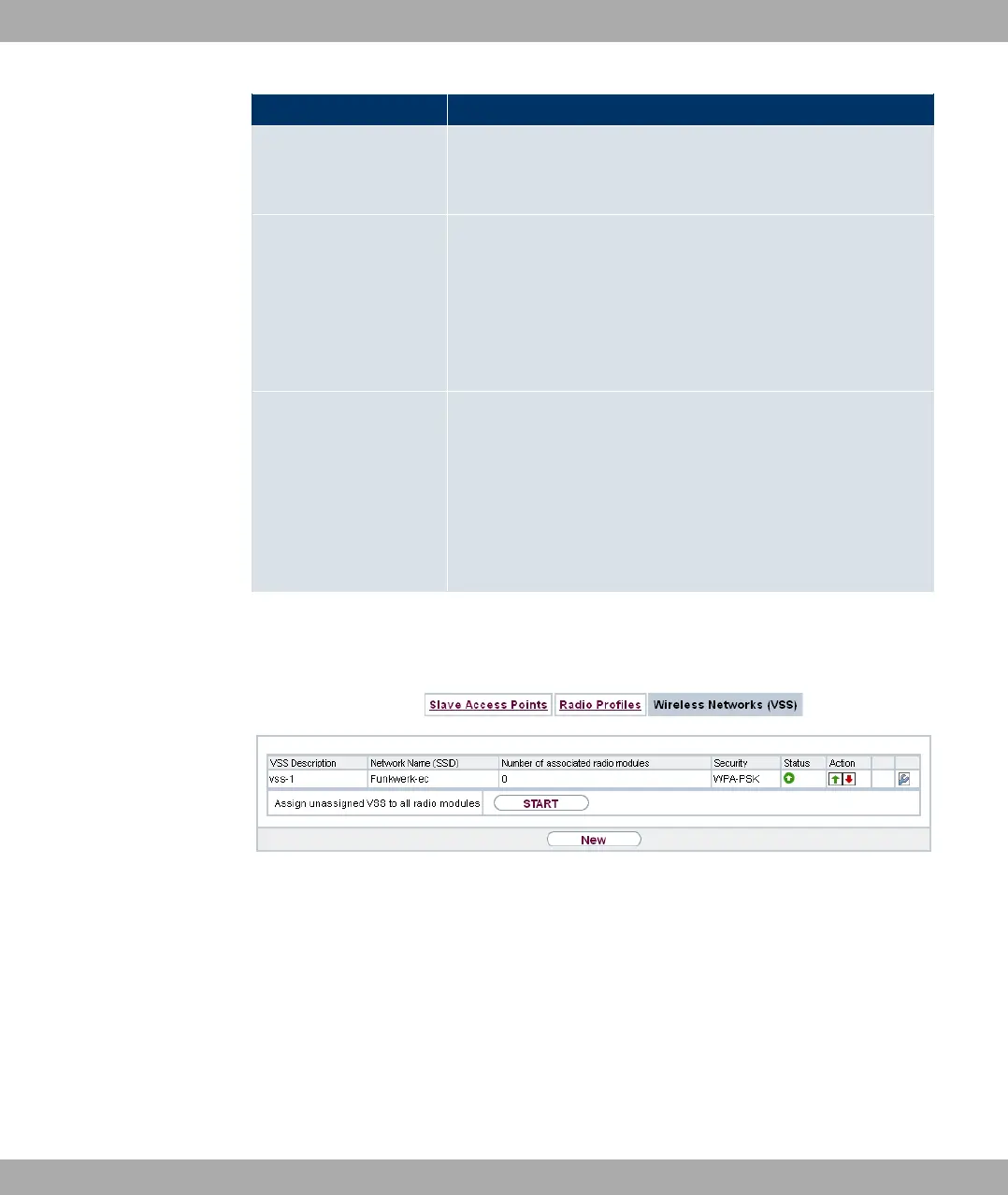
Fig. 66: Wireless LAN Controller->Slave AP configuration->Wireless Networks (VSS)
An overview of all created wireless networks is displayed in the Wireless LAN Controller-
>Slave AP configuration->Wireless Networks (VSS) menu. A wireless network is cre-
ated by default.
For every wireless network (VSS), you see an entry with a parameter set (VSS Descrip-
tion, Network Name (SSID), Number of associated radio modules, Security, Status,
Action).
Under Assign unassigned VSS to all radio modules click on the Startbutton to assign a
newly-created VSS to all wireless modules.
13 Wireless LAN Controller Funkwerk Enterprise Communications GmbH
174 bintec Rxxx2/RTxxx2



 To Next Page