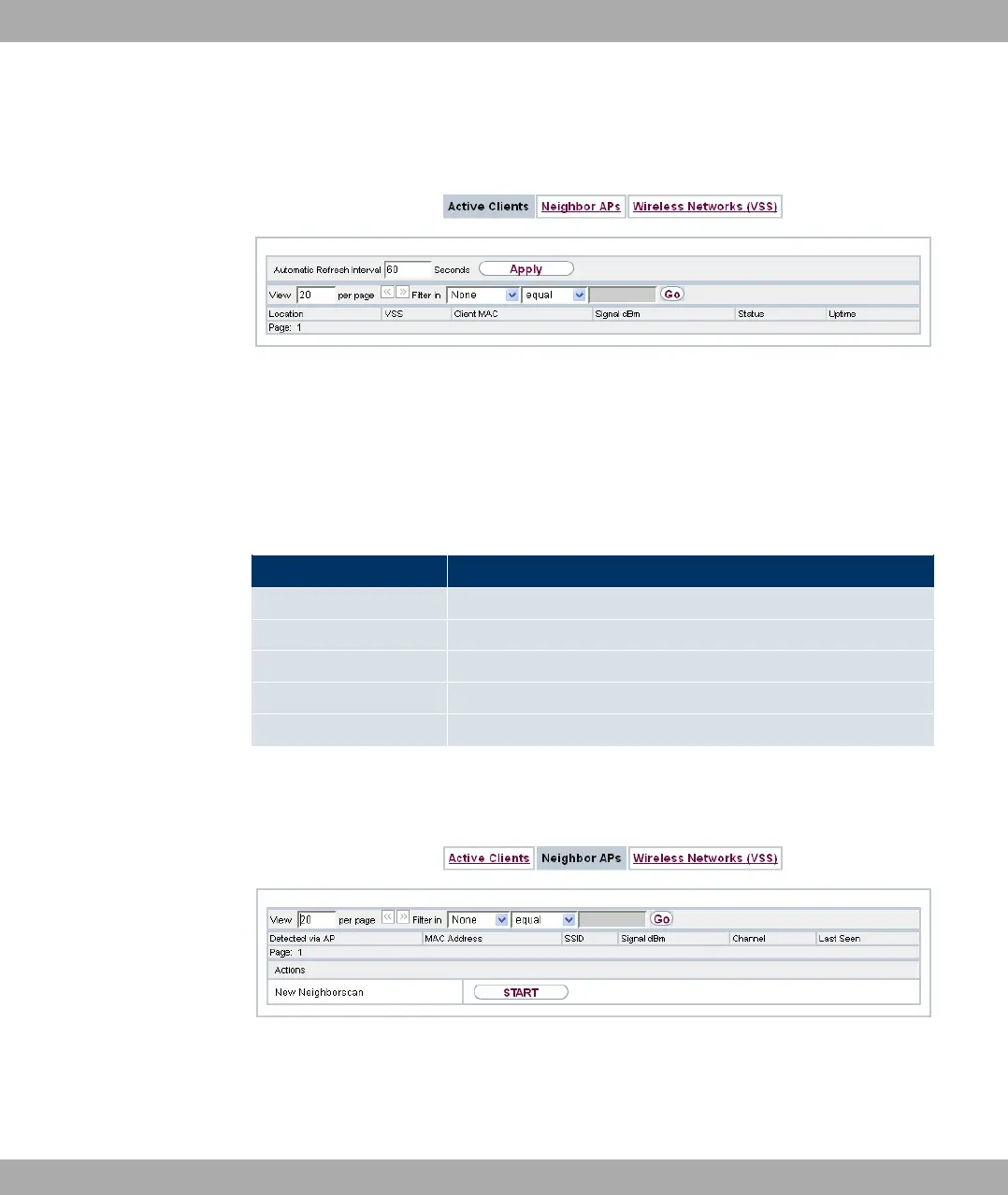
13.4.1 Active Clients
Fig. 68: Wireless LAN Controller->Monitoring->Active Clients
In the Wireless LAN Controller->Monitoring->Active Clients menu, current values of all
active clients are displayed.
For each Active Clientsyou will see an entry with a parameter set (Location, VSS, Client
MAC, Signal dBm, Status, Uptime).
Possible values for Status
Status Meaning
None The client is no longer in a valid status.
Logon The client has just logged on with the WLAN controller.
Associated The client has logged on with the WLAN controller.
Authenticate The client is in the process of being authenticated.
Authenticated The client is authenticated.
13.4.2 Neighbor APs
Fig. 69: Wireless LAN Controller->Monitoring->Neighbor APs
In the Wireless LAN Controller->Monitoring->Neighbor APs menu, the adjacent AP's
found during the scan are displayed.
13 Wireless LAN Controller Funkwerk Enterprise Communications GmbH
180 bintec Rxxx2/RTxxx2



 To Next Page