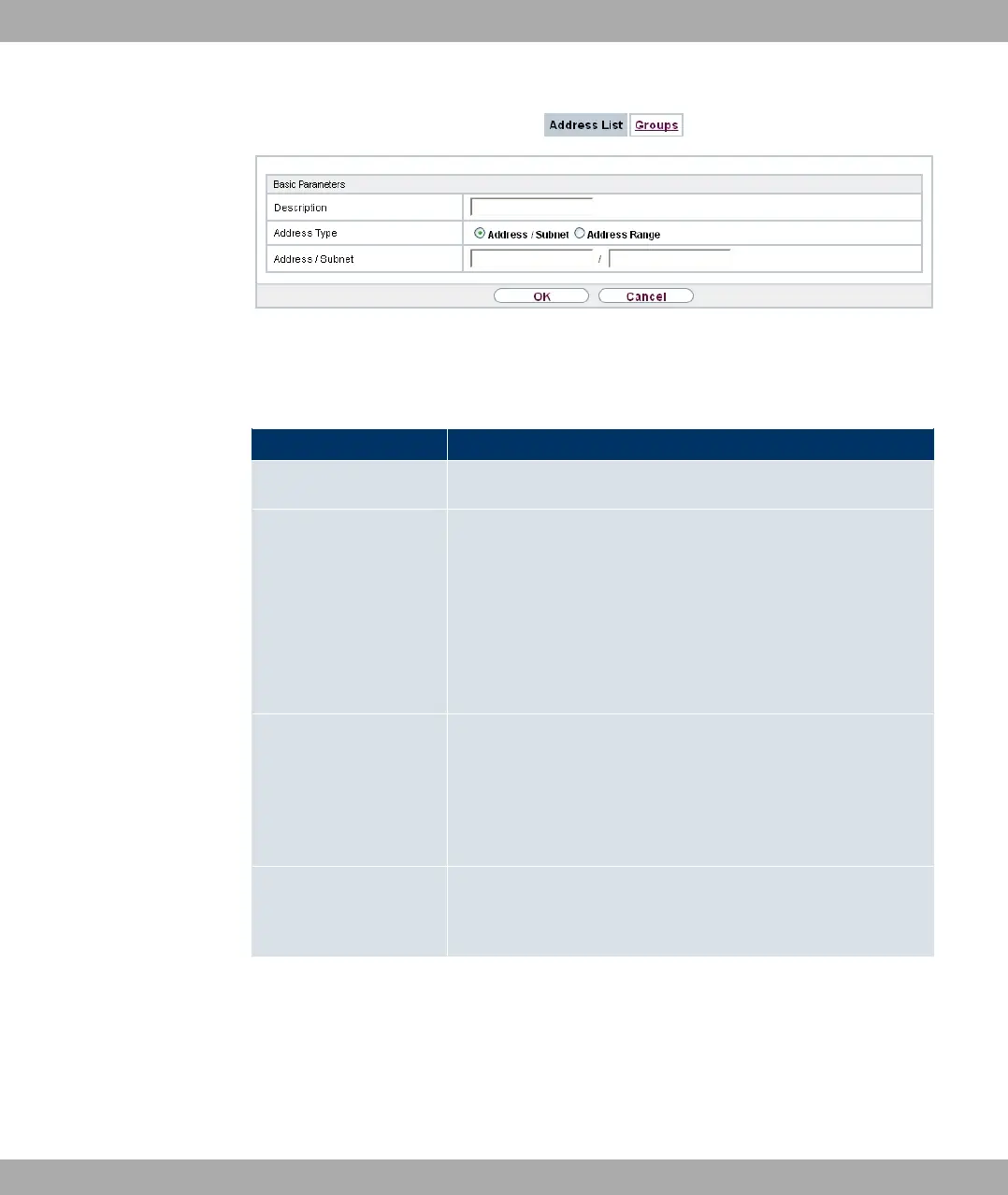
Fig. 144: Firewall->Addresses->Address List->New
The menu Firewall->Addresses->Address List->New consists of the following fields:
Fields in the Basic Parameters menu
Field Description
Description Enter the desired description of the address.
Address Type Select the type of address you want to specify.
Possible values:
• 0&& 7 -# (default value): Enter an IP address
with subnet mask.
• 0&& ;$: Enter an IP address range with a start and
end address.
Address / Subnet Only for Address Type = 0&& 7 -#
Enter the IP address of the host or a network address and the
related netmask.
The default value is .
Address Range Only for Address Type = 0&& ;$
Enter the start and end IP address of the range.
19.3.2 Groups
A list of all configured address groups is displayed in the Firewall->Addresses->Groups
menu.
You can group together addresses. This makes it easier to configure firewall rules.
19 Firewall Funkwerk Enterprise Communications GmbH
376 bintec Rxxx2/RTxxx2



 To Next Page