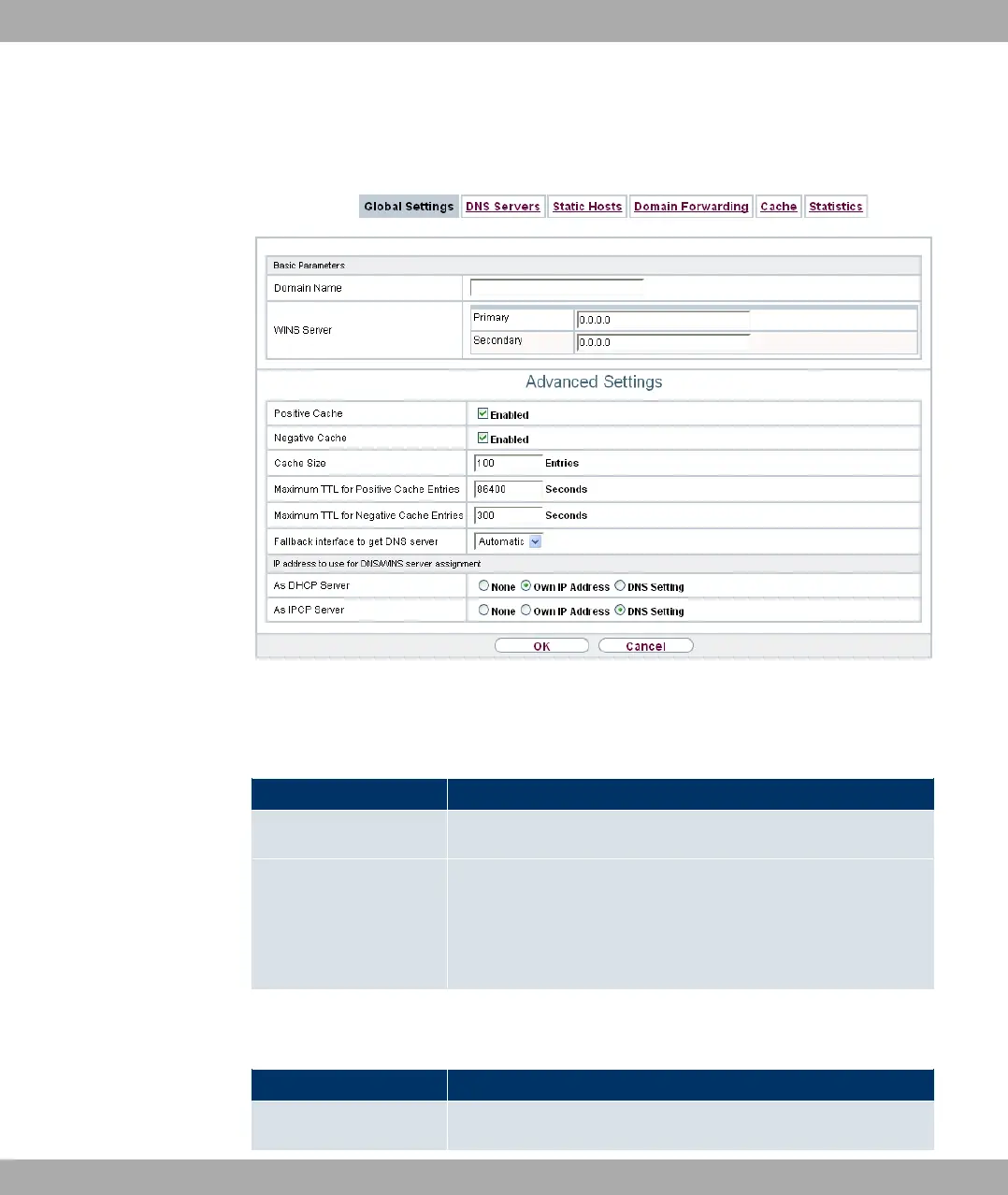
21.1.1 Global Settings
Fig. 158: Local Services->DNS->Global Settings
The menu Local Services->DNS->Global Settings consists of the following fields:
Fields in the Basic Parameters menu
Field Description
Domain Name Enter the standard domain name of your device.
WINS Server
Primary
Secondary
Enter the IP address of the first and, if necessary, alternative
global Windows Internet Name Server (=WINS) or NetBIOS
Name Server (=NBNS).
The menu Advanced Settings consists of the following fields:
Fields in the Advanced Settings menu
Field Description
Positive Cache Select whether the positive dynamic cache is to be activated,
21 Local Services Funkwerk Enterprise Communications GmbH
414 bintec Rxxx2/RTxxx2



 To Next Page