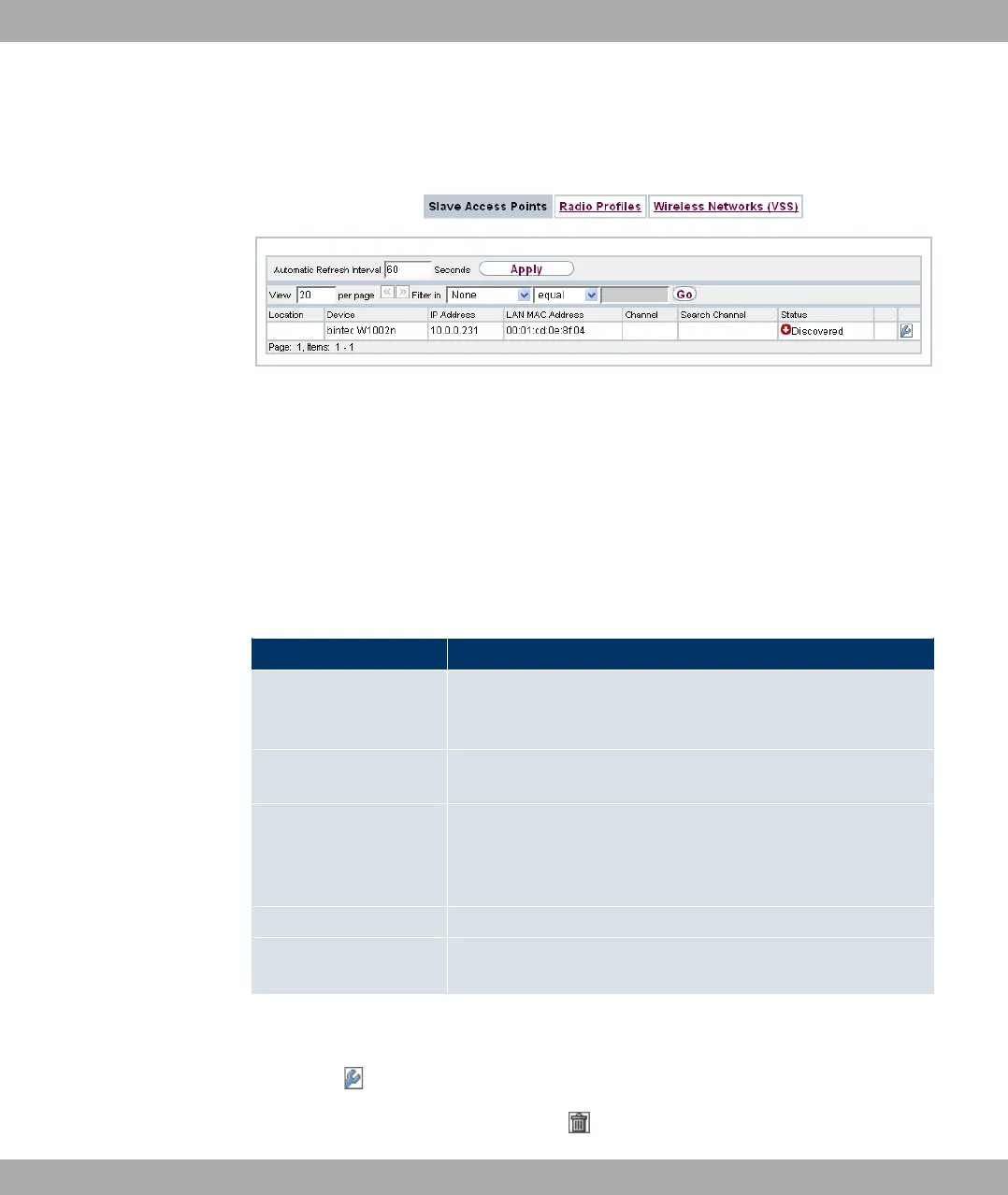
13.3.1 Slave Access Points
Fig. 62: Wireless LAN Controller->Slave AP configuration->Slave Access Points
In the Wireless LAN Controller->Slave AP configuration->Slave Access Points menu a
list of all APs found with the wizard is displayed.
For every access point, you see an entry with a parameter set (Location, Device, IP Ad-
dress, MAC Address, Channel, Search Channel, Status).
Click on the Channel reallocation button under START in order to reassign any assigned
channels, e.g. when a new access point has been added.
Possible values for Status
Status Meaning
Discovered The AP has received an IP address via the DHCP and has com-
municated this to the controller via option 138. The controller
has prompted the required parameters from the AP.
Initialising The WLAN controller and the APs "communicate" via CAPWAP.
The configuration is transferred and enabled to the APs.
Managed The AP is set to "Managed" status. The controller has sent a
configuration to the AP and has enabled this. The AP is man-
aged centrally from the controller and cannot be configured via
the FCI.
No License Available The AP does not have a WLAN controller licence.
Offline The AP is either administratively disabled or switched off or has
its power supply cut off etc.
13.3.1.1 Edit
Choose the icon to edit existing entries.
You can also delete entries with the aid of . If you have deleted APs, these will be loc-
13 Wireless LAN Controller Funkwerk Enterprise Communications GmbH
164 bintec Rxxx2/RTxxx2



 To Next Page