23.3 E-mail Alert
Depending on the configuration, E-mails are sent to the administrator as soon as relevant
syslog messages occur.
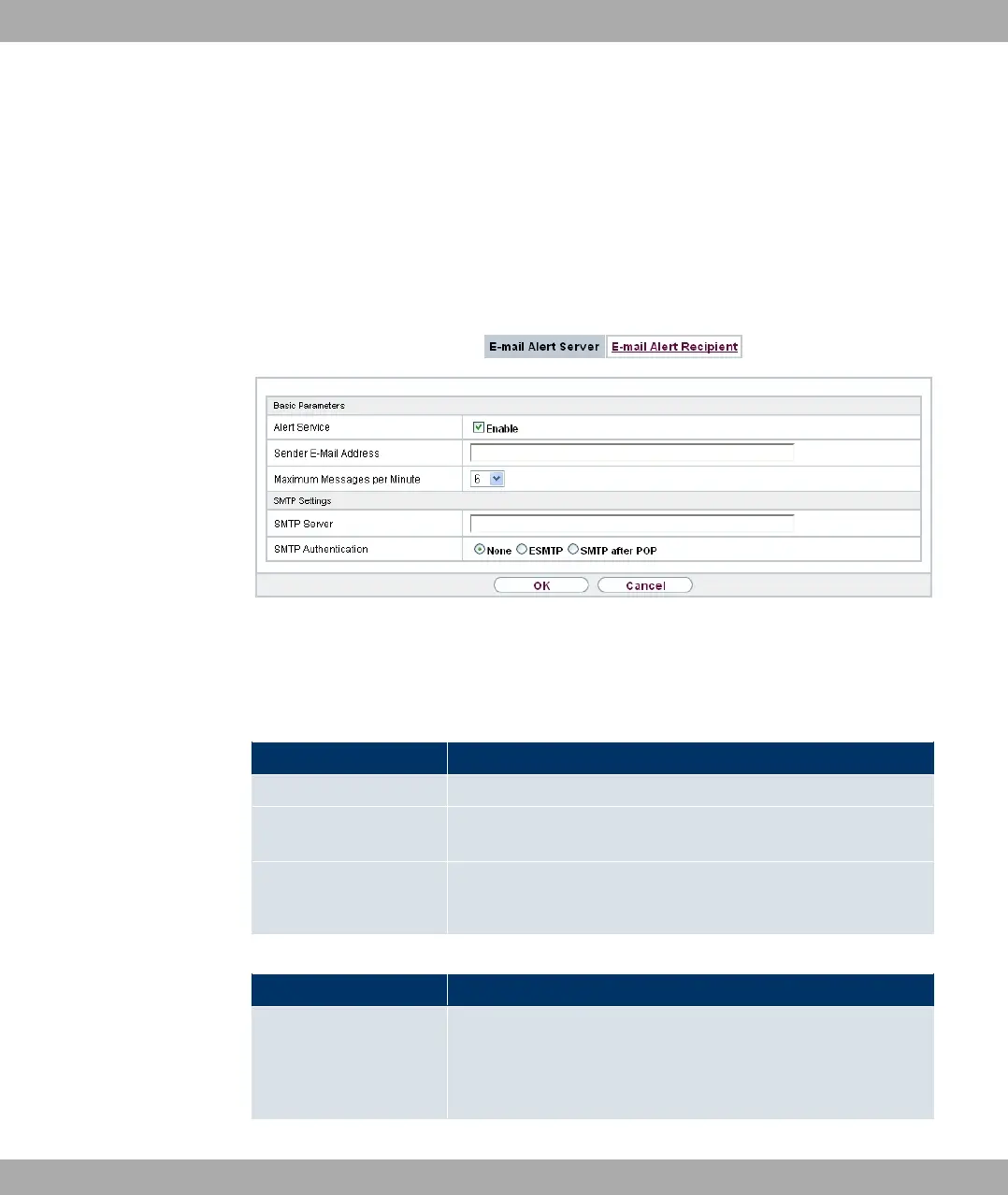
23.3.1 E-mail Alert Server
Fig. 199: External Reporting->E-mail Alert->E-mail Alert Server
The menu External Reporting->E-mail Alert->E-mail Alert Server consists of the follow-
ing fields:
Fields in the Basic Parameters menu
Field Description
Alert Service Enable or disable the function.
Sender E-Mail Address Enter the mail address to be entered in the sender field of the E-
mail.
Maximum Messages
per Minute
Limit the number of outgoing mails per minute. Possible values
are to , the default value is .
Fields in the SMTP Settings menu
Field Description
SMTP Server
Enter the address (IP address or valid DNS name) of the mail
server to be used for sending the mails.
The entry is limited to 40 characters.
Funkwerk Enterprise Communications GmbH
23 External Reporting
bintec Rxxx2/RTxxx2 497



 To Next Page