19.1.1 Filter Rules
The default behaviour with Action = 0%%&& consists of two implicit filter rules: If an incom-
ing packet can be assigned to an existing connection and if a suitable connection is expec-
ted (e.g. such as an affiliated connection of an existing connection), the packet is allowed.
The sequence of filter rules in the list is relevant: The filter rules are applied to each packet
in succession until a rule matches. If overlapping occurs, i.e. more than one filter rule
matches a packet, only the first rule is executed. This means that if the first rule denies a
packet, whereas a later rule allows it, the packet is rejected. A deny rule also has no effect
if a relevant packet has previously been allowed by another filter rule.
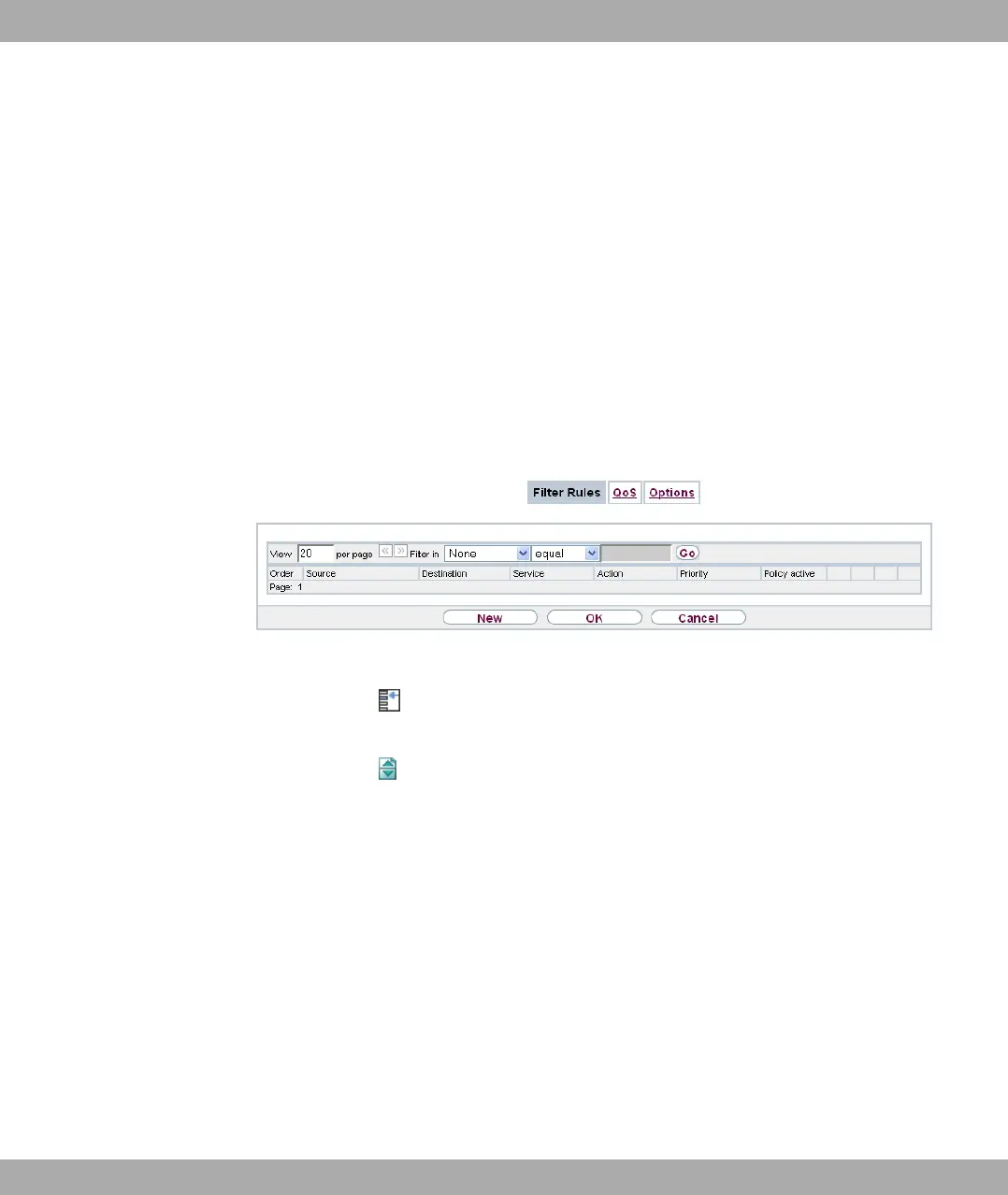
A list of all configured filter rules is displayed in the Firewall->Policies->Filter Rules
menu.
Fig. 139: Firewall->Policies->Filter Rules
You can use the button to insert another policy above the list entry. The configuration
menu for creating a new policy opens.
You can use the button to move the list entry. A dialog box opens, in which you can se-
lect the position to which the policy is to be moved.
19.1.1.1 New
Choose the New button to create additional parameters.
19 Firewall Funkwerk Enterprise Communications GmbH
368 bintec Rxxx2/RTxxx2



 To Next Page