For each adjacent AP, you see an entry with a parameter set ( Detected via AP, MAC Ad-
dress, SSID, Signal dBm, Channel, Last Seen; under Detected via AP you see the re-
spective device location).
Click under New Neighborscan on Start, to rescan adjacent AP's. You will receive a warn-
ing that the wireless modules of the access points must also be disabled for a certain peri-
od of time. When you start the process with OK, a progress bar is displayed. The located
AP display is updated every ten seconds.
13.4.3 Wireless Networks
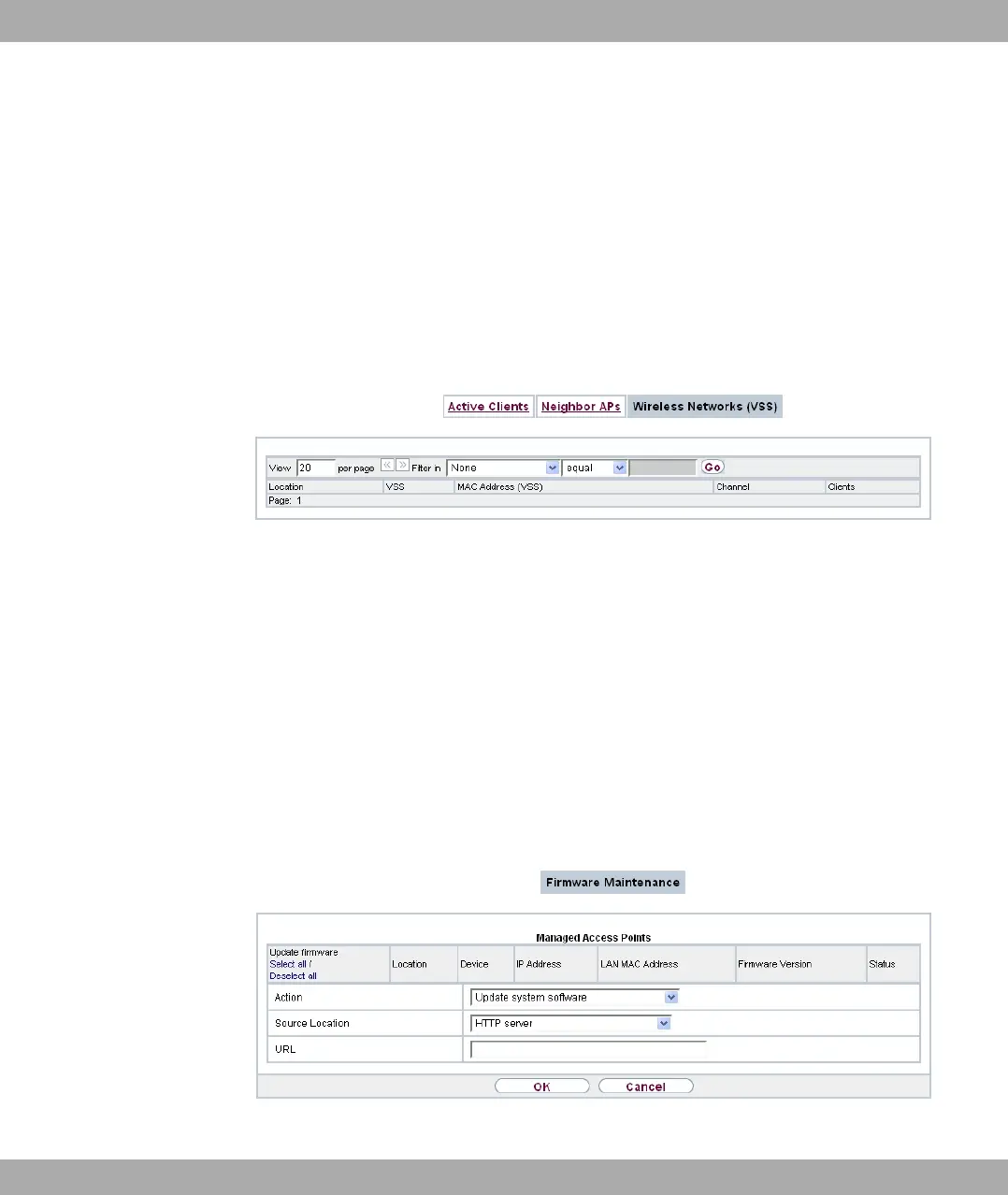
Fig. 70: Wireless LAN Controller->Monitoring+Wireless Networks
In menu Wireless LAN Controller->Monitoring+Wireless Networks an overview of the
currently used AP is displayed. You see which wireless module is assigned to which wire-
less network. For each wireless a parameter set is displayed (Location, VSS, MAC Ad-
dress (VSS), Channel, Clients).
13.5 Maintenance
This menu is used for the maintenance of your managed APs.
13.5.1 Firmware Maintenance
Fig. 71: Wireless LAN Controller->Maintenance->Firmware Maintenance
Funkwerk Enterprise Communications GmbH
13 Wireless LAN Controller
bintec Rxxx2/RTxxx2 181



 To Next Page