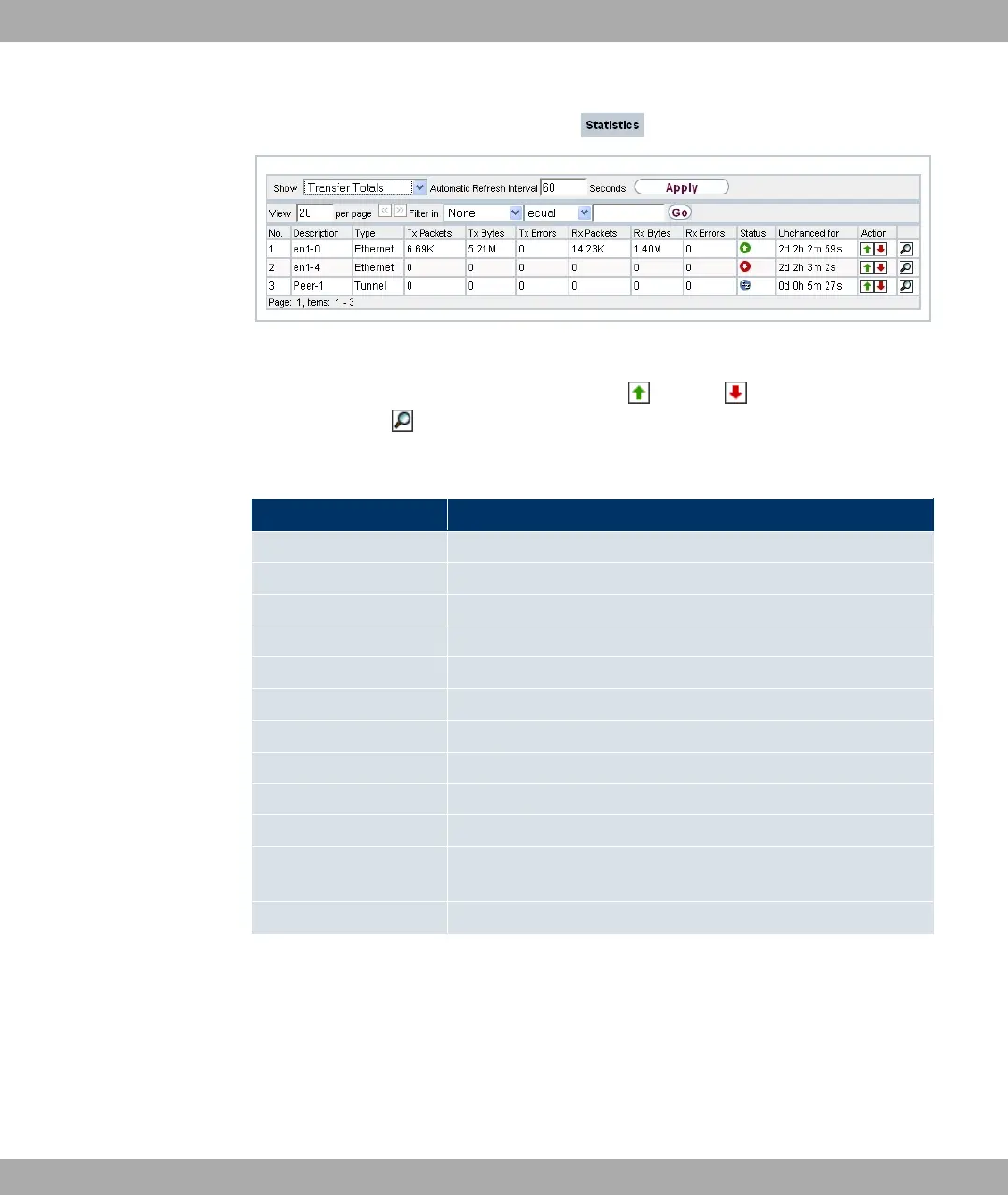
Fig. 210: Monitoring->Interfaces->Statistics
Change the status of the interface by pressing the button or button in the Action
column. Press the button to display the statistical data for the individual interfaces in de-
tail.
Values in the Statistics list
Field Description
No. Shows the serial number of the interface.
Description Displays the name of the interface.
Type Displays the interface text.
Tx Packets Shows the total number of packets sent.
Tx Bytes Displays the total number of octets sent.
Tx Errors Shows the total number of errors sent.
Rx Packets Shows the total number of packets received.
Rx Bytes Displays the total number of bytes received.
Rx Errors Shows the total number of errors received.
Status Shows the operating status of the selected interface.
Unchanged for Shows the length of time for which the operating status of the
interface has not changed.
Action Enables you to change the status of the interface as displayed.
24.5 Bridges
Funkwerk Enterprise Communications GmbH
24 Monitoring
bintec Rxxx2/RTxxx2 513



 To Next Page