Field Description
connection partner.
• 3, 1: Your device only responds to an ARP re-
quest if the status of the connection to the connection partner
is 3, or 1. In the case of /, your device only re-
sponds to the ARP request; the connection is not set up until
someone actually wants to use the route.
• 3, /): Your device responds to an ARP request only if the
status of the connection to the connection partner is 3, , i.e. a
connection already exists to the connection partner.
17.1.6 IP Pools
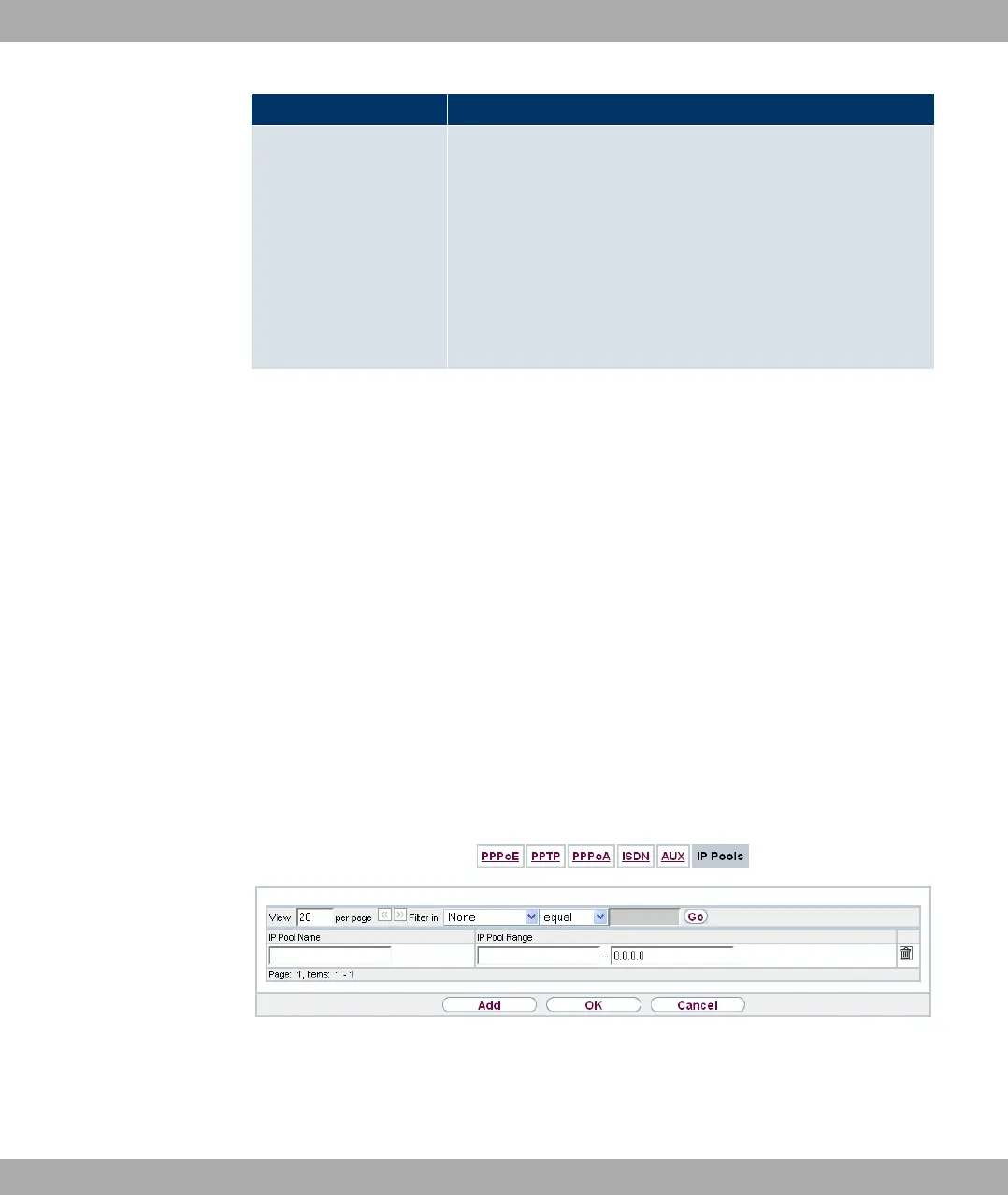
In the IP Pools a list of all IP pools is displayed.
Your device can operate as a dynamic IP address server for PPP connections. You can
use this function by providing one or more pools of IP addresses. These IP addresses can
be assigned to dialling-in connection partners for the duration of the connection.
Any host routes entered always have priority over IP addresses from the address pools.
This means if an incoming call has been authenticated, your device first checks whether a
host route is entered in the routing table for this caller. If not, your device can allocate an IP
address from an address pool (if available). If address pools have more than one IP ad-
dress, you cannot specify which connection partner receives which address. The ad-
dresses are initially assigned in order. If a new dial-in takes place within an interval of one
hour, an attempt is made to allocate the same IP address assigned to this partner the last
time.
Choose the Add button to set up new IP pools.
Fig. 115: WAN->Internet + Dialup->IP Pools->Add
The menu WAN->Internet + Dialup->IP Pools->Add consists of the following fields:
Fields in the IP Pools menu
17 WAN Funkwerk Enterprise Communications GmbH
292 bintec Rxxx2/RTxxx2



 To Next Page