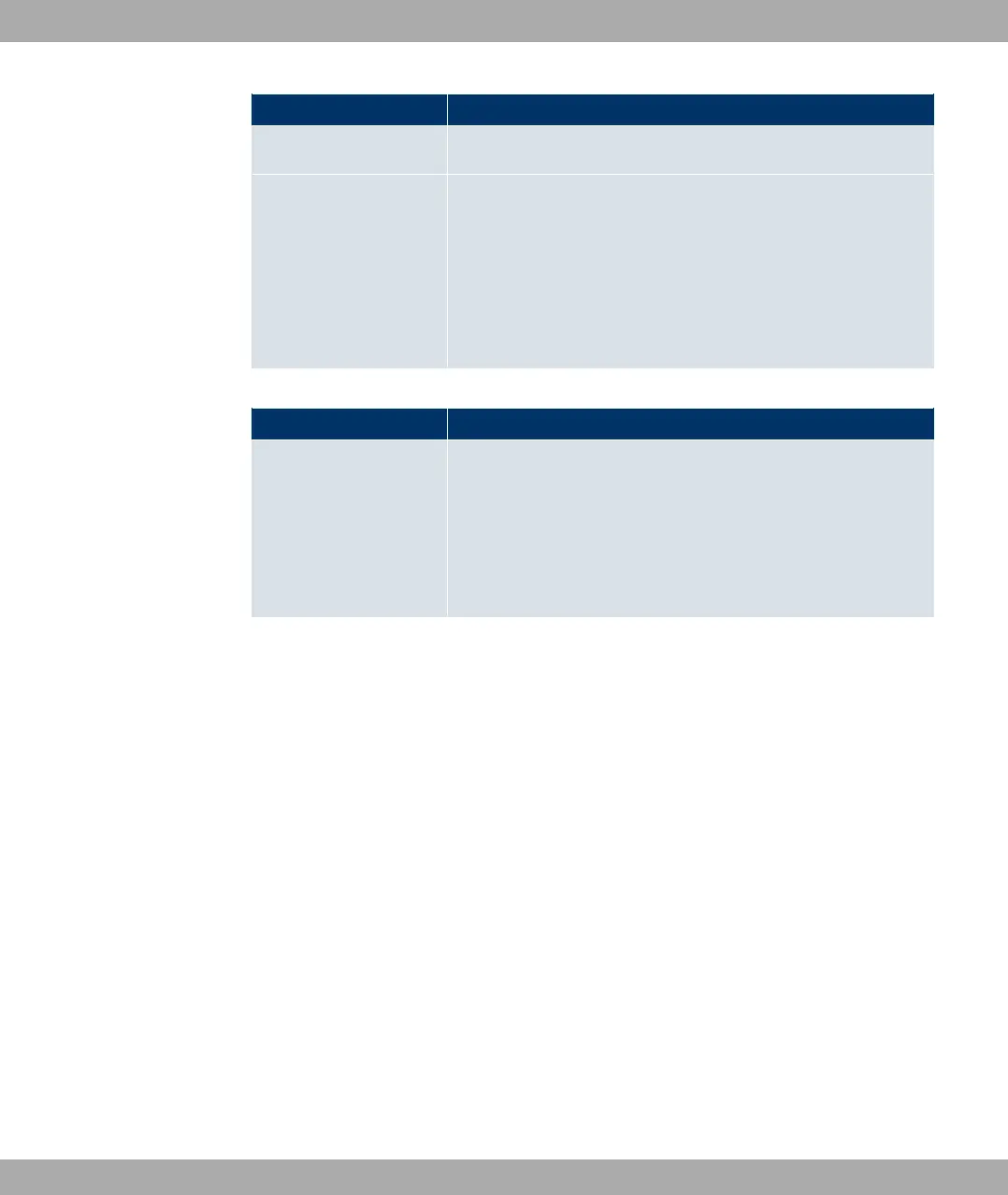
Field Description
Displays the name of the interface.
Back Route Verify Only for Mode = #/ &,%% %&
Select whether >% ; 8) is to be activated for the
interface.
The function is enabled with #/.
By default, the function is deactivated for all interfaces.
Fields in the General menu
Field Description
Allow deleting/editing
all routing entries
Define whether all the routes entered on your device can be ed-
ited and deleted in the Networking->Routes->IP Routes
menu.
The function is enabled with #/.
By default, the function is deactivated for all interfaces.
14.2 NAT
Network Address Translation (NAT) is a function on your device for defined conversion of
source and destination addresses of IP packets. If NAT is activated, IP connections are still
only allowed by default in one direction, outgoing (forward) (= protective function). Excep-
tions to the rule can be configured (in NAT Configuration on page 193).
14.2.1 NAT Interfaces
A list of all NAT interfaces is displayed in the Networking->NAT->NAT Interfaces menu.
Funkwerk Enterprise Communications GmbH
14 Networking
bintec Rxxx2/RTxxx2 191



 To Next Page