16.4.2 PIM Rendezvous Points
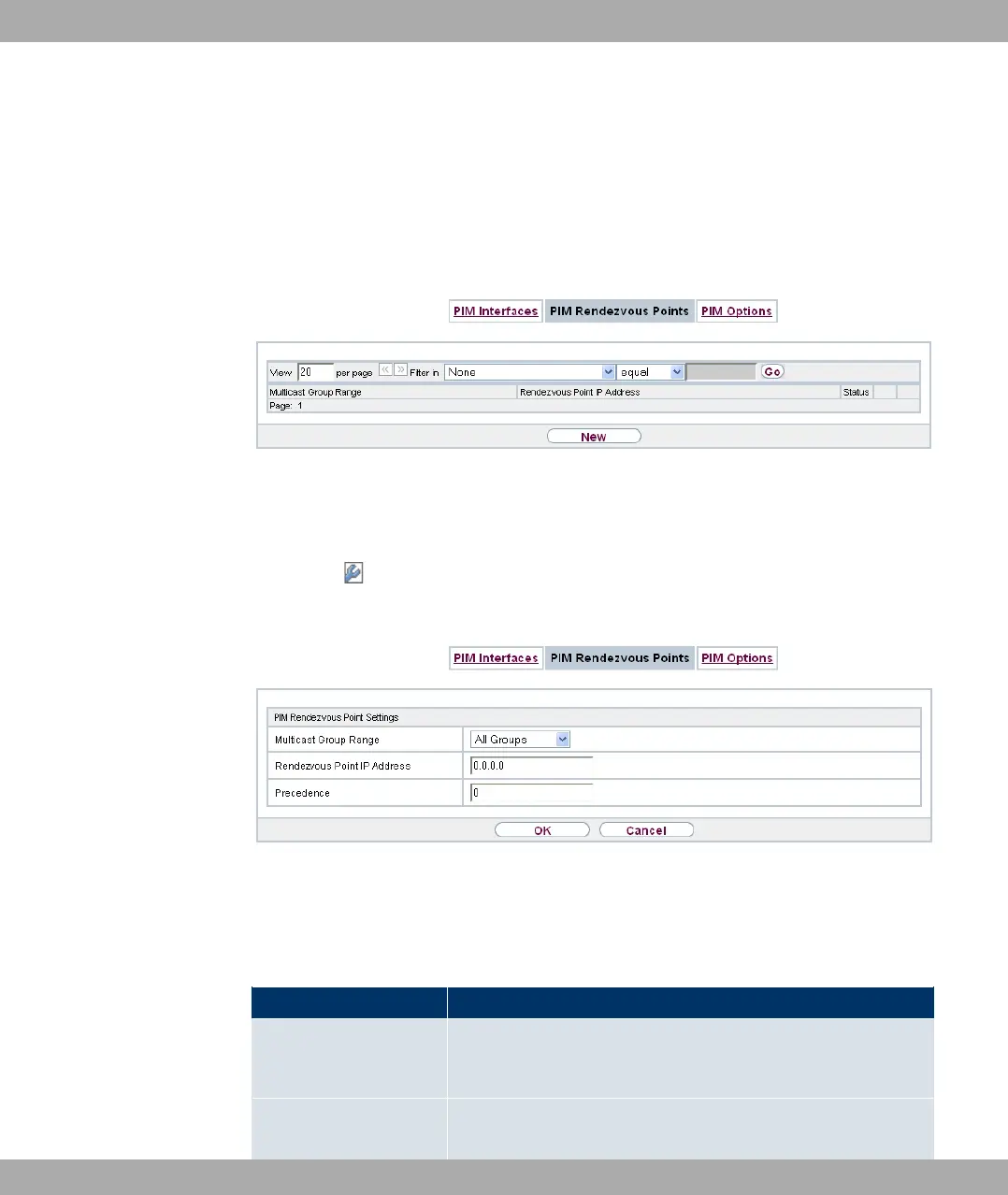
In menu Multicast->PIM->PIM Rendezvous Points you determine which Rendezvous
Point is responsible for which group.
A list of all PIM Rendezvous Points is displayed.
Fig. 107: Multicast->PIM->PIM Rendezvous Points
16.4.2.1 Edit or New
Choose the icon to edit existing entries. To configure PIM Rendezvous Points, select
the New button.
Fig. 108: Multicast->PIM->PIM Rendezvous Points->New
The Multicast->PIM->PIM Rendezvous Points->New menu consists of the following
fields:
Fields in the PIM Rendezvous Point Settings menu
Field Description
Multicast Group Range Select the Multicast group for the PIM Rendezvouz point. You
can enter 0// ,& (default value), or specify a multicast
network segment by selecting -,%% ;$.
Multicast Group Ad-
dress
Only if Multicast Group Range = -,%% ;$
Funkwerk Enterprise Communications GmbH
16 Multicast
bintec Rxxx2/RTxxx2 257



 To Next Page