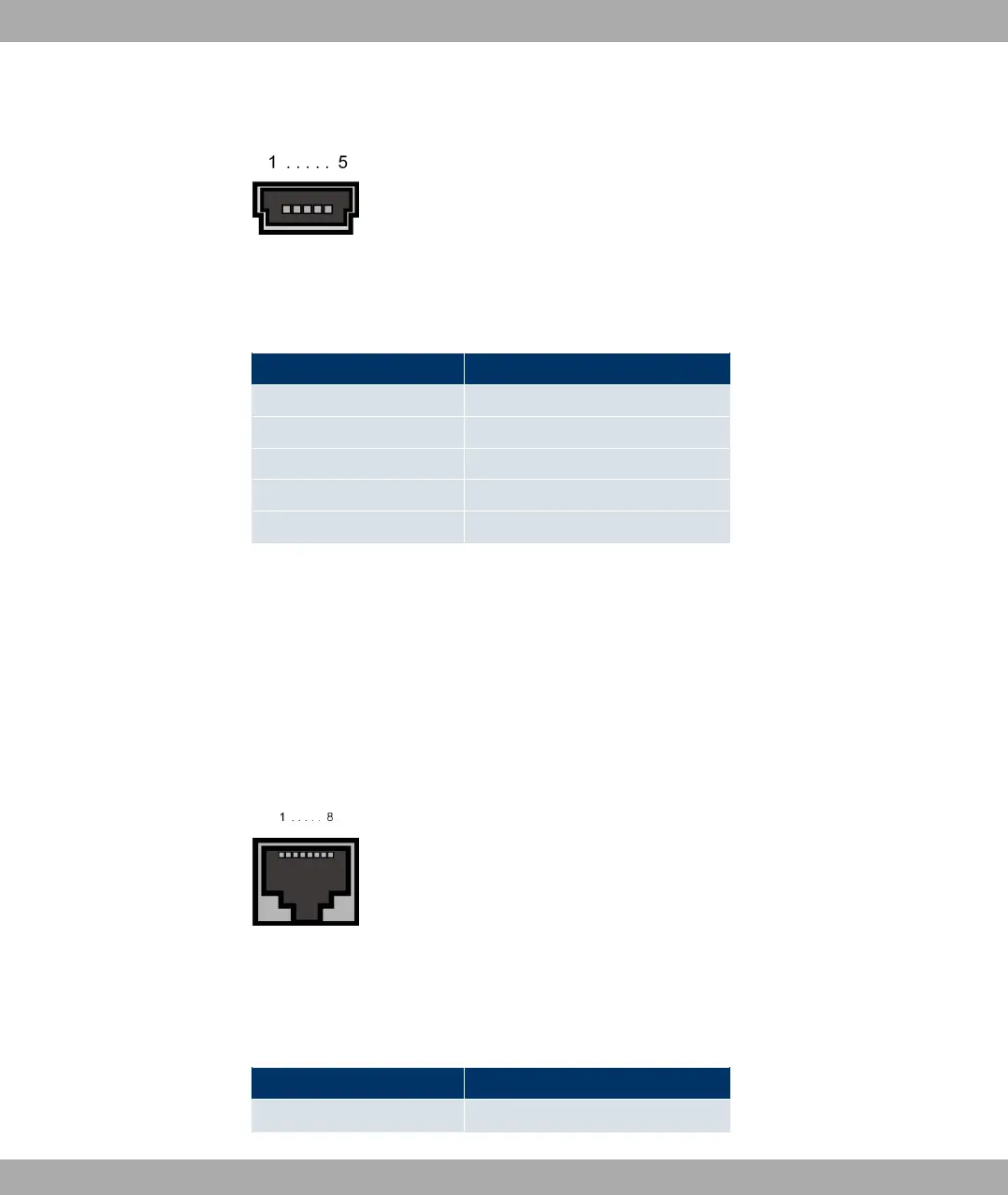
The interface is designed as a 5-pole mini USB socket.
Fig. 11: 5-pole mini USB socket
The pin assignment is as follows:
Pin assignment of the mini USB socket
Pin Function
1 Not used
2 TxD
3 RxD
4 Not used
5 GND
6.5.2 Ethernet interface
The devices have an Ethernet interface with an integrated 4-port switch (ETH1 - ETH4) and
a separate Ethernet interface (ETH5).
The 4-port switch is used to connect individual PCs or other switches. The ETH5 interface
can be used to connect an optional DSL modem or a DMZ.
The connection is made via an RJ45 socket.
Fig. 12: Ethernet-10/100/1000 Base-T interface (RJ45 connector)
The pin assignment for the Ethernet 10/100/1000 Base-T interface (RJ45 connector) is as
follows:
RJ45 socket for Ethernet connection
Pin Function
1 Pair 0 +
Funkwerk Enterprise Communications GmbH
6 Technical data
bintec Rxxx2/RTxxx2 37



 To Next Page