14.2.2 NAT Configuration
In the Networking->NAT->NAT Configuration menu you can exclude data from NAT
simply and conveniently as well as translate addresses and ports. For outgoing data traffic
you can configure various NAT methods, i.e. you can determine how an external host es-
tablishes a connection to an internal host.
14.2.2.1 New
Choose the New button to set up NAT.
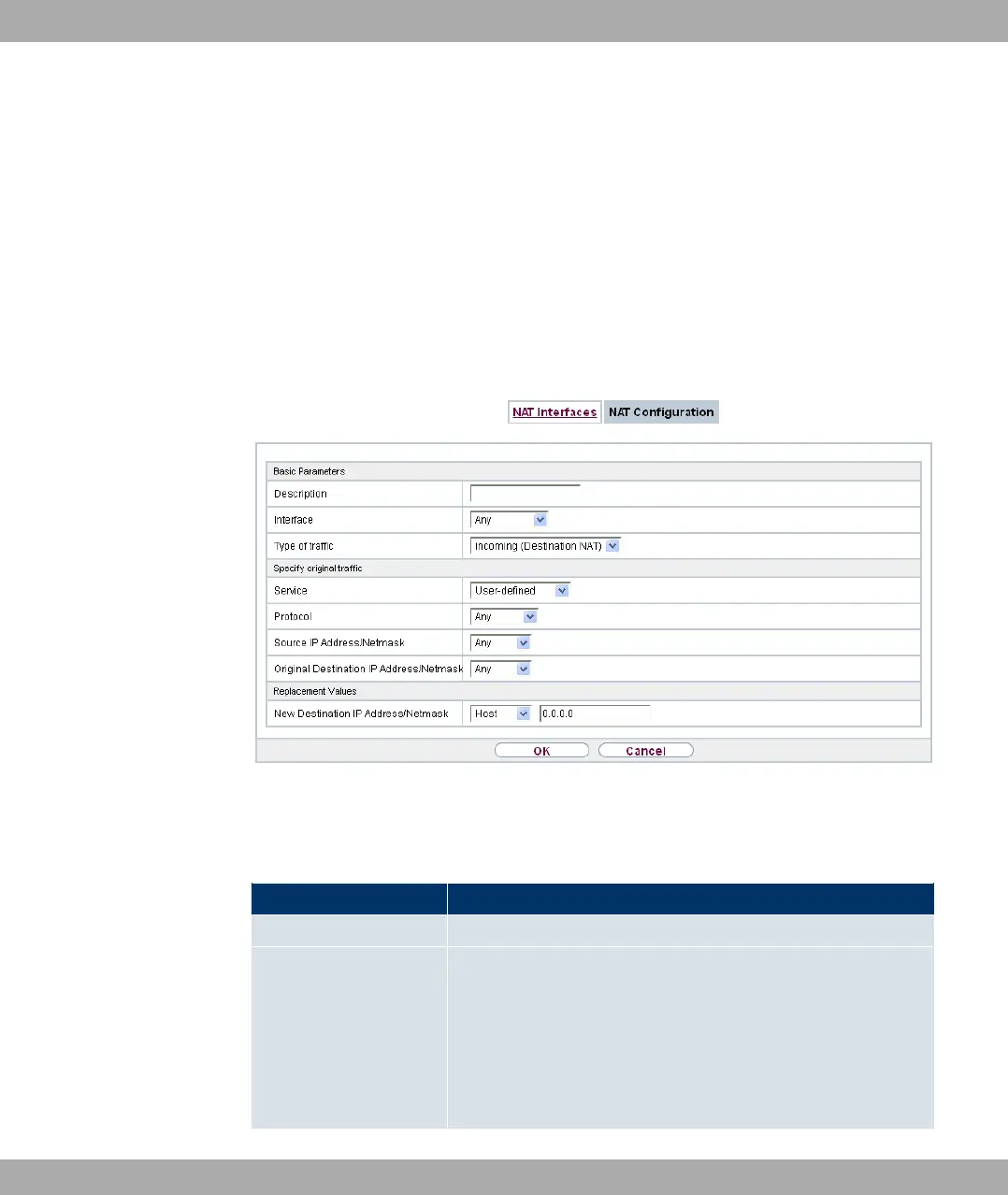
Fig. 76: Networking->NAT->NAT Configuration->New
The menu Networking->NAT->NAT Configuration ->New consists of the following fields:
Field in the Basic Parameters menu
Field Description
Description Enter a description for the NAT configuration.
Interface Select the interface for which NAT is to be configured.
Possible values:
• 0) (default value): NAT is configured for all interfaces.
• A% B: Select one of the interfaces from the
list.
Funkwerk Enterprise Communications GmbH
14 Networking
bintec Rxxx2/RTxxx2 193



 To Next Page