24.5.1 br<x>
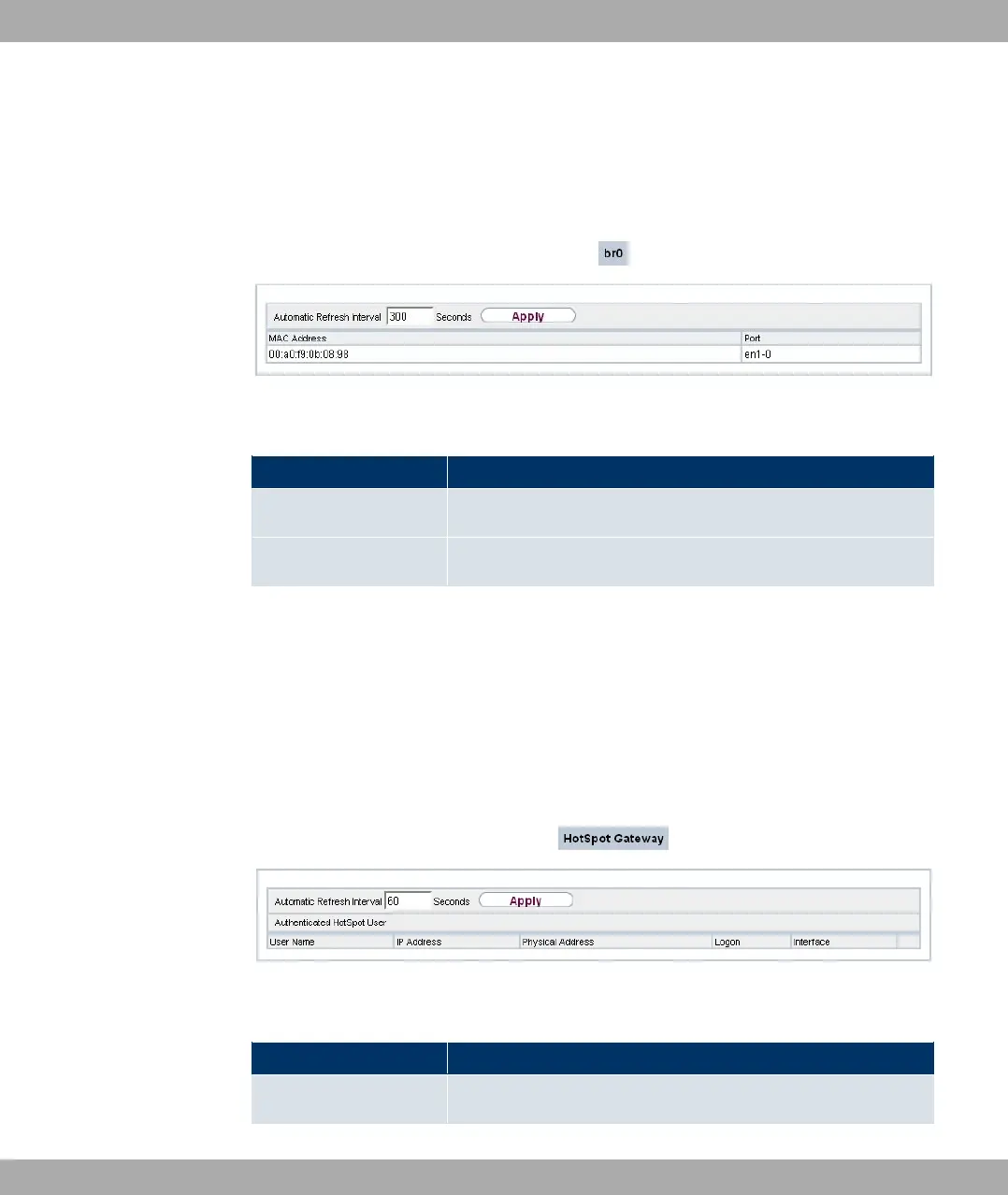
In the Monitoring->Bridges-> br<x> menu, the current values of the configured bridges
are shown.
Fig. 211: Monitoring->Bridges
Values in the br<x> list
Field Description
MAC Address Shows the MAC addresses of the associated bridge.
Port Shows the port on which the bridge is active.
24.6 HotSpot Gateway
24.6.1 HotSpot Gateway
A list of all linked hotspot users is displayed in the Monitoring->HotSpot Gateway->Hot-
Spot Gateway menu.
Fig. 212: Monitoring->HotSpot Gateway->HotSpot Gateway
Values in the HotSpot Gateway list
Field Description
User Name Displays the user's name.
24 Monitoring Funkwerk Enterprise Communications GmbH
514 bintec Rxxx2/RTxxx2



 To Next Page