13.2.1 General
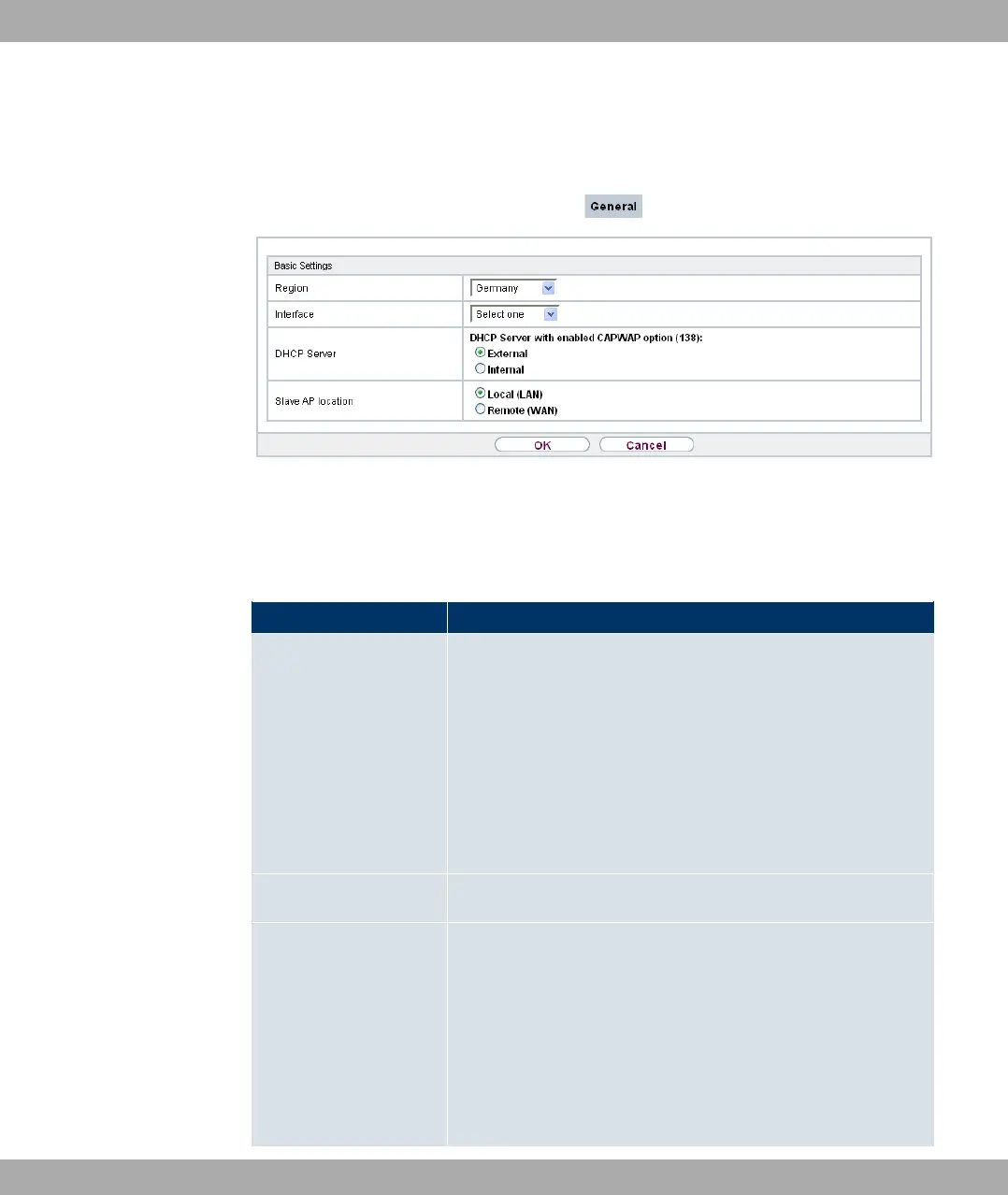
Fig. 61: Wireless LAN Controller->Controller Configuration->General
The Wireless LAN Controller->Controller Configuration->Generalmenu consists of the
following fields:
Fields in the Basic Settings menu
Field Description
Region Select the country in which the wireless LAN controller is to be
operated.
Possible values are all the countries configured on the device's
wireless module.
The range of channels that can be used varies depending on
the country setting.
The default value is ).
Interface Select the interface to be used for the wireless controller.
DHCP Server Select whether an external DHCP server shall assign IP ad-
dresses to the APs or if your device should be used as the DH-
CP server. For an internal DHCP server, CAPWAP option 138
is active in order to allow communication between the master
and slaves.
Note: Make sure that option 138 is active when using an extern-
al DHCP server.
13 Wireless LAN Controller Funkwerk Enterprise Communications GmbH
162 bintec Rxxx2/RTxxx2



 To Next Page