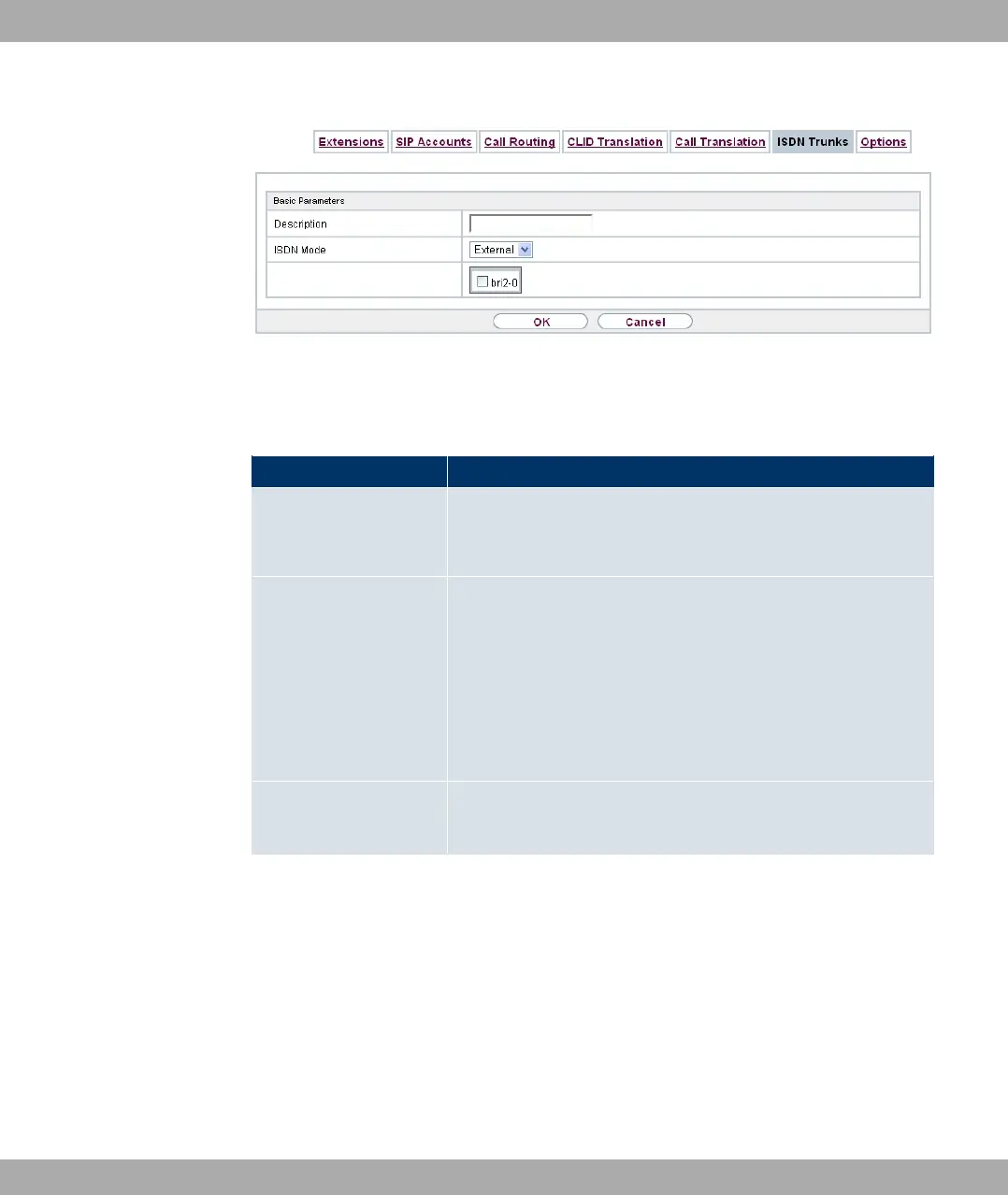
Fig. 155: VoIP->Media Gateway->ISDN Trunks
The VoIP->Media Gateway->ISDN Trunksmenu consists of the following fields:
Fields in the Basic Parameters menu
Field Description
Description
Enter the name of the party line.
The maximum number of characters is 40.
ISDN Mode
Select the mode in which the party line is to be operated.
Possible values:
• = (default value): Point-to-Point TE connection
(telecom party line)
• +Point-to-Point NT connection (for connection of a
PABX).
Members Select the desired ISDN interfaces to be included with this party
line.
20.2.7 Options
In the VoIP->Media Gateway->Options menu you can perform global settings for the Me-
dia Gateway.
Funkwerk Enterprise Communications GmbH
20 VoIP
bintec Rxxx2/RTxxx2 407



 To Next Page