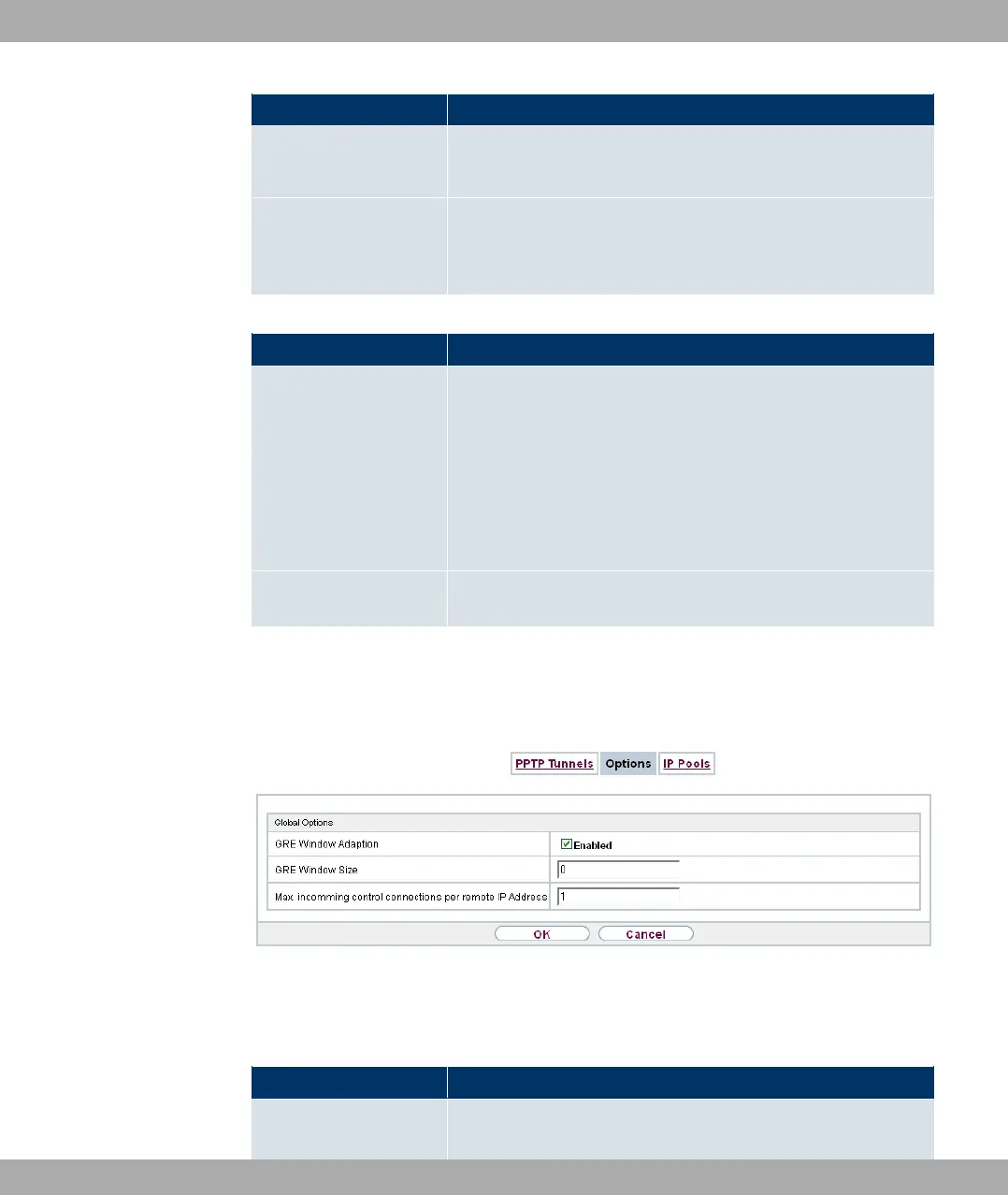
Field Description
Enter the ISDN number from which the remote device calls the
local device (calling party number).
Outgoing ISDN Num-
ber
Only if Callback is enabled.
Enter the ISDN number with which the local device calls the re-
mote device calls (called party number).
Fields in the Dial Port Selection (only if callback = activated)
Field Description
Selected Ports
Enter the ISDN port over which callback is carried out.
Possible values:
• 0// &: The callback is routed over an available ISDN
port.
• -,%) ,: In Specific PortsYou can select the re-
quired ISDN port.
Specific Ports Only for Selected Ports = -,%) ,, you can select ad-
ditional ports with Add.
18.3.2 Options
In this menu, you can make general settings of the global PPTP profile.
Fig. 136: VPN->PPTP->Options
The VPN->PPTP->Optionsmenu consists of the following fields:
Fields in the Global Options menu
Field Description
GRE Window Adaption
Select whether the GRE Window Adaptation is to be enabled.
Funkwerk Enterprise Communications GmbH
18 VPN
bintec Rxxx2/RTxxx2 361



 To Next Page