Field Description
? is a placeholder for an arbitrary character.
Example 20.1. Example of a rule
• Rule: <:+49911>;
• number dialled: 96731234
• manipulated number: +4991196731234
20.2.4 CLID Translation
Here you define the processing of the calling party number for incoming calls. You can, for
example, add a prefix to a received call number in order to route corresponding outgoing
calls via a particular SIP account.
In the VoIP->Media Gateway->CLID Translation menu, a list of all existing entries is
shown on which the received number is edited.
20.2.4.1 Edit or New
Choose the icon to edit existing entries. Select the New button to create entries for
CLID translation.
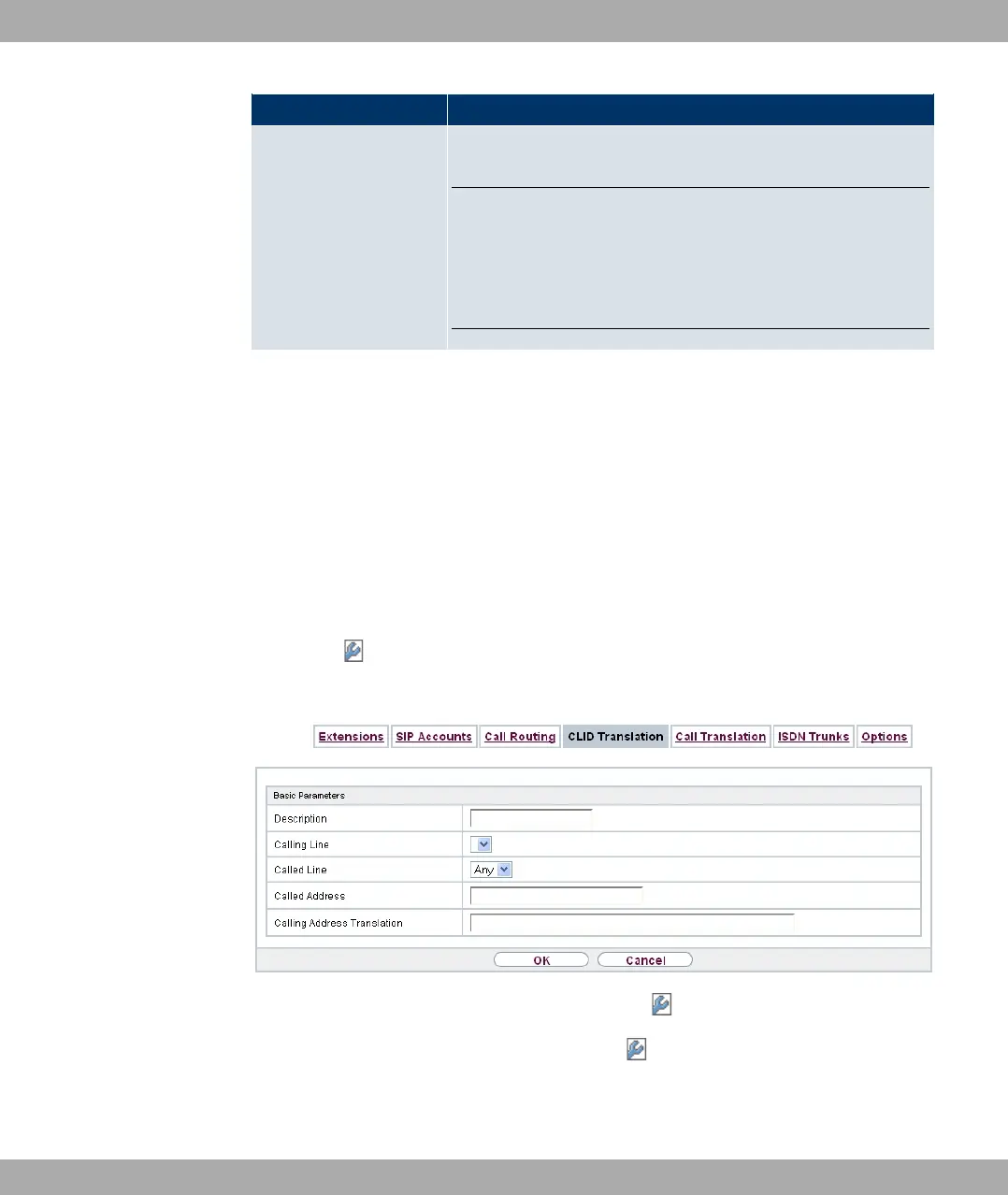
Fig. 153: VoIP->Media Gateway->CLID Translation-> +New
The VoIP->Media Gateway->CLID Translation-> +New menu consists of the following
fields:
Fields in the Basic Parameters menu
20 VoIP Funkwerk Enterprise Communications GmbH
402 bintec Rxxx2/RTxxx2



 To Next Page