Field Description
The following wildcards can be used:
• * means that at the end of a character string any number of
characters may follow,
• ? is a placeholder for an arbitrary character.
If the configured address agrees with the signalled address, the
entry is used.
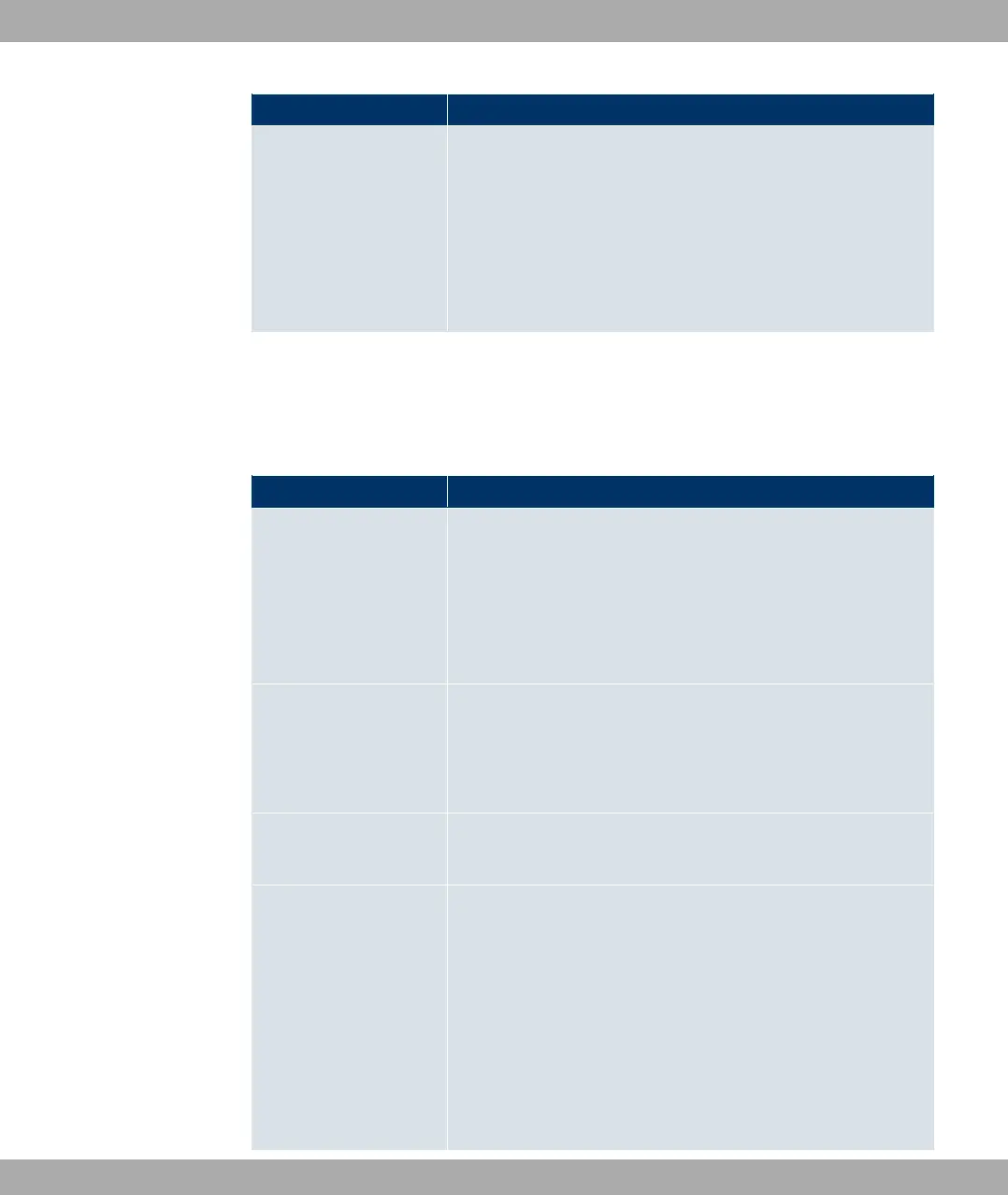
In the Routing Rulesmenu you can define rules to determine how the subscriber number
is manipulated before it is used for dialling.
Use Add to create more entries.
Fields in the Routing Rules menu (For Type = Accept Rule only)
Field Description
Priority Enter a whole number starting with 1 in ascending order to
define the order of filter rules.
The rules are worked through in the order given in the list.
If a line or SIP account is not available, the next rule is automat-
ically used.
Administrative Status Select whether the rule should be activated.
The rule is enabled with #/.
The rule is active by default.
Line Choose the ISDN line (PRI, BRI) or SIP account used for the
outgoing call.
Called Address Trans-
lation
Enter how the subscriber number is manipulated before it is
used for dialling.
Notation: <a:b>; i.e. a is replaced by b. Every rule must be
ended with a semicolon. A number of rules can be chained to-
gether using semicolons as separators, e.g. <a:b>;<c:d>;<e:f>.
After confirmation of entry, the rule chain is automatically sorted
by the "best match" method.
Numerical and alphanumerical values are permissible.
Funkwerk Enterprise Communications GmbH
20 VoIP
bintec Rxxx2/RTxxx2 401



 To Next Page