13.3.2 Radio Profile
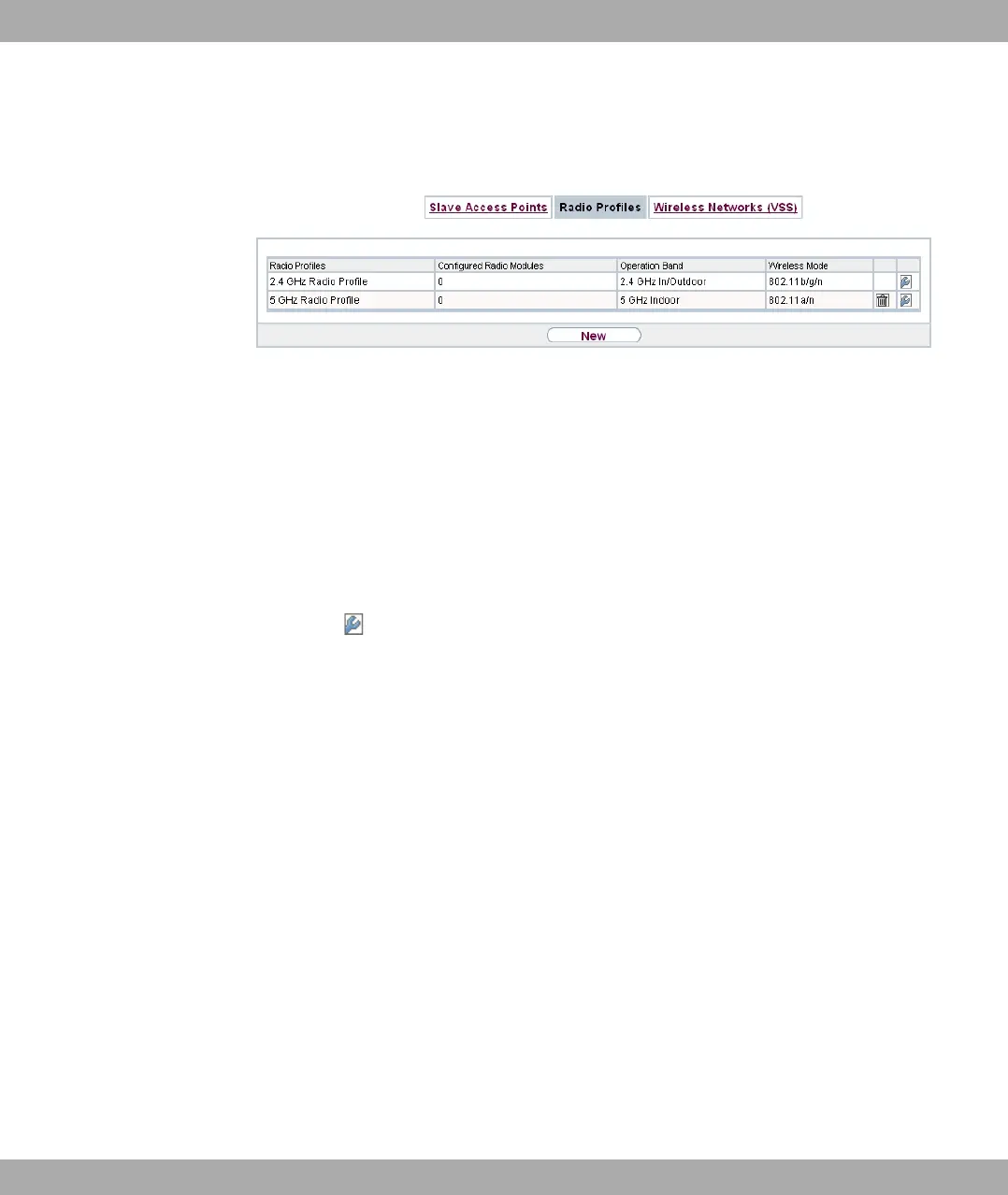
Fig. 64: Wireless LAN Controller->Slave AP configuration->Radio Profile
An overview of all created wireless module profiles is displayed in the Wireless LAN Con-
troller->Slave AP configuration->Radio Profile menu. A profile with 2.4 GHz and a pro-
file with 5 GHz are created by default; the 2.4 GHz profile cannot be deleted.
For each wireless module profile you will see an entry with a parameter set (Radio Profile,
Configured Radio Modules, Operation Band, Wireless Mode).
13.3.2.1 Edit or New
Choose the icon to edit existing entries. Select the New button in order to create new
wireless module profiles.
13 Wireless LAN Controller Funkwerk Enterprise Communications GmbH
168 bintec Rxxx2/RTxxx2



 To Next Page