Field Description
Subsystem Displays which subsystem of the device generated the mes-
sage.
Message Displays the message text.
24.2 IPSec
24.2.1 IPSec Tunnels
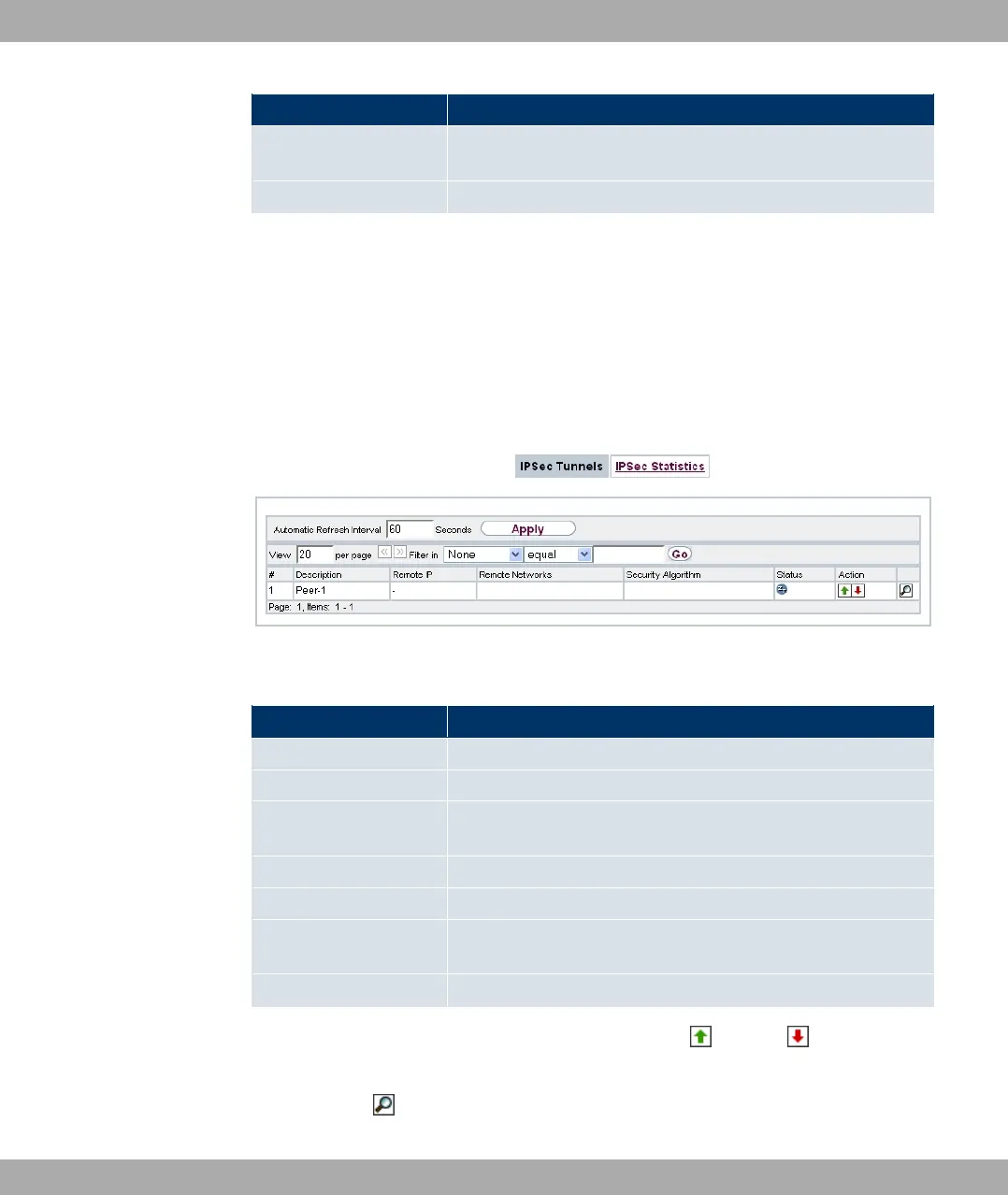
A list of all configured IPSec tunnels is displayed in the Monitoring->IPSec->IPSec Tun-
nels menu.
Fig. 205: Monitoring->IPSec->IPSec Tunnels
Values in the IPSec Tunnels list
Field Description
Description Displays the name of the IPSec tunnel.
Remote IP Displays the IP address of the remote IPSec Peers.
Remote Networks Displays the currently negotiated subnets of the remote termin-
al.
Security Algorithm Displays the encryption algorithm of the IPSec tunnel.
Status Displays the operating status of the IPSec tunnel.
Action Enables you to change the status of the IPSec tunnel as dis-
played.
Details Opens a detailed statistics window.
You change the status of the IPSec tunnel by pressing the button or button in the
Actioncolumn.
By pressing the button, you display detailed statistics on the IPSec connection.
Funkwerk Enterprise Communications GmbH
24 Monitoring
bintec Rxxx2/RTxxx2 507



 To Next Page