Field Description
Set status
Only if Command Type = :246 8-- -
Select the status for the selected wireless network.
Possible values:
• 0% (default value)
• 1%
21.7.3 Options
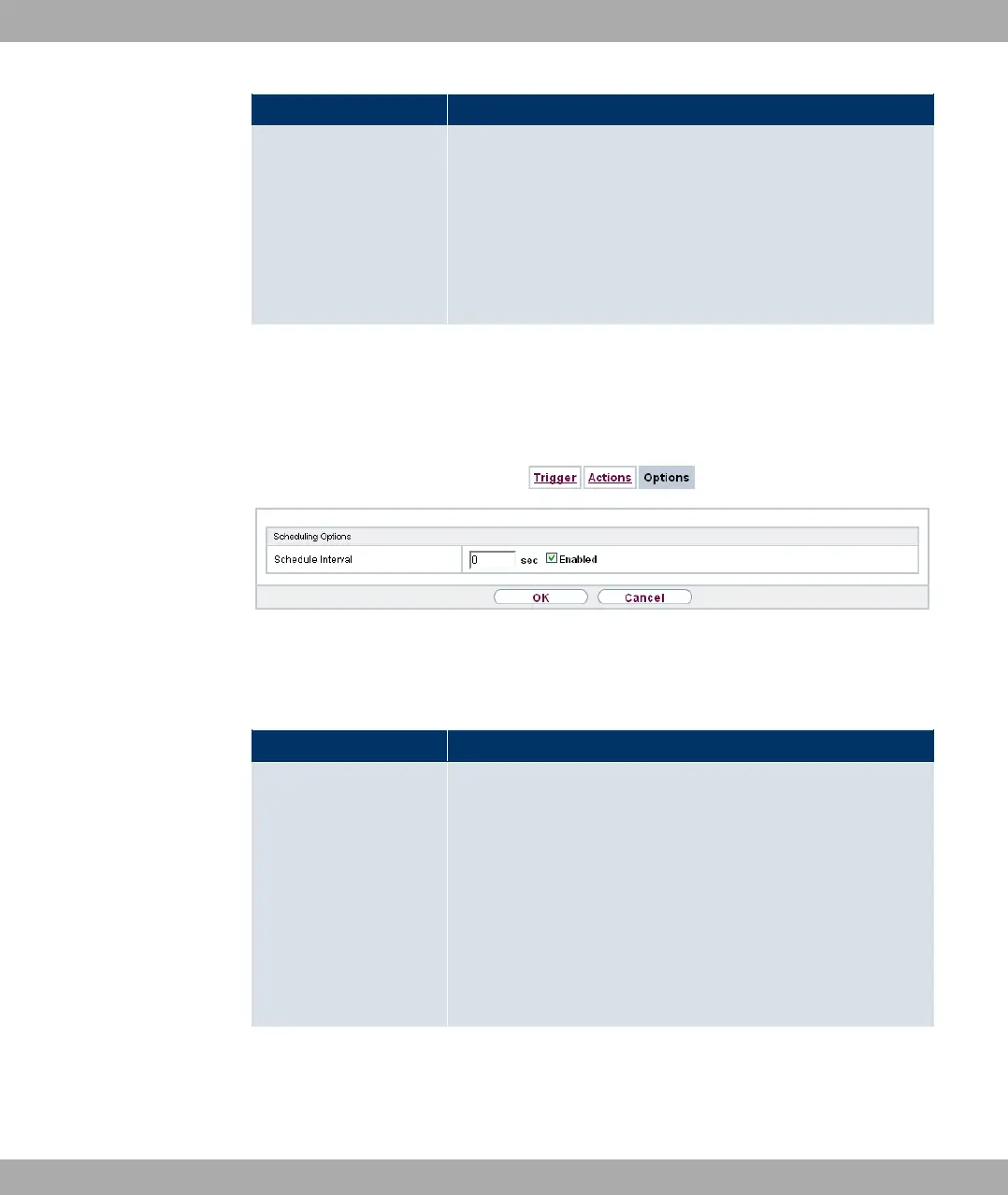
You configure the schedule interval in the Local Services->Scheduling->Options.
Fig. 178: Local Services->Scheduling->Options
The Local Services->Scheduling->Optionsmenu consists of the following fields:
Fields in the Scheduling Options menu
Field Description
Schedule Interval Select whether the schedule interval is to be enabled for the in-
terface.
Enter the period of time in seconds after which the system
checks whether configured events have occurred.
Possible values are to '.
The value ' is recommended (5 minute accuracy). Values
lower than 60 are generally pointless and are an unnecessary
use of system resources.
21 Local Services Funkwerk Enterprise Communications GmbH
458 bintec Rxxx2/RTxxx2



 To Next Page