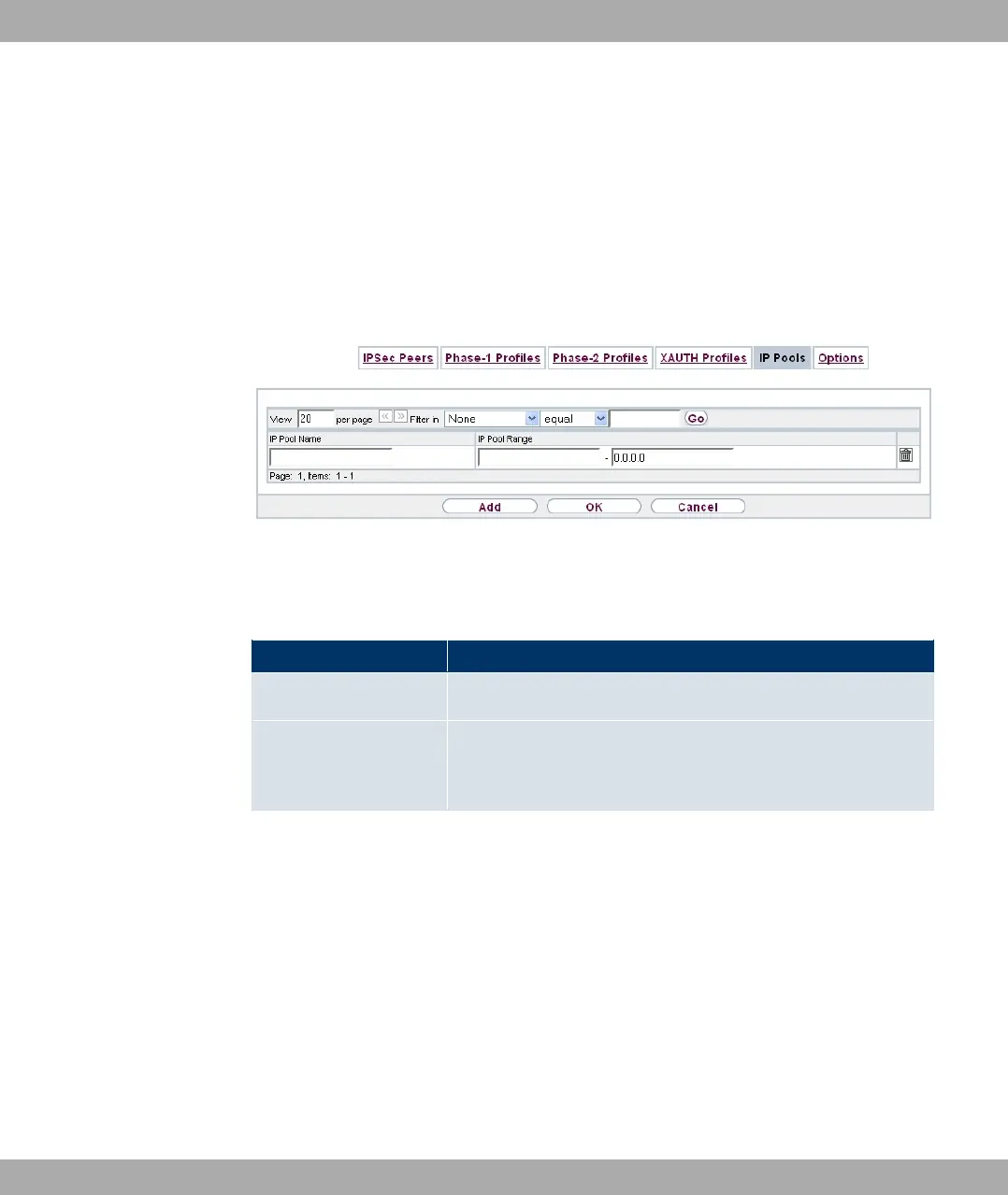
18.1.5 IP Pools
In the IP Pools menu a list of all IP pools for your configured IPSec connections is dis-
played.
If for an IPSec peer you have set IP Address Assignment 9 4$ ( -,
you must define the IP pools here from which the IP addresses are assigned.
Choose the Add button to set up new IP pools.
Fig. 130: VPN->IPSec->IP Pools->Add
The VPN->IPSec->IP Pools->Add menu consists of the following fields:
Fields in the IP Pools menu
Field Description
IP Pool Name Enter the name of the IP pool.
IP Pool Range In the first field, enter the first IP address of the range.
In the second field, enter the last IP address of the range.
Funkwerk Enterprise Communications GmbH
18 VPN
bintec Rxxx2/RTxxx2 339



 To Next Page