14.6 Drop In
Drop In Mode enables you to separate a network into multiple segments without creating
subnets inside the IP network. In order to achive this, multiple interfaces can be collected
into a Drop In Group. All interfaces are then assigned to the same netweork and are con-
figured with a single IP address.
The network components of a segment that are connected to one port can now, e.g., be
protected by a single firewall configuration. Data traffic between network components of
segments connected to different ports are controlled according to the configured firewall
rules.
14.6.1 Drop In Groups
The Networking->Drop In->Drop In Groups menu displays a list of all the Drop In
Groups. Each Drop In group represents a network.
14.6.1.1 New
Select the New button to set up other Drop In Groups.
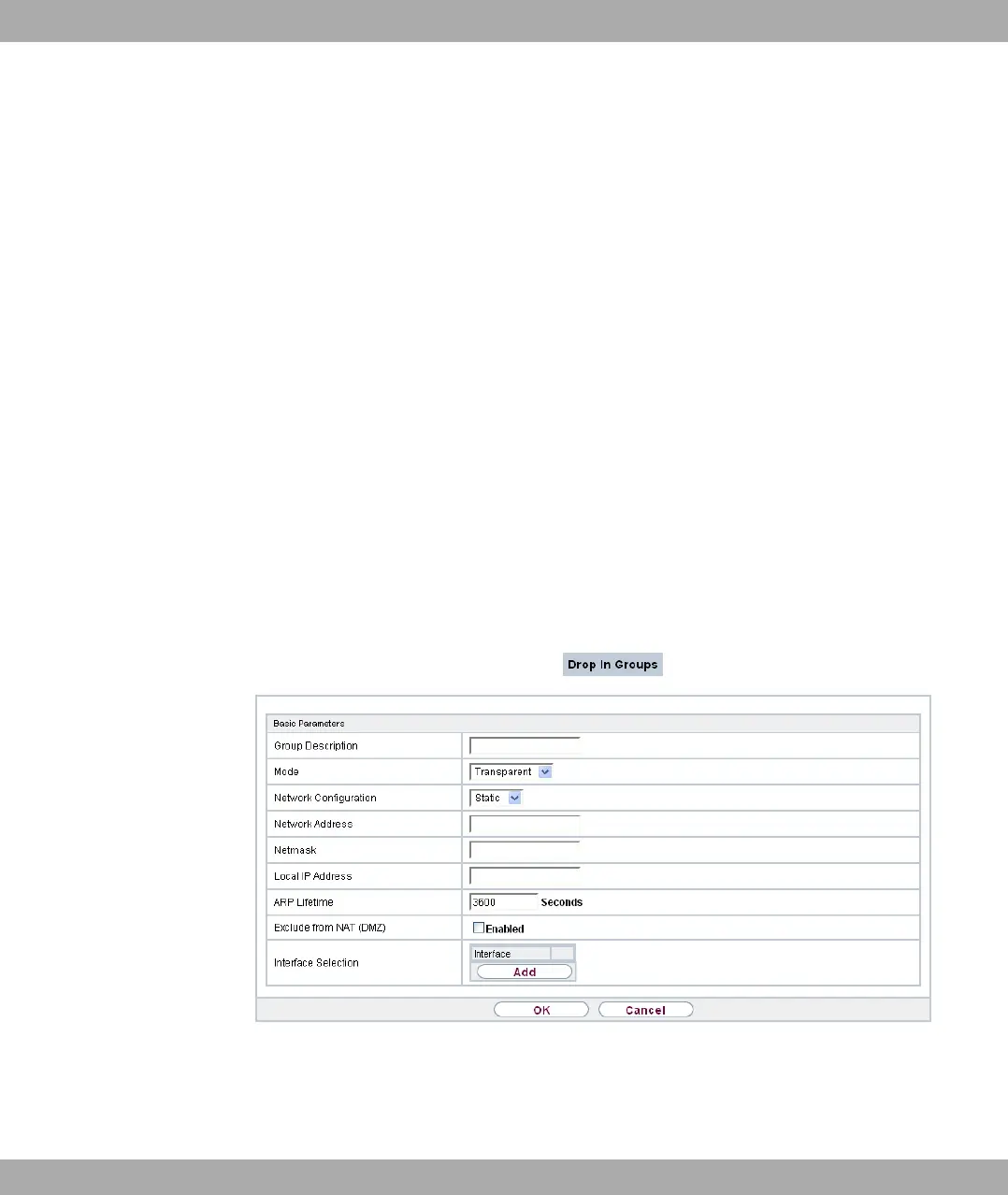
Fig. 89: Networking->Drop In->Drop In Groups->New
The Networking->Drop In->Drop In Groups->New menu consists of the following fields:
Fields in the Basic Parameters menu
Funkwerk Enterprise Communications GmbH
14 Networking
bintec Rxxx2/RTxxx2 227



 To Next Page