The term Back Route Verify describes a very simple but powerful function. If a check is ac-
tivated for an interface, incoming data packets are only accepted over this interface if out-
going response packets are routed over the same interface. You can therefore prevent the
acceptance of packets with false IP addresses - even without using filters.
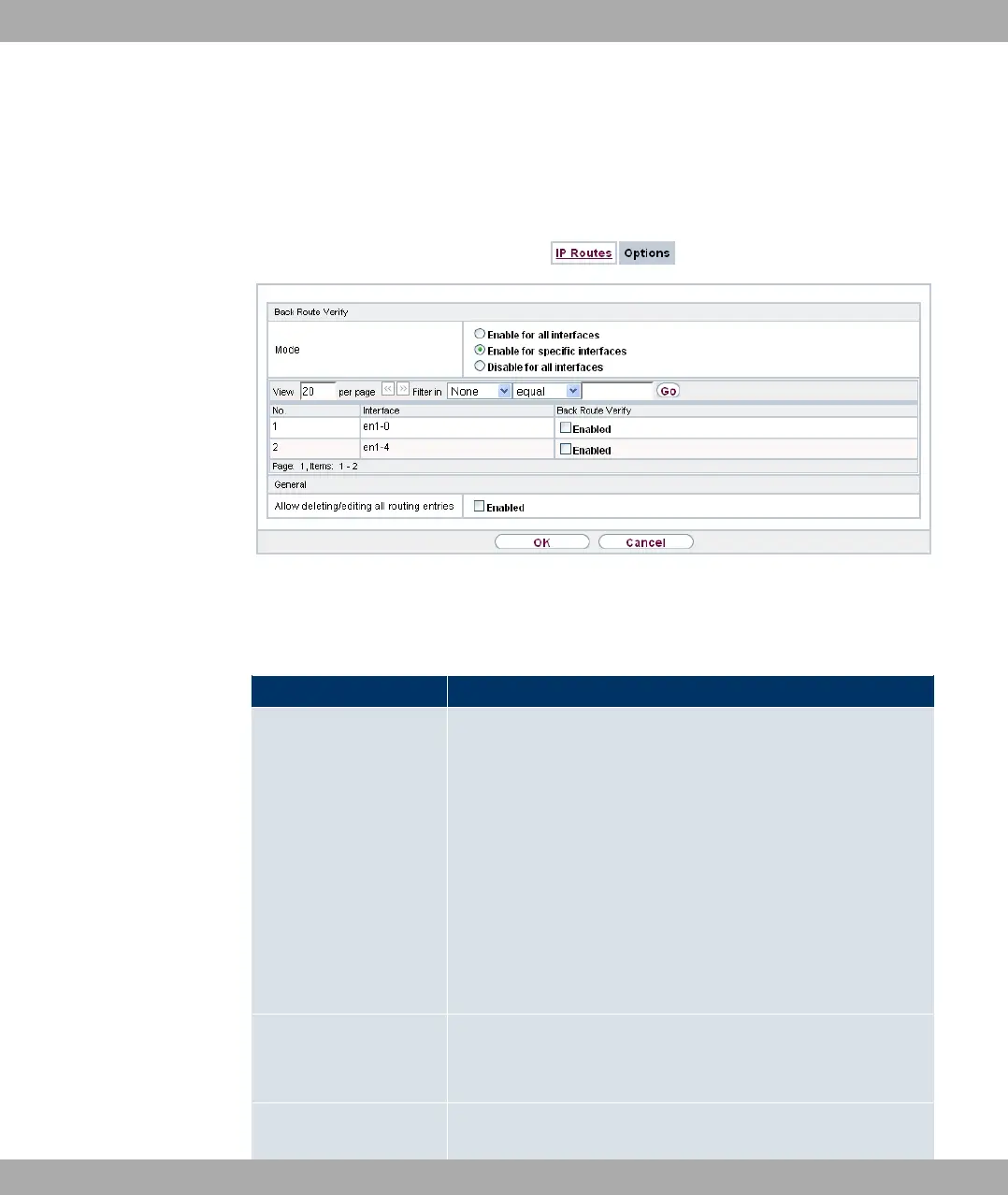
Fig. 74: Networking->Routes->Options
The Networking->Routes->Optionsmenu consists of the following fields:
Fields in the Back Route Verify menu
Field Description
Mode Select how the interfaces to be activated for Back Route Verify
are to be specified.
Possible values:
• #/ // %&: Back Route Verify is activ-
ated for all interfaces.
• #/ &,%% %& (default value): A list
of all interfaces is displayed in which Back Route Verify is only
enabled for specific interfaces.
• 1&#/ // %&: Back route verify is dis-
abled for all interfaces.
No. Only for Mode = #/ &,%% %&
Displays the serial number of the list entry.
Interface Only for Mode = #/ &,%% %&
14 Networking Funkwerk Enterprise Communications GmbH
190 bintec Rxxx2/RTxxx2



 To Next Page