ated again but shall not be configured.
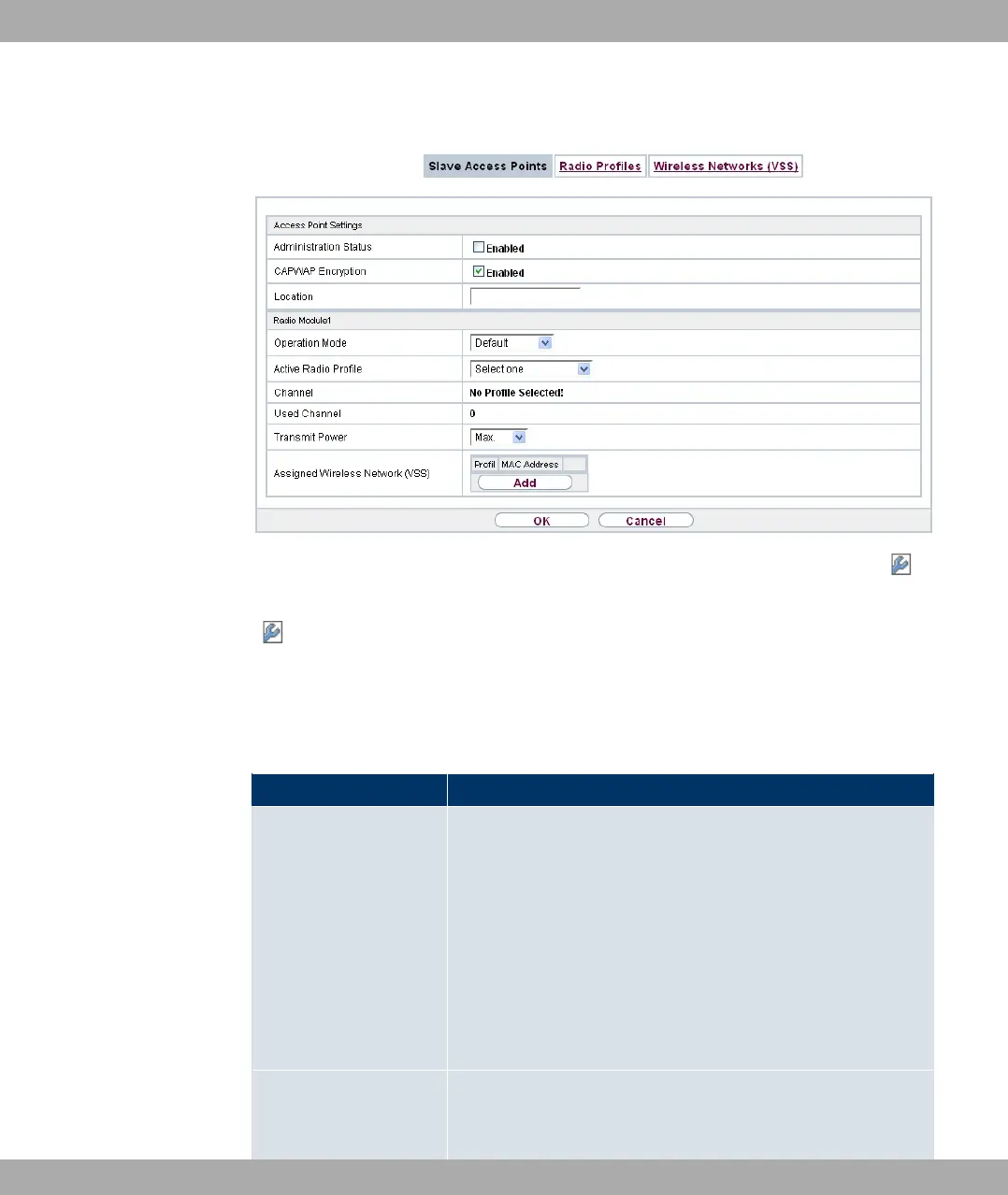
Fig. 63: Wireless LAN Controller->Slave AP configuration->Slave Access Points->
In the menu Wireless LAN Controller->Slave AP configuration->Slave Access Points-
> the data for wireless module 1 and wireless module 2 are displayed, if the correspond-
ing device contains two wireless modules. With devices featuring a single wireless module,
the data for wireless module 1 are displayed.
This menu consists of the following fields:
Fields in the Access Point Settings menu
Field Description
Administration Status Select whether the selected AP is to be managed from the
WLAN controller.
The function is activated by selecting #/.
The function is enabled by default.
You can disconnect the AP from the WLAN controller and there-
fore remove it from your WLAN infrastructure by disabling the
function. The AP then receives the 1&% status, but is
no longer ($.
CAPWAP Encryption Select whether communication between the master and slaves
is to be encrypted.
Funkwerk Enterprise Communications GmbH
13 Wireless LAN Controller
bintec Rxxx2/RTxxx2 165



 To Next Page