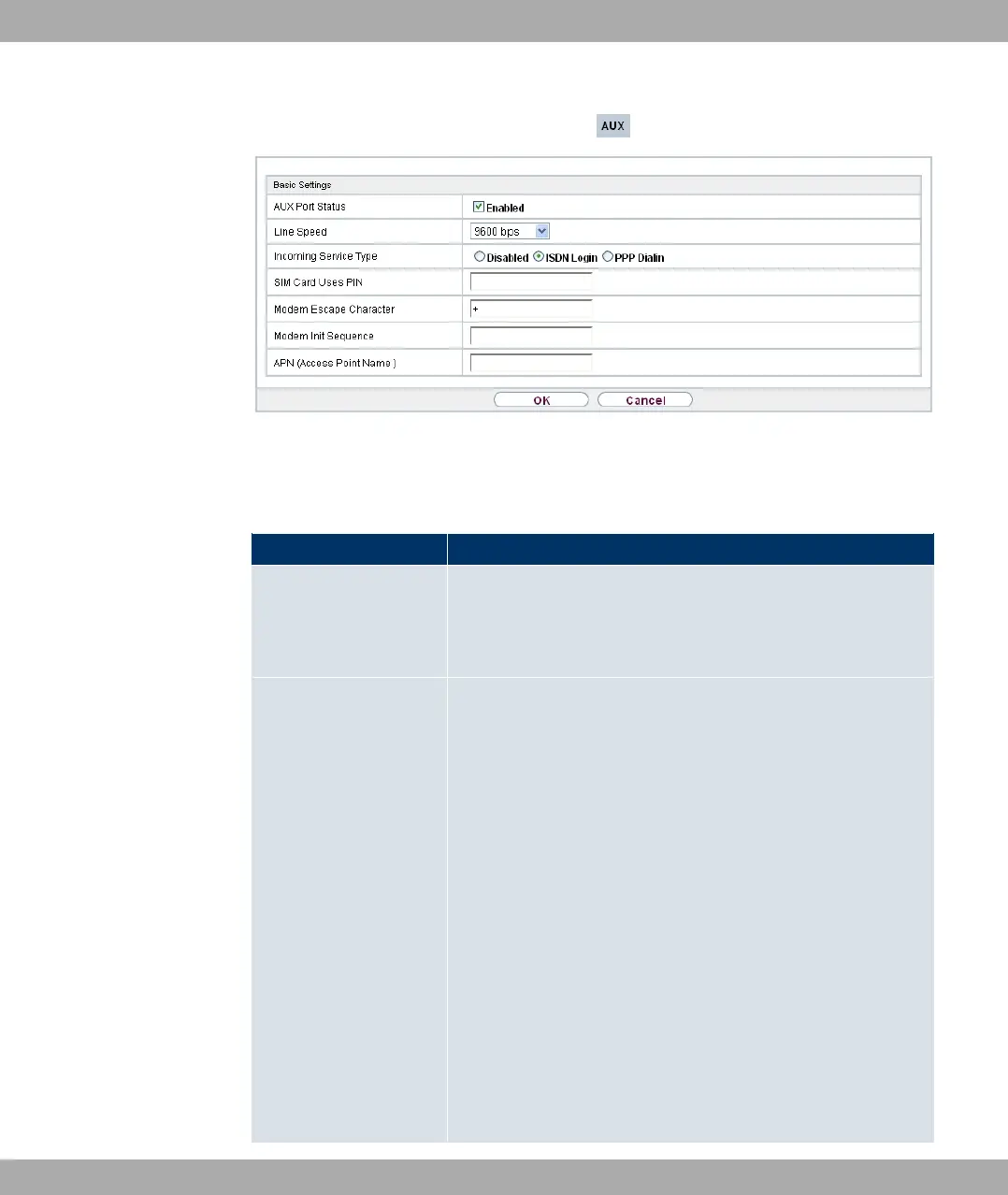
Fig. 48: Physical Interfaces->AUX->AUX
The Physical Interfaces->AUX->AUXmenu consists of the following fields:
Fields in the Basic Settings menu
Field Description
AUX Port Status Select whether the AUX port should be enabled or disabled.
The port is enabled by choosing #/. The port is disabled
by default.
Line Speed Only for AUX Port Status enabled
Here you select the speed at which the gateway addresses the
modem (in bps).
Possible values:
• 1/: The Baud rate of the serial terminal connection is
retained. (9600 in ex works state)
All other values mean that the modem is addressed at the cor-
responding speed in bps.
• #,&
• #,&
• ' #,&
• . #,& (default value): Recommended for communica-
tion with a GSM modem.
• #,&: Recommended for communication with an ana-
11 Physical Interfaces Funkwerk Enterprise Communications GmbH
122 bintec Rxxx2/RTxxx2



 To Next Page