12.1.1.1 Edit or New
Choose the icon to edit existing entries. Choose the New button to create virtual inter-
faces.
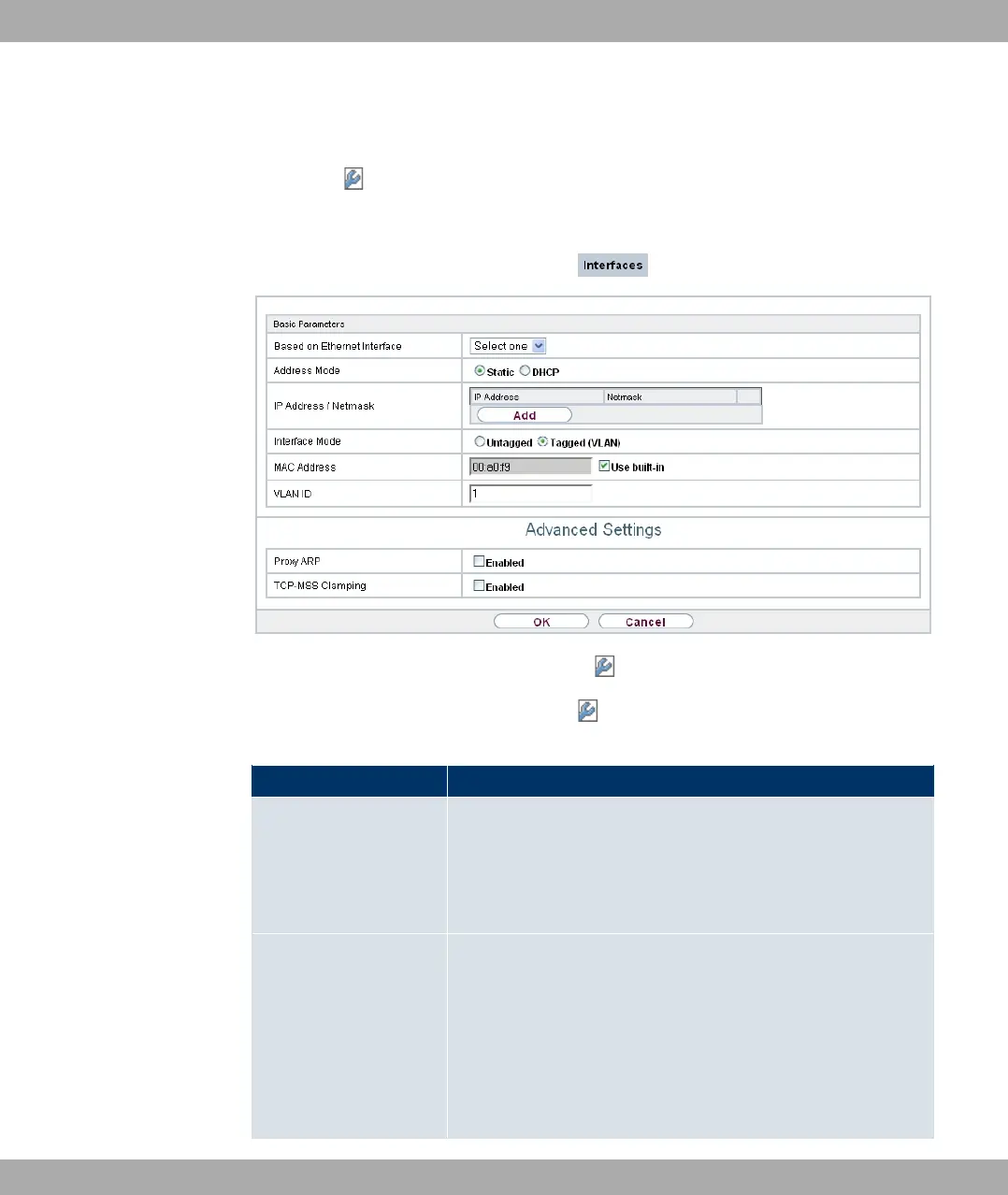
Fig. 56: LAN->IP Configuration->Interfaces-> /New
The LAN->IP Configuration->Interfaces-> /new menu consists of the following fields:
Fields in the Basic Parameters menu
Field Description
Based on Ethernet In-
terface
This field is only displayed if you are editing a virtual routing in-
terface.
Select the Ethernet interface for which the virtual interface is to
be configured.
Address Mode Select how an IP address is assigned to the interface.
Possible values:
• -% (default value): The interface is assigned a static IP
address in IP Address / Netmask.
• 1@4: An IP address is assigned to the interface dynamically
via DHCP.
Funkwerk Enterprise Communications GmbH
12 LAN
bintec Rxxx2/RTxxx2 149



 To Next Page